Website templates with animation
A website template with animation is a ready page whose sections move as the visitor scrolls: text and photos reveal on arrival, some sections hold still while a sequence plays, and some effects run forward and back with the scroll position. Each template keeps that motion inside one index.html that runs on CSS scroll-driven animations with no library, and ships the same motion on GSAP, ScrollTrigger and Lenis as a second file.
All 106 templates on this page are animated website templates, and most are built around one scene people remember. A festival page holds a split screen while a VS line swings between two crews, a cat boarding house runs its day sideways under a black sun, and the bookkeeping firm's page turns a sphere of 28 client cards. Text and photos stay ordinary HTML, so search engines and screen readers get the whole page.
Layers that drift at different speeds have a page of their own, with parallax scrolling examples from the templates that really do it. This page covers the other kinds of scroll animation: how the scripts are organised, which template suits which kind of site, and how to change one effect without breaking the rest.
At a glance, November 2026. This page holds 106 templates, all free under the MIT license and made by 8B, an AI website builder. Every one runs its scroll motion on CSS with no library and keeps a GSAP build beside it. Grouped by what that GSAP build loads besides GSAP, ScrollTrigger and Lenis: 49 add SplitText (the perfumery, tailor and ice cream shop among them), five add MotionPathPlugin (the dance studio, toy store and trampoline park among them, two of the five with SplitText too), and 54 add nothing, such as the burger bar and bowling alley. The files weigh 66 to 188 KB, with 9 to 13 sections each.

Film festival site. The film still inside the second title word grows to fill the screen, the manifesto lights up word by word behind an ember edge, and opening night widens a pill of a still to the full frame.

Water park site. The orange wordmark shrinks and lands on the header's logo tab, four ride sheets stack and darken one over another, and a long orange strap travels sideways past the season band's perks.
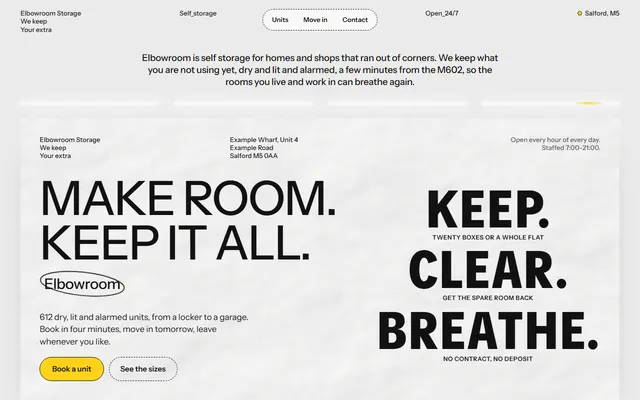
Self storage site. Paper posters tip back and swing down, a pinned block turns its four unit faces before opening them flat into a row, and nine extra services spin past on a drum.
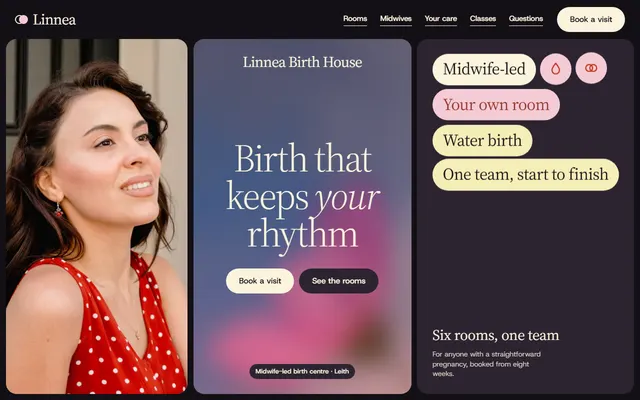
Birth center site. A flower field widens to full bleed as the side tiles tilt away, six room bands unfold from their title strips, and fifteen scattered name pills fly into three rows.
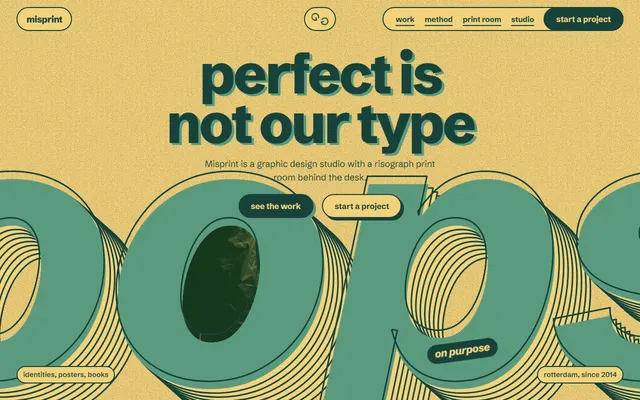
Graphic design studio site. You dive through the counter of a giant extruded word, then five jobs pass in a pinned sideways row as each print's second ink drops into register.
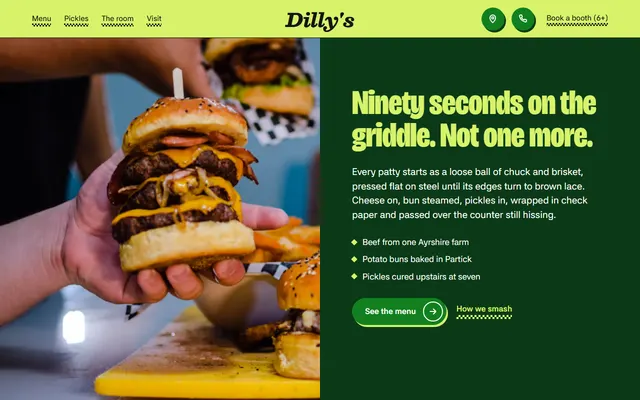
Burger bar site. Each menu cell slides in from alternating sides as it climbs to mid-screen, and a held section squeezes the griddle photo from a tall frame into a strip.
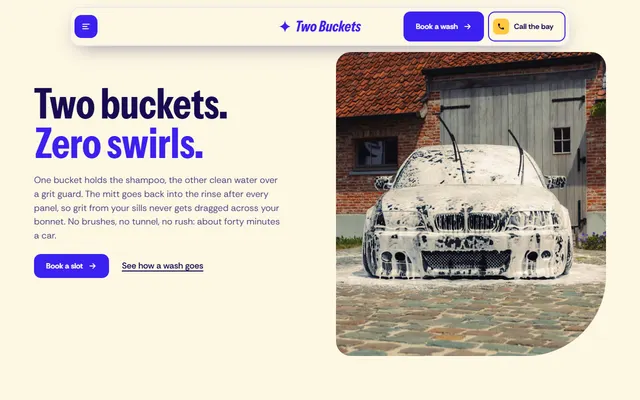
Five wash steps pass beside a held photo window, each next photo rising over the last behind a scalloped cream edge; the four coats start as one tilted slab and spread out.
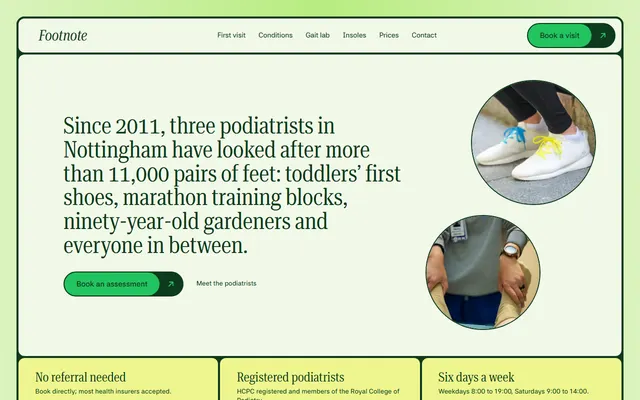
Podiatry clinic site. On desktop the runner photo is cut into nine strips that slide into one picture while the section is held, and a green wash sweeps four step cards.
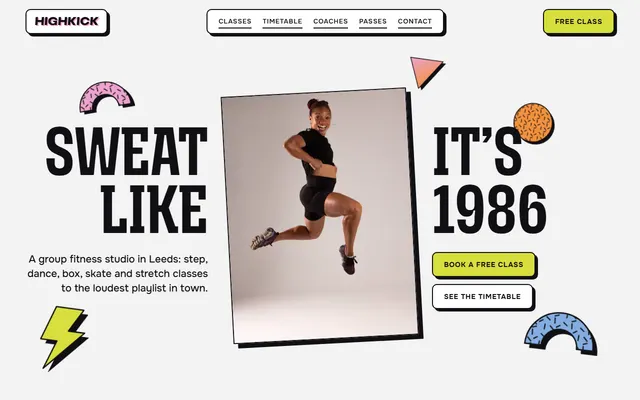
Over one screen of scrolling the group fitness headline halves part and a striped sun rises behind the sunset floor; later a lime curve draws itself for an orange dot to ride.

Language course site. Scrolling lifts a torn cap off the portrait and bursts eight speech bubbles around a statement whose words light up one by one; postcards later travel sideways.

A pinned 6 by 6 floor of two-faced ceramic tiles flips in diagonal waves through four layouts, after the opening tiles have reshaped themselves into a giant frame.
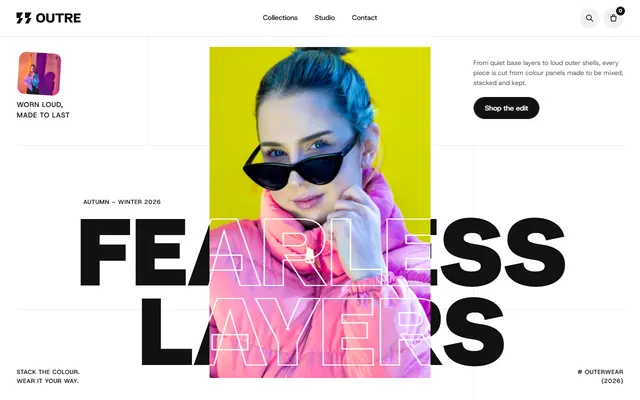
Fashion label site. A portrait panel slides down through the title as a lens outlining each letter, then lands on a photo stack; four looks later deal out of a tilted pile.
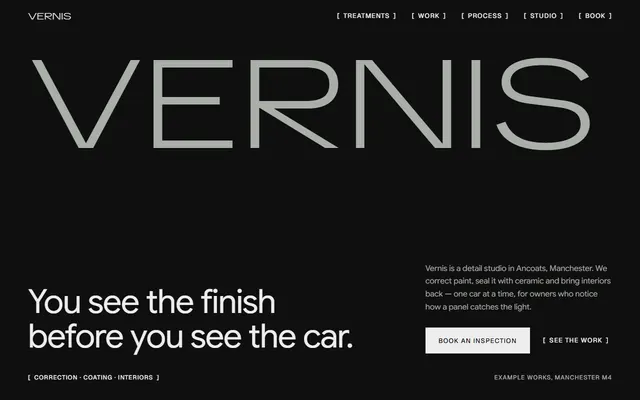
Twenty-four photo tiles fly in and lock into one frame on the first scroll of this car detailing page; later, pinned cards slide sideways while climbing from a staircase into a row.
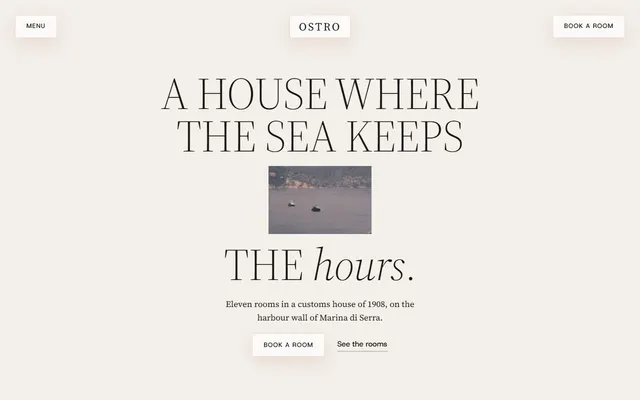
Boutique hotel site. A small photo window opens to the full frame on the first scroll; later each room photo wipes in over the last as the room names slide sideways.
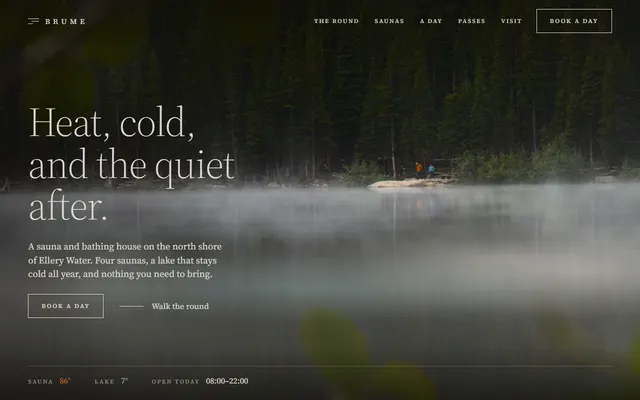
Sauna by a lake. A fog veil climbs over the lake photo and a rest-room photo rises from the dark; beside the steps a three-part frame washes copper, then blue.
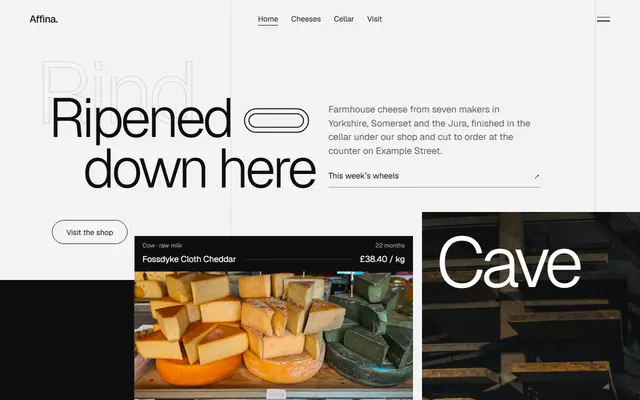
The first scroll of this cheese shop page floods it black from the bottom left; a held stage then slides seven panels sideways, and a square frame turns per step.
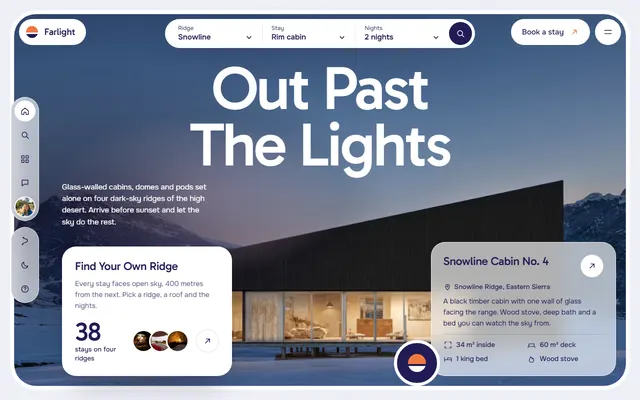
Glamping site. A small window widens to full bleed over one screen, and a pinned stage of about three screens opens each next ridge window from a horizon slit.

Pottery studio site. The first photo splits into four strips along the grid lines, each rising to fill the screen; six pinned steps later slide sideways as photos grow to full size.
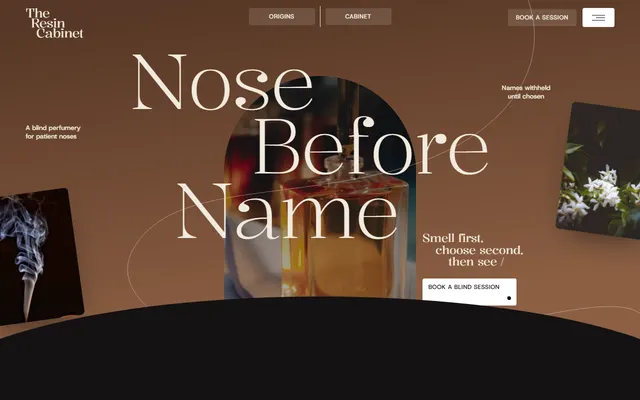
The pinned first screen of this perfumery page parts its heading, flies the cards up and raises an ink dome; later a rose photo shrinks into a slot as tiles fly in.
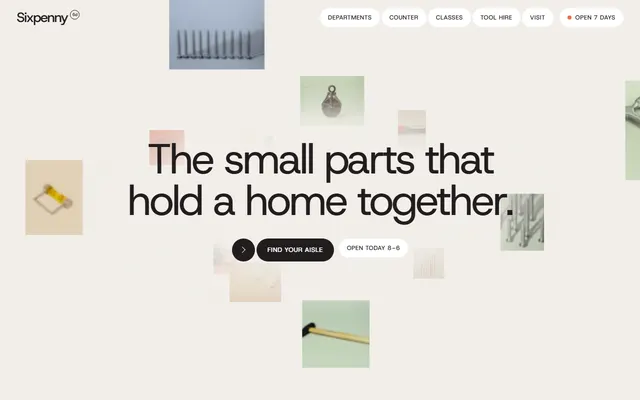
Hardware store site. A cloud of tiles rushes past on the first scroll before a promise sentence fades in word by word; four pinned screens then wipe photo panels up.
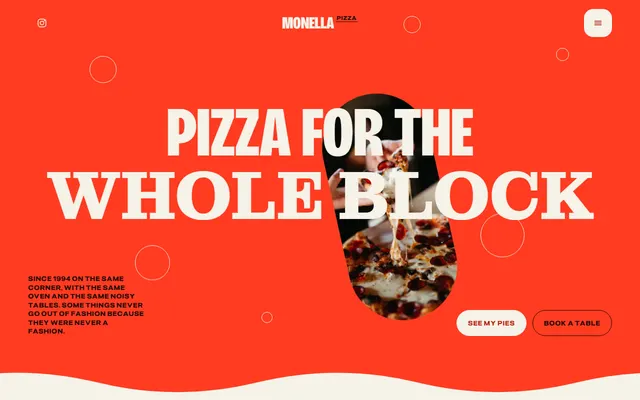
Pizzeria site. The pill-shaped photo tips over as a round window opens onto hands reaching for slices; a pinned stretch of about three screens wipes in each next photo.
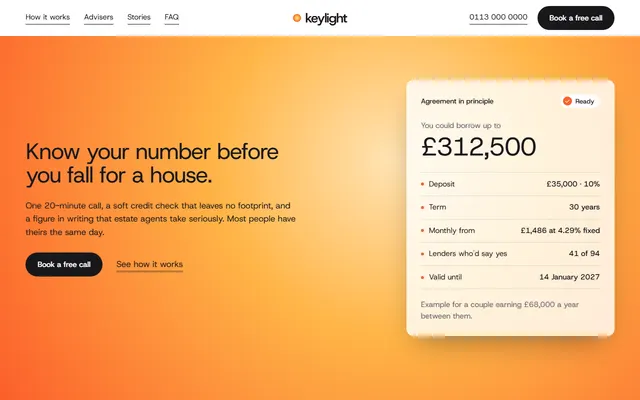
Mortgage broker site. Every line except the bank's grows from a fifth of its height to full and turns from grey to ember; pinned panels later run sideways under a filling line.
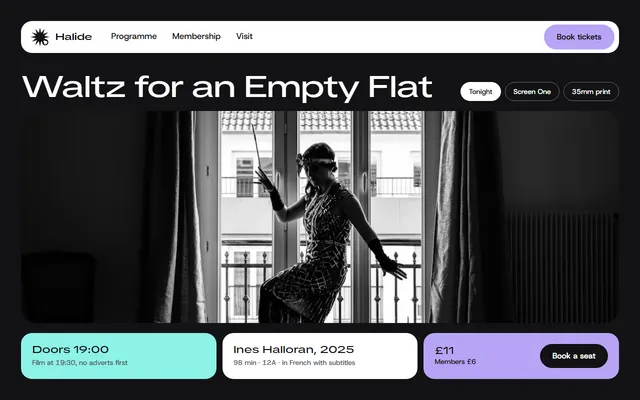
In this movie theater page a held gate steps through four film frames with a dark shutter flash and jumping sprocket columns; elsewhere a screen wipes in each day's still.
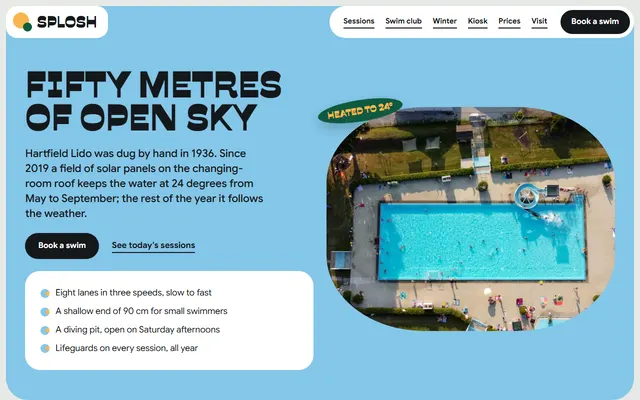
Swimming pool site. On wide screens each lane pins while a round photo swims across it and a colour fill follows; elsewhere a photo travels through a word, tilting its letters.
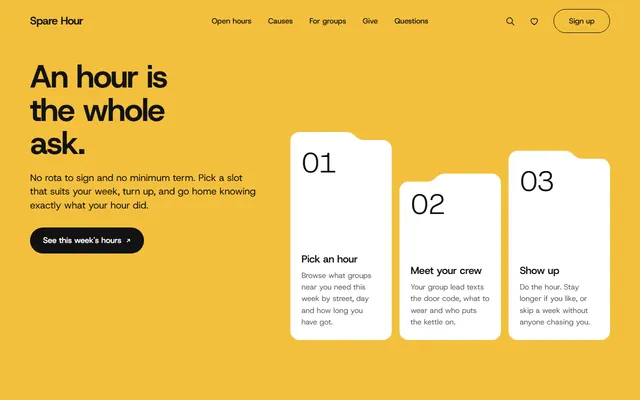
Volunteering charity site. Six folders stack as a drawer held for about three screens, each step lifting the front folder to the back; six timed frames later slide sideways.
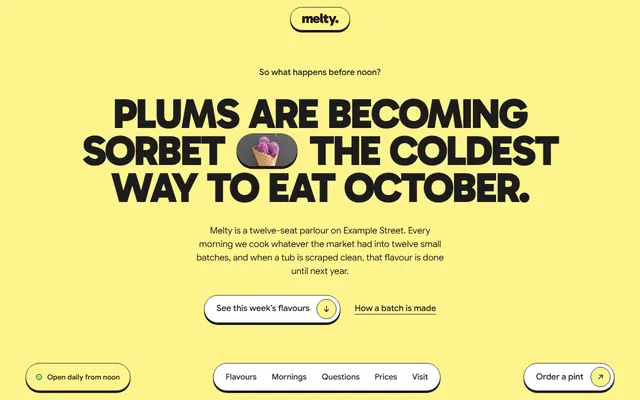
Ice cream shop. Five flavour cards sit in one pile and each next card slides up with a tilt over about three screens of scrolling; the opening itself has no scroll animation.
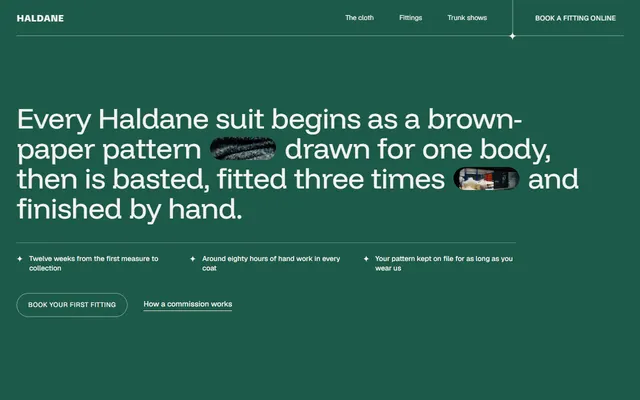
Tailor site. Six swatches fly in tilted, straighten into a row and open from rounded squares into tall pills; four steps later form one sideways track with dashes drawing out of words.
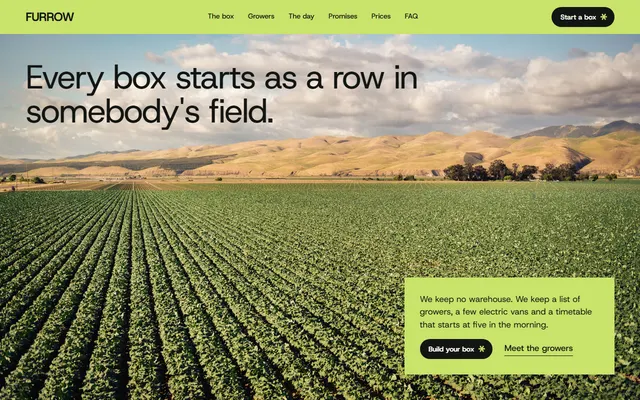
A list tipped back 60 degrees swings flat as it scrolls in on this farm box delivery page; a pinned track of five steps slides sideways while the background darkens from lime.
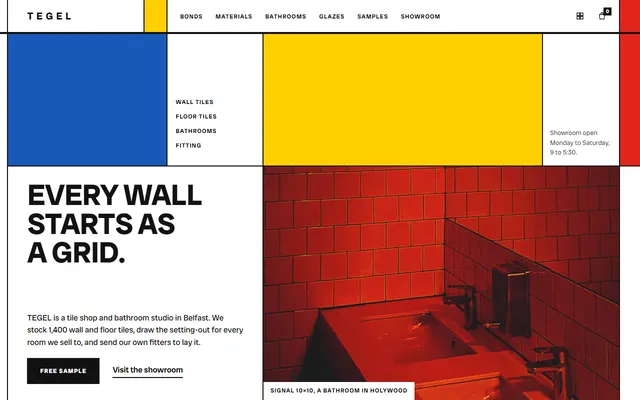
Tile store site. Four rows of a cell wall slide sideways from stack bond to half bond to third bond over about two held screens while the matching list item lights.
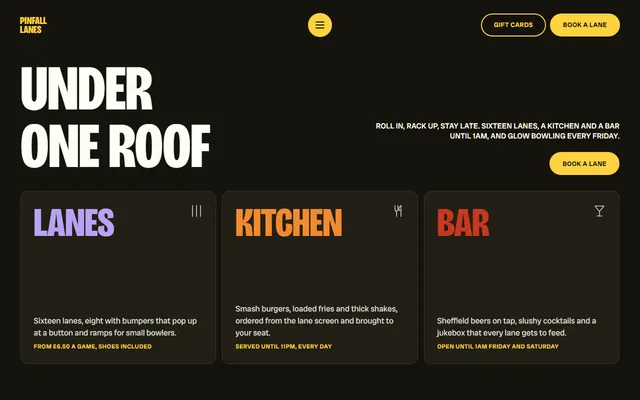
Bowling alley site. Tile words land oversized and press flat; colour bands slide behind greyscale portraits, and one scroll value runs a section's ground from yellow to black.

Coding school site. Six rows scrub on scroll, the old job struck through and the new one wiped in; five module panels later slide sideways while 24 week squares fill.

Cooking school site. Each recipe row wipes its photo up over the last inside a sticky frame as its code turns cobalt; a pinned section later slides four notes left.
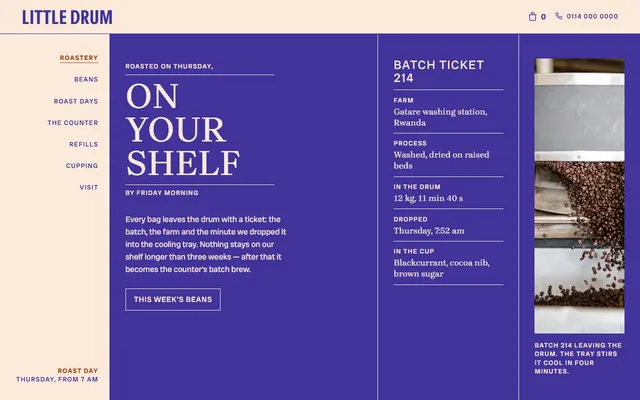
A round frame turns one full circle beside the bean list while each coffee's photo opens inside it, and ring stamps press onto the ticket cells as the roasting steps pass.
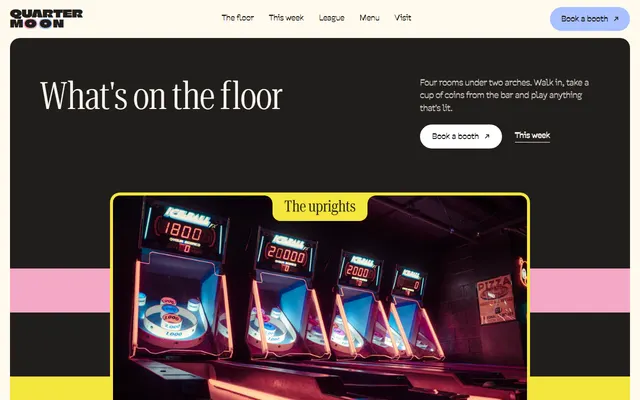
Arcade bar site. Four photo cards stick one under another, each shrinking to 90 percent as the next covers it, and a leaderboard climbs its champion row into rank order.
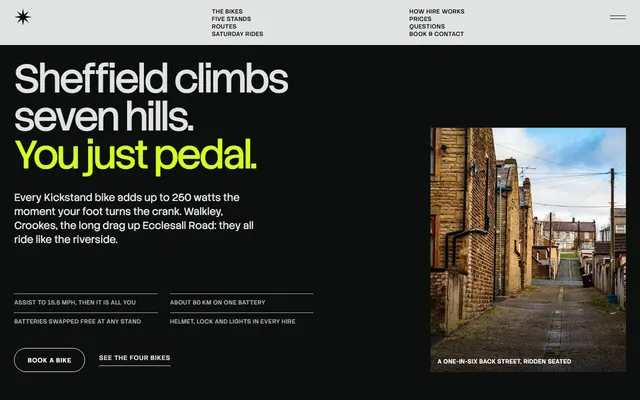
Bike rental site. Each bike photo wipes in from the right over about two and a third pinned screens while a marker slides along bike names; ride panels then slide sideways.
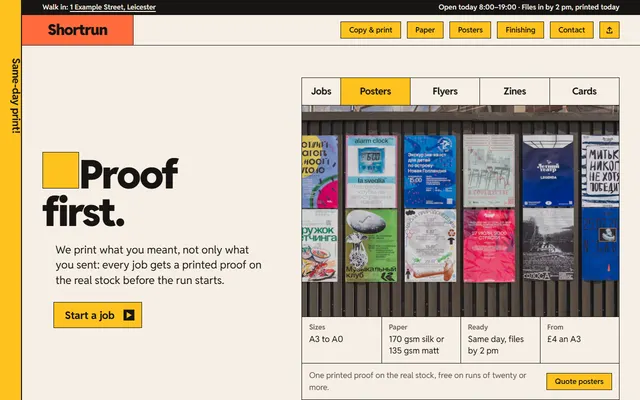
Print shop site. A poster wall grows from a small sheet to full size through seven sizes while selection handles follow its corners and a yellow marker steps from A6 to A0.
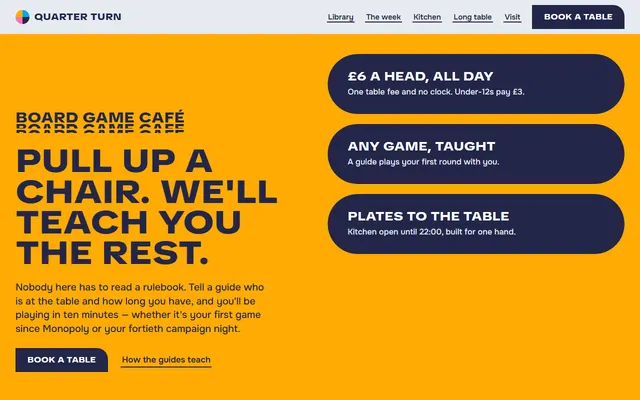
Seven day tiles start shuffled around an empty cell in this board game cafe page and slide into order until the empty cell becomes the booking cell.

Nail salon site. Six cards run sideways past a clear window between two frosted bands, and four sheets later land one by one from below with a band of light.
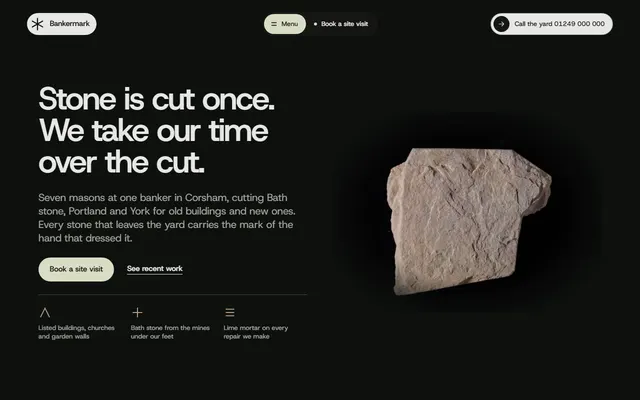
Stonemason site. Each panel sticks while the next slides over it, the covered card shrinking and darkening; as four steps are read, a frame goes from rough outline to full block.
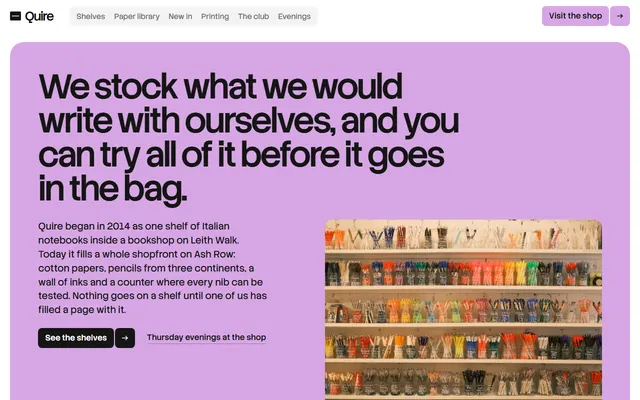
Stationery shop site. Each row's photo wipes up over the previous one on a sticky plate while its title darkens, and a pinned set of intro and four steps later slides sideways.
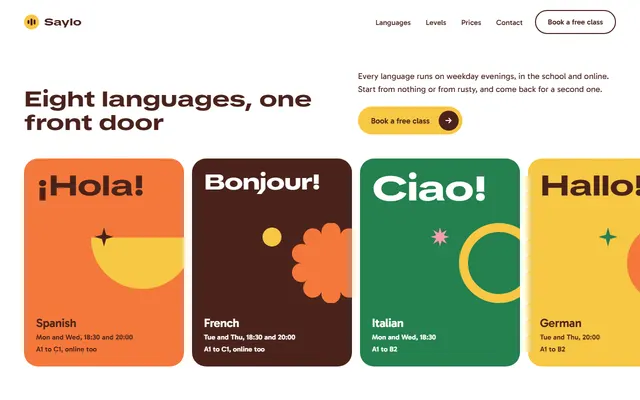
Language school site. Eight panels slide sideways in a pinned track, shapes on later panels swinging upright as they arrive; elsewhere six shapes drop and bounce onto a rocking half-disc.
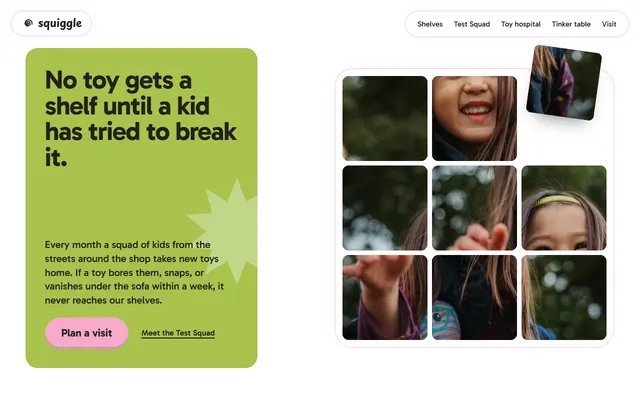
On this toy store page a scrambled sliding-puzzle board slides back in 12 moves while the screen is held; later an orange ball follows a ribbon down the page.
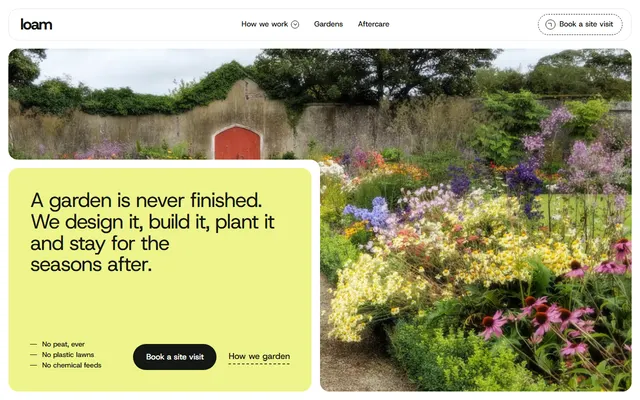
Landscaping site. A board of four photo beds moves its seams through five states so each bed takes the largest share in turn; four season panels later travel sideways.
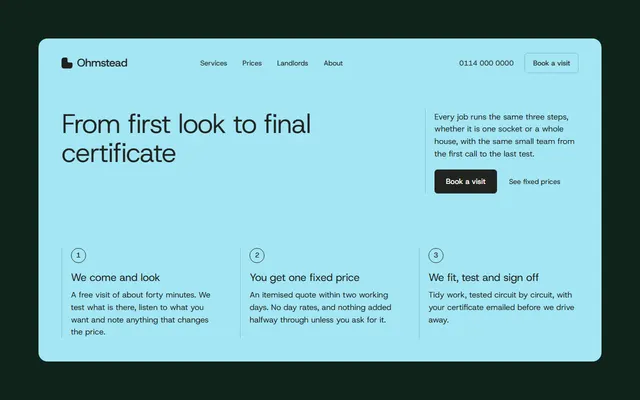
Electrician site. Each room photo opens over the previous one from the top-right corner as its row is read, and checklist rows draw their lines and switch from Due to Passed.
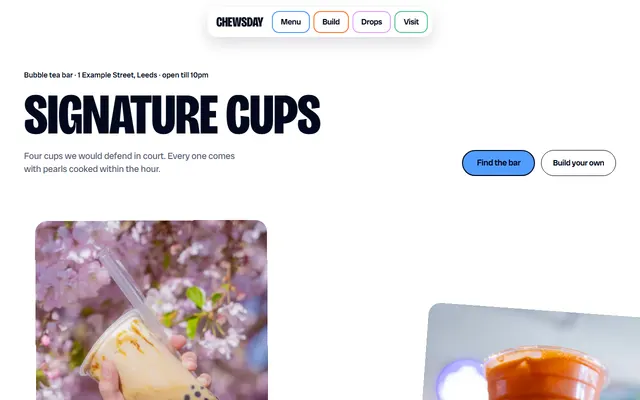
Bubble tea shop site. Cups fly in from alternating edges and settle straight; colour cards stack, each growing from 84 percent, and a blue band is pulled down like a blind.
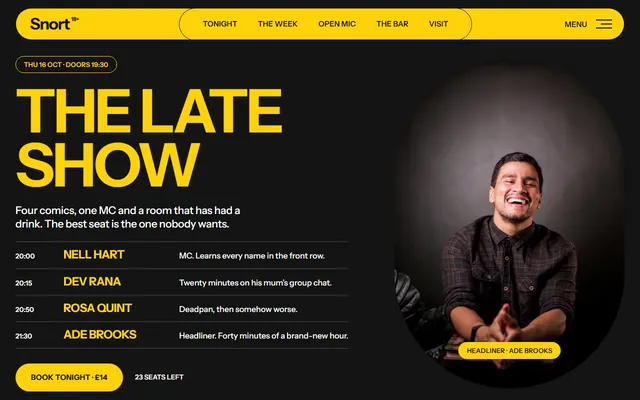
A black fill grows out of each day's disc across its row as the row crosses the middle of this comedy club page; a brush stroke later draws through old rules.
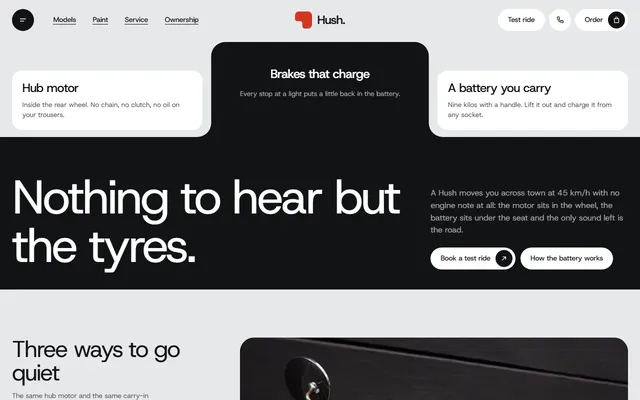
Electric scooter site. The model card slides out of the photo frame's notch over two pinned screens; four colour fields later slide sideways as a track.
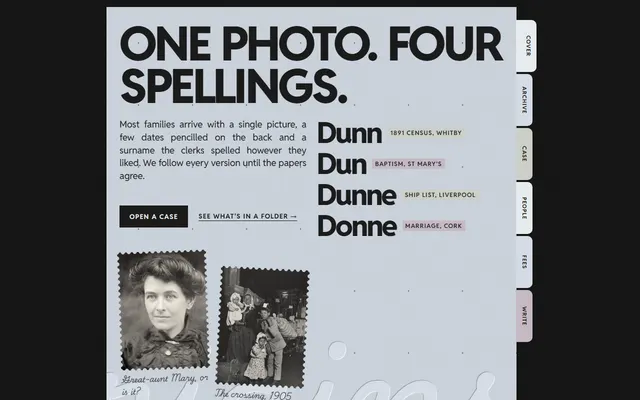
Genealogy service site. An ink thread draws itself from slip to slip as you scroll, each tilted slip straightening on arrival; a pinned chart starts zoomed on the client and pulls back.
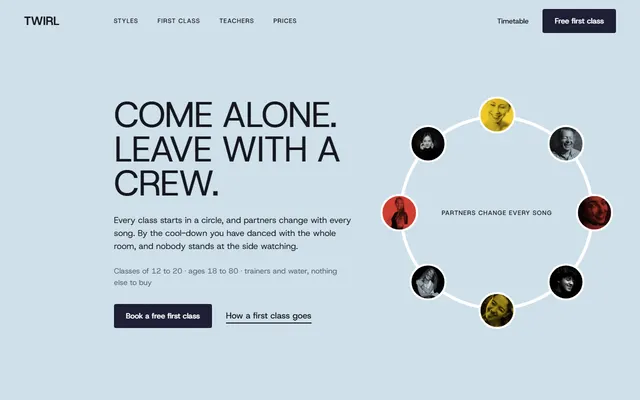
Eight portraits spread from a tight fan onto a drawn ring on this dance studio page, and a red dot walks a hand-drawn path while step numbers fill in on arrival.
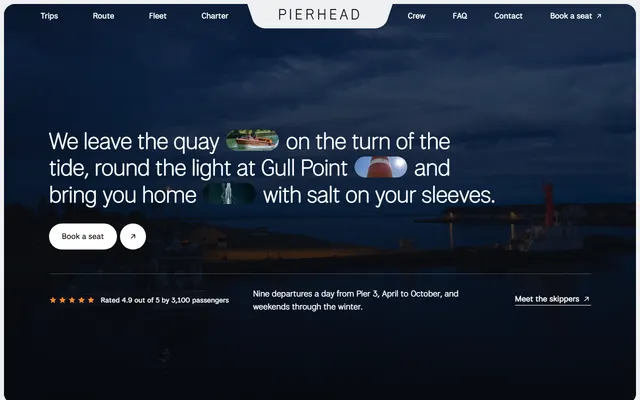
Boat tour site. Five place cards slide sideways in a pinned wave that lifts and tilts them away from the middle, and four comment cards sit as a deck flung aside.
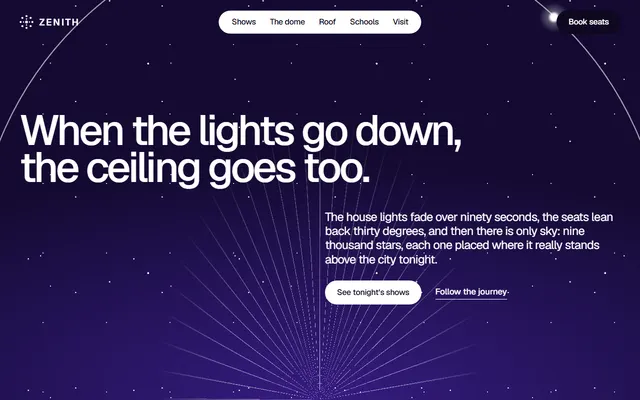
Planetarium site. A small circle of star-trail photo rotates to level and opens to fill the screen over about 1.3 held screens; five stops later slide sideways beside a glowing runner.
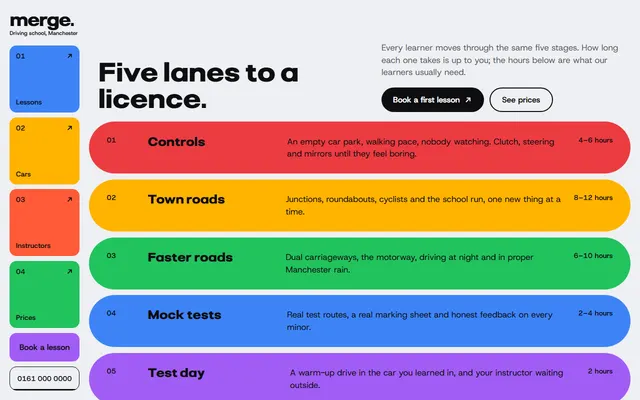
Driving school site. A tunnel of four perspective walls glides six grid units toward you as it crosses the screen, and four small tiles slide out from behind an orange card.
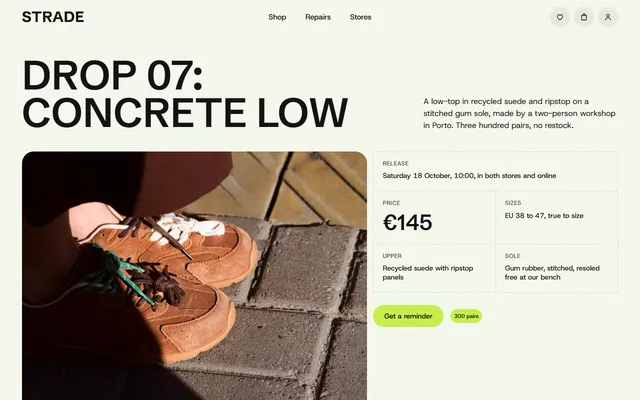
The opening photo of this sneaker store page is cut into tiles that start scattered and turned and lock together into the picture; a pinned row of looks then travels sideways.
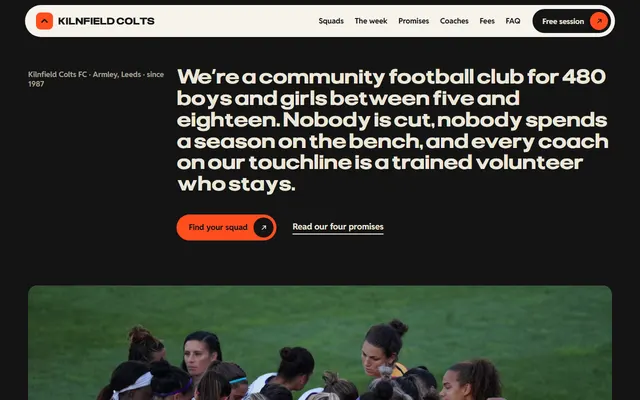
Football club site. Four cards in a turned pile are dealt into a row from 1081 px wide, and seven day cards travel sideways while huge outlined day names lag behind.
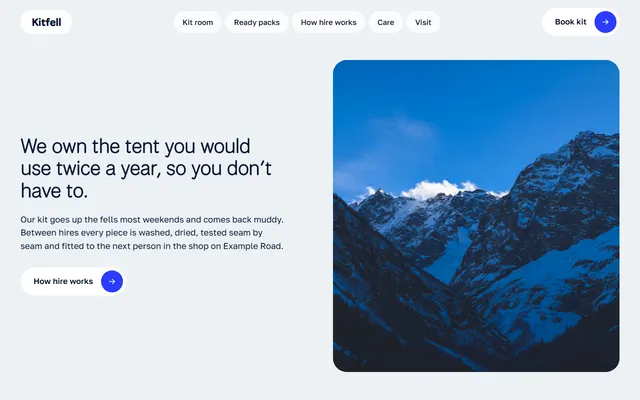
Outdoor gear rental site. Six check panels slide sideways in a pinned track, each tick swelling from a pale dot; earlier, a sticky index of shelf names follows the middle card.
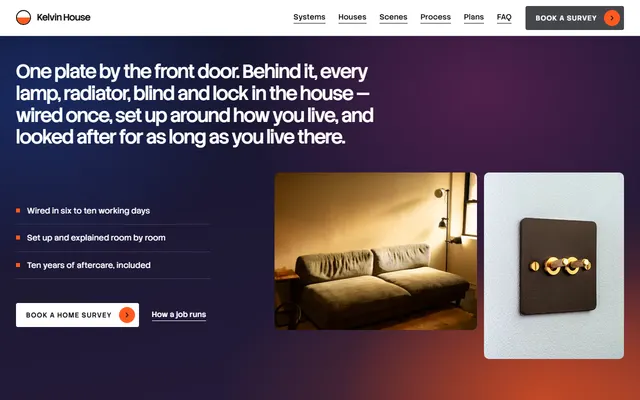
Smart home installer. From 1024 px wide the stage pins for about 3.6 screens while one column opens beside a larger photo; four house cards stack with reeded glass closing.
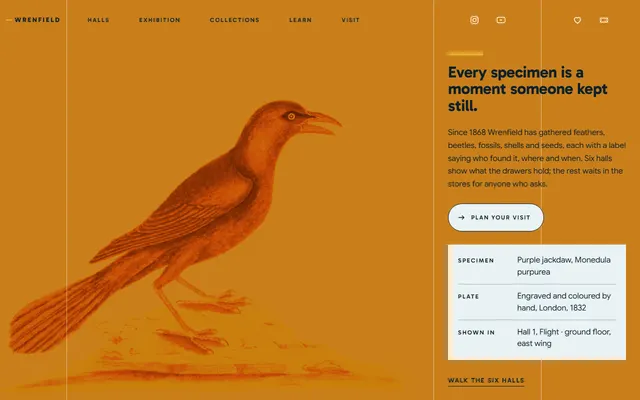
Museum site. Six halls slide sideways with each plate drifting slower than its hall, and elsewhere three colour layers of one plate slide together into register as it crosses the screen.
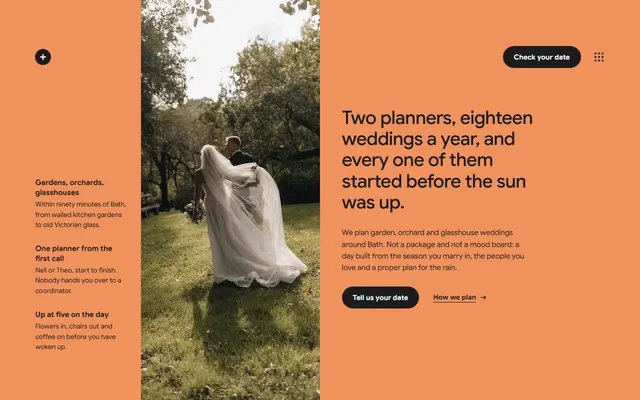
Wedding planner site. Four season fields slide left as a track for three screen widths, each photo opening from a strip; ten task labels are carried one by one into a list.
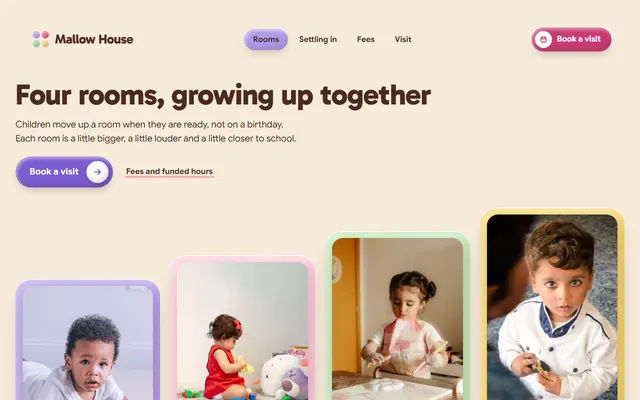
Daycare site. Six photos start piled in the middle of the table and roll out to their grid places; round bowl photos roll in from the slab's left edge.
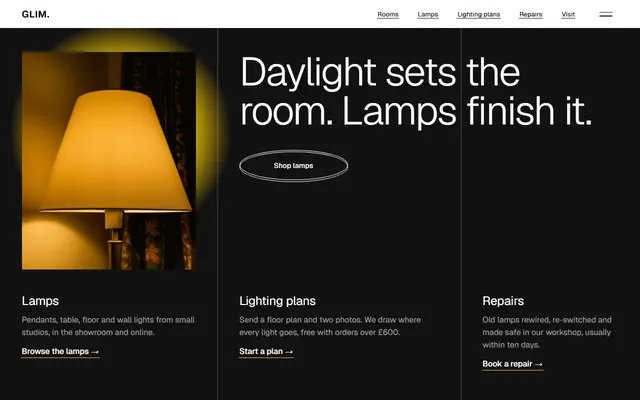
Lighting store site. Six room columns slide sideways, each one's yellow strip rising and its photo going from dim grey to colour as it reaches the middle, with a squiggle drawing in.
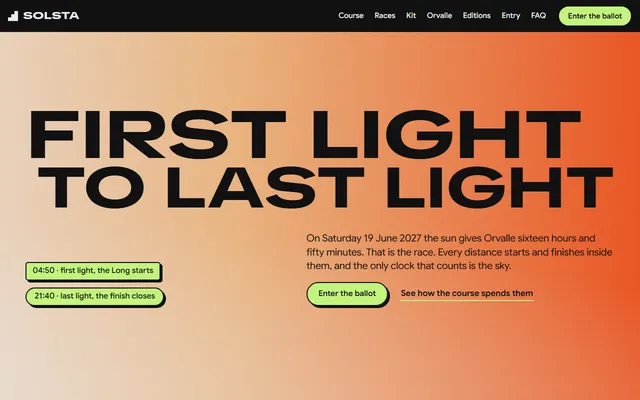
Running race site. A pinned row of five tiles slides sideways, each sitting higher the higher its altitude, so the row climbs to the ridge and drops back.
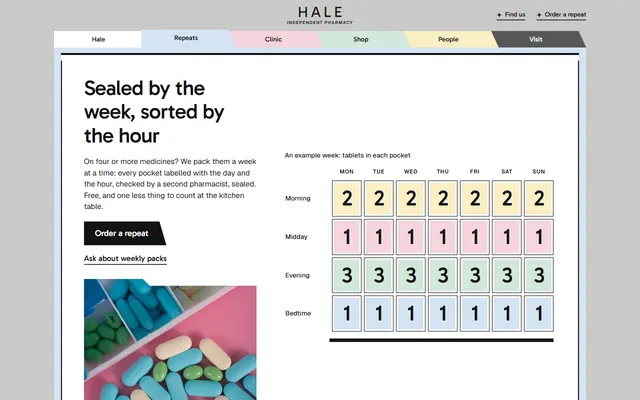
Pharmacy site. A black seal bar runs down the opening week grid once, filling each row of pockets, and a white marker later steps down four conditions as matching photos wipe down.
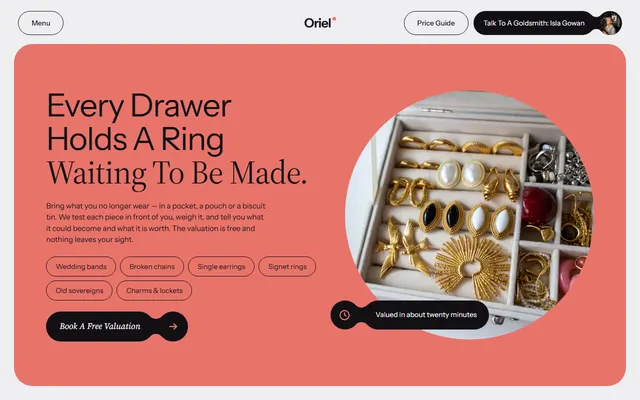
Jewelry maker site. Five frames travel sideways as one strand riding a curve, upright and highest in the middle and lower and tilted at the edges, while photos slide inside them.

Speech therapist site. Cards travel in tilted and straighten as they scroll up, the old word struck through as the target word rises; pinned step cards then rise over each other.
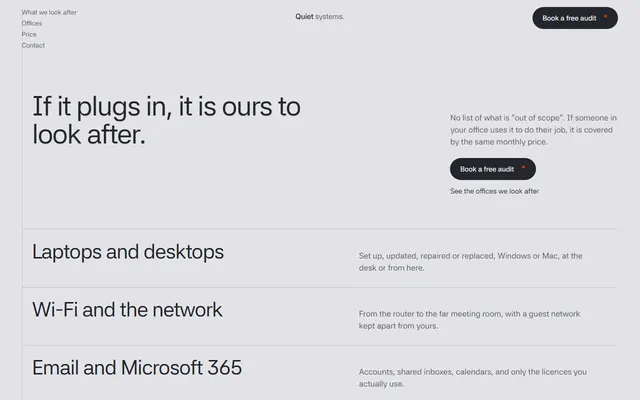
IT support firm site. On wide screens the section is held while a photo grid zooms out from one photo to all five; hairlines draw as lower rows settle onto their lines.
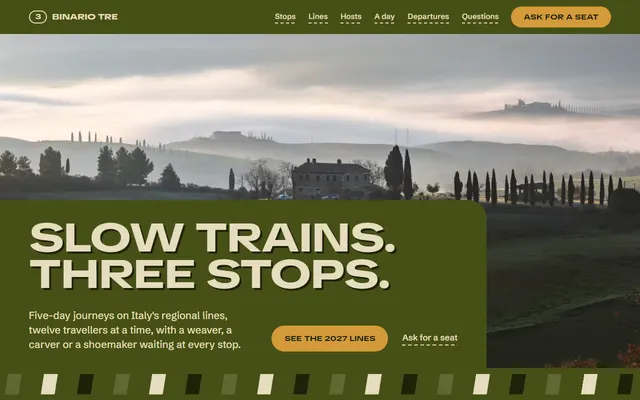
Travel agency site. As the carriage screen rises, the landscape narrows by clip path into a window photo; a marker then travels a rail past three stops while slats fall away.
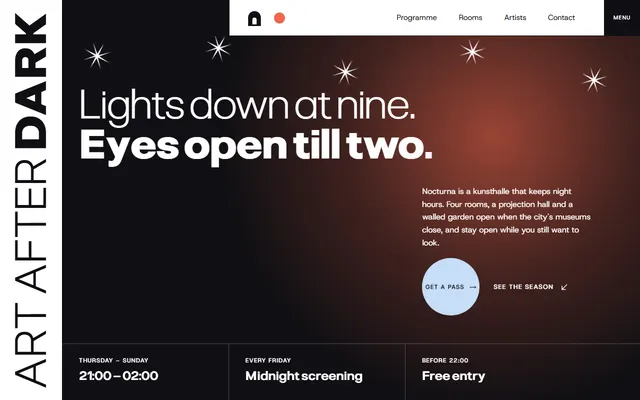
Art gallery site. In a pinned section a coral lamp travels from room to room, each room lifting its dark veil as the lamp arrives; elsewhere photos rise into an arch.
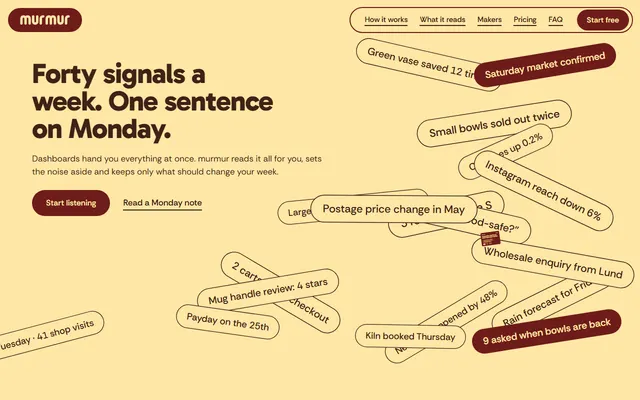
Eighteen signal chips glide from a rotated scatter into a tidy list over 300svh of pinned scroll on this SaaS landing page, three turning maroon as a note card grows.

Marketing agency site. A big arrow swings to each signal's bearing as its item crosses the screen centre, one dial tick lighting red per item, and red tape covers old measures.
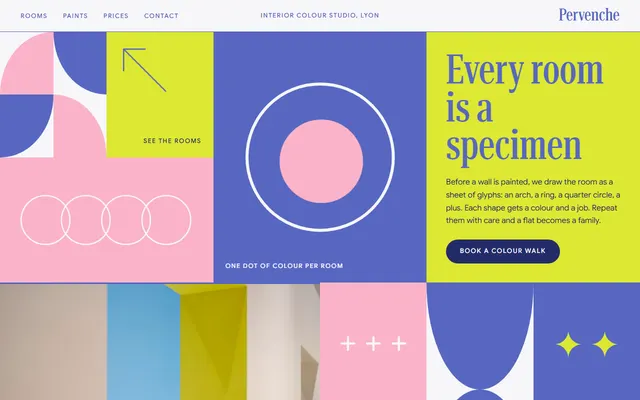
Interior design studio site. A wave of width runs along a sticky wall of glossary letters, each stretching and relaxing; six photos float like loose prints, then fly into frames.

Modeling agency site. Six portraits stack in a sticky frame on wide screens, each opening over the last through a growing circle; a yellow spot later travels a diagonal line, lighting steps.
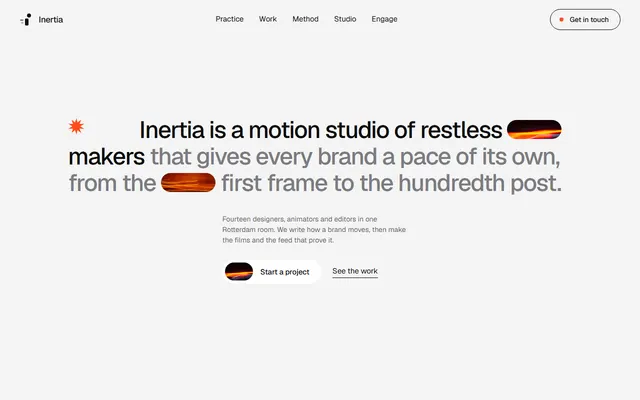
Motion design studio site. Four cards start as a tilted pile and are dealt into a row, titles stretch from condensed to extended, and three orange runners loop on their own timing.
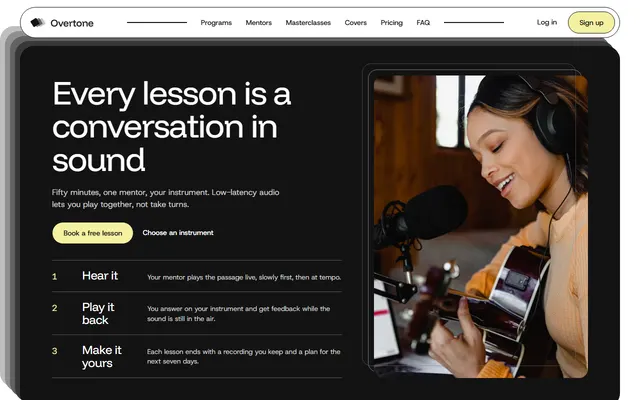
Music school site. Five cards start as a fanned pile and are dealt out, outer cards first; a featured photo shrinks from filling the screen into its slot.
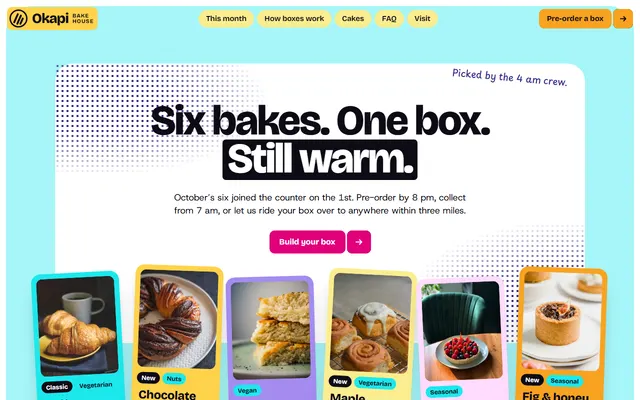
Bakery site. The line nearest the middle of the screen is full width and heavy while the others narrow and fade, and the ground runs from midnight blue to sunflower yellow.
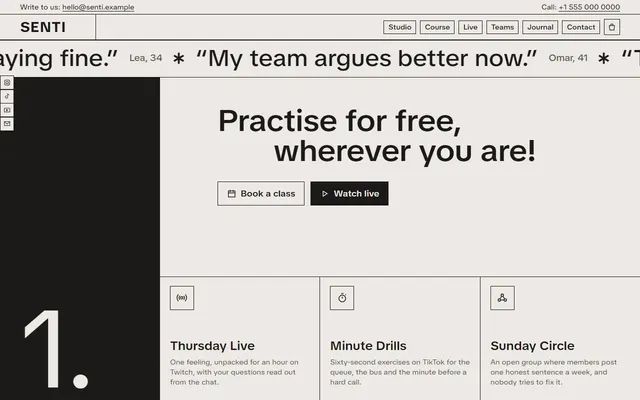
Wellness studio site. Pinned cells all read fine, then flip in a diagonal wave to their feeling words as a strike line draws through the giant word.
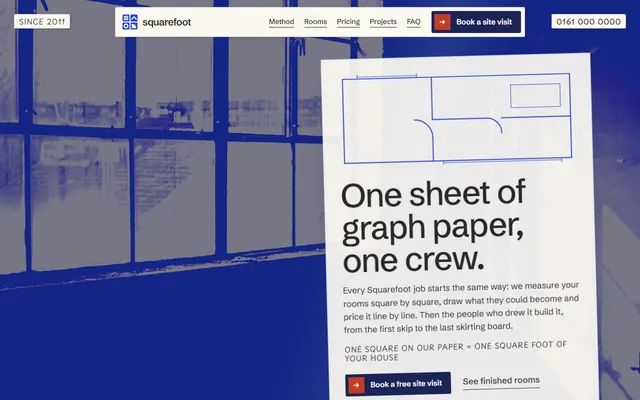
Home renovation site. Six rooms slide together into one floor plan, snapping to whole grid squares, and a pinned contact sheet lets the camera zoom into each photo in turn.
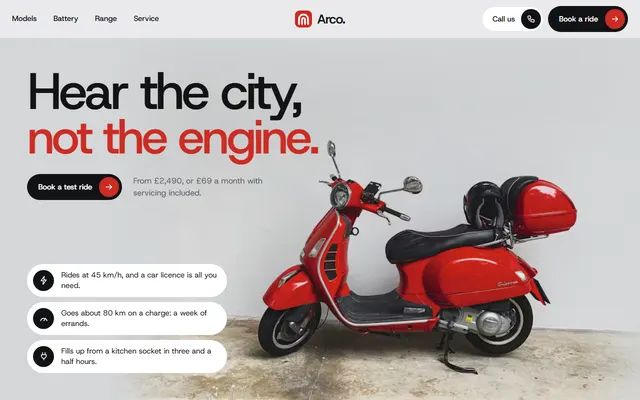
Electric moped site. A battery rises as ten segments turn red one by one, and three pinned close-ups trade width as you scroll so the focused strip opens wide.
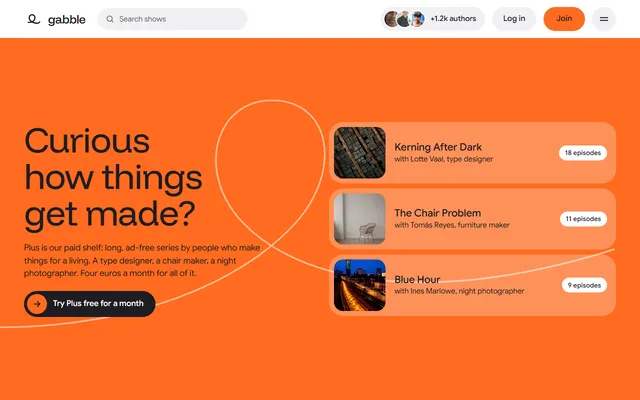
Podcast site. Transcript words go from faint to full ink while an orange waveform fills left to right; a pinned row of eight tiles later travels sideways dragging colour copies.
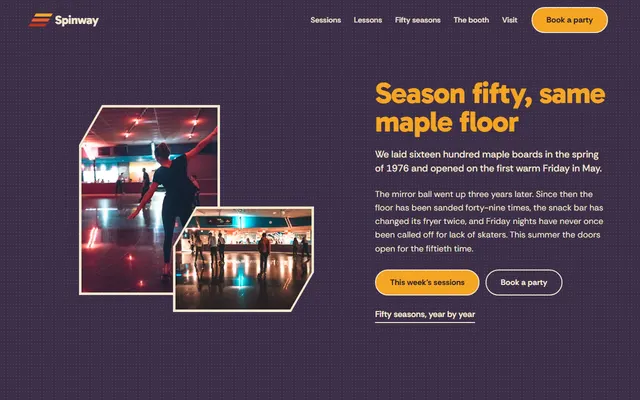
Roller rink site. The list starts tilted and shrunk, straightens and slides its rows into place during an extra pinned screen on desktop; a pinned row of eight years later slides sideways.
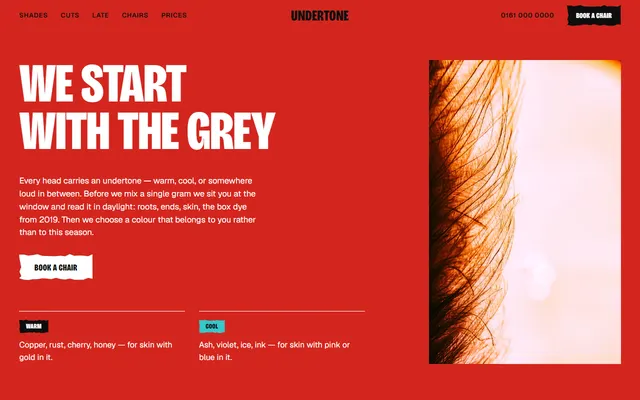
Hair salon site. Six strips start as one grey stack and fan out, each photo turning from grey to colour; a giant word starts so large a neon photo fills the screen.
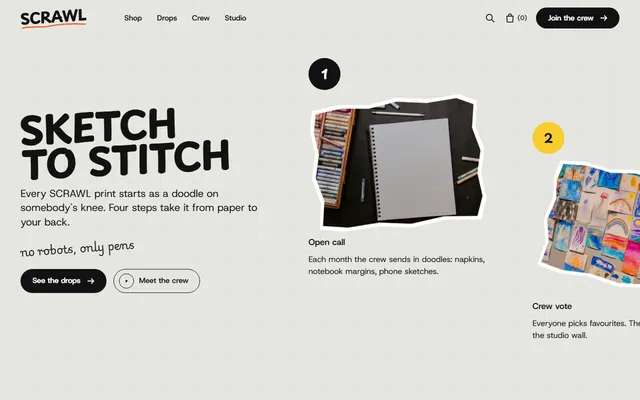
Streetwear brand site. A pinned strip slides sideways through four steps while a dashed marker line draws; stickers start piled and are dealt out, and a photo zooms to numbered details.
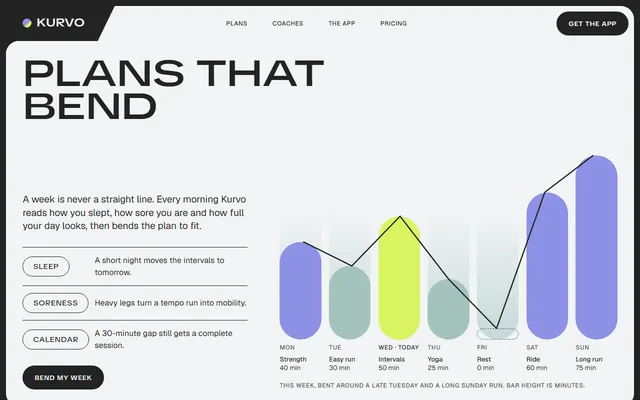
Fitness app landing page. Seven bars start nearly level and grey, then grow or shrink to their minutes and take colour one after another; a phone stays in view while screens wipe up.
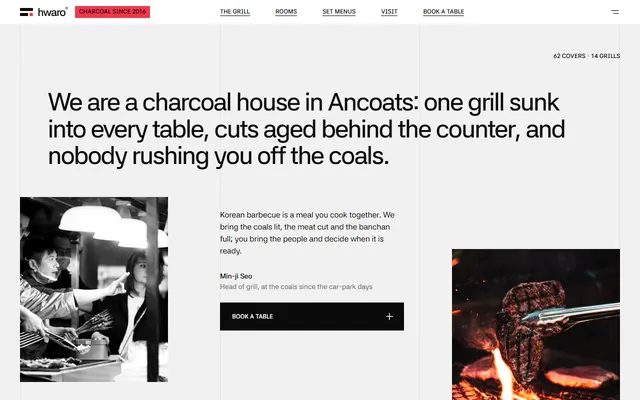
Korean grill restaurant. Statement words burn once from ash grey through red to ink; later a pinned stretch slides four years left while a red rule fills.

A coral carriage the size of one rail travels down four rails with the scroll on this Pilates studio page; six blocks later travel sideways under a minute rail.

Law firm site. Full-screen practice panels slide up over each other while red pieces open out of a small block into each panel's figure; six portraits later travel sideways.

Plumber site. The first screen holds while a photo band widens to the screen edges and headline lines slide out to alternating sides; service photos open from a slit.
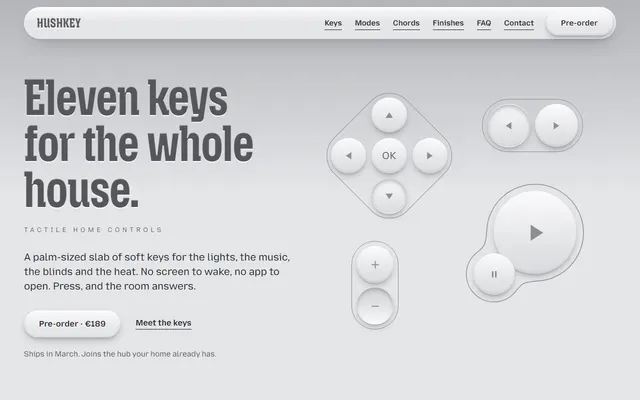
Launch page for a palm-sized smart-home remote. Its signature is a pinned stage where two drawn keys drift together until their outlines melt into one shape.

Landing page for a call captioning app. Its signature is a pinned track where five places slide sideways while two curved lines draw through them.
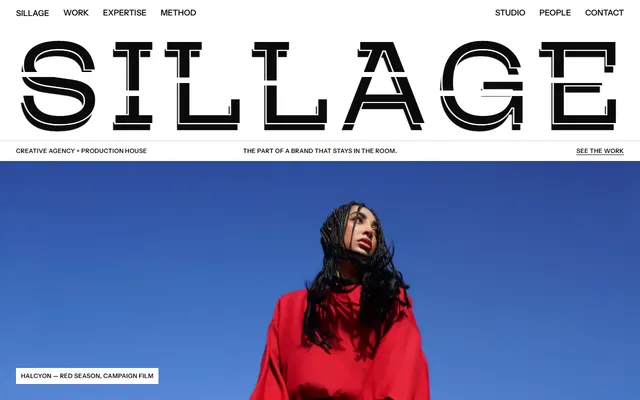
Creative agency site. Scrolling away from the first screen pulls the wordmark apart letter by letter, each letter dragging a black streak; the method runs sideways as a storyboard.
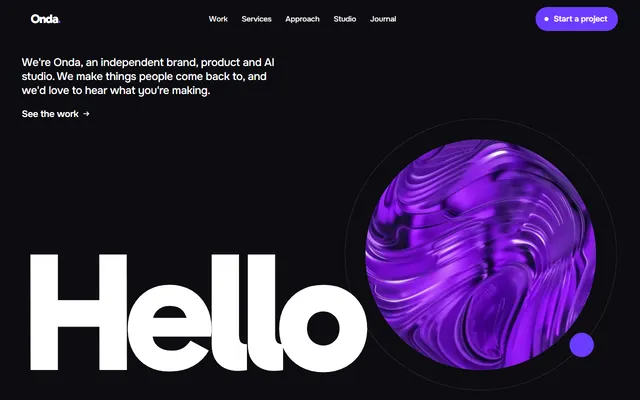
Design studio site. The round photo after the greeting travels down into the dot of the next heading; later, six client cards ride the rim of a turning wheel.
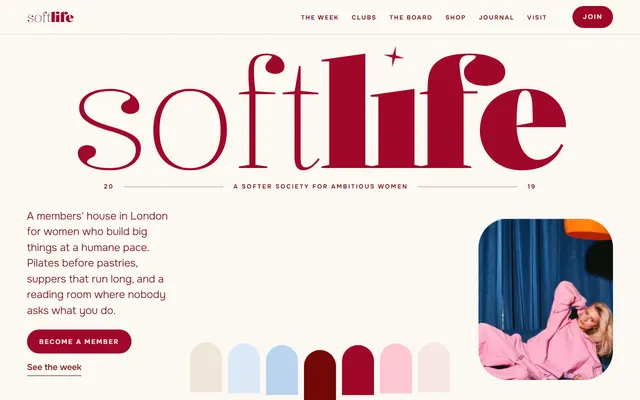
Members' club site for a women's social house. A pinned moodboard deals twelve small tilted tiles from one pile into a collage; bold heading words thicken from hairline weight.
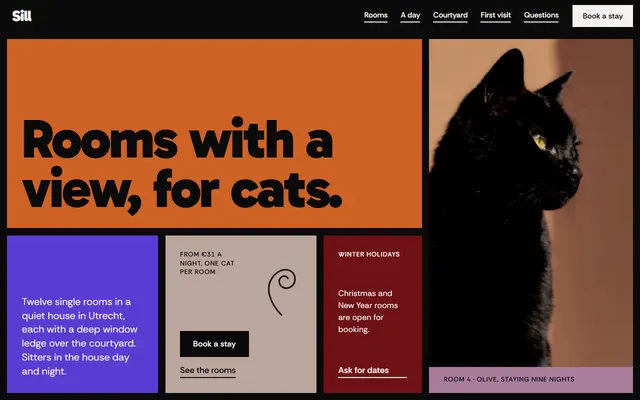
Cat boarding house site. The daily routine pins and slides sideways through six timed panels while a sky band changes colour and a black sun rises and sets.

Music festival site. The crew battle pins a split screen and the VS line sweeps to one side, then the other, as each crew's name grows.
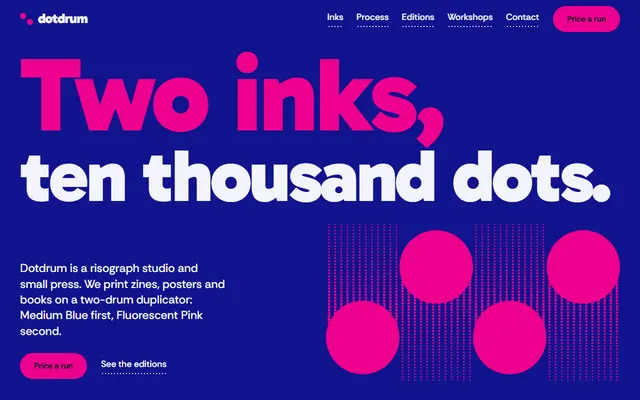
Print studio site. On the first scroll four pink drums roll onto the panel below and print it; the process then runs sideways beside a sheet taking two passes.
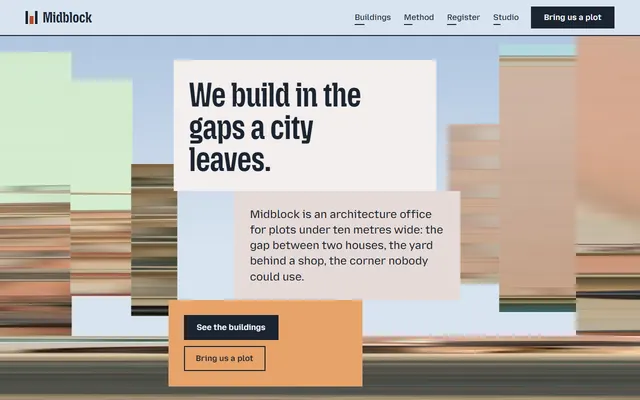
Architecture office site. Street photos start as smears of stretched colour and squeeze into focus, from the opening slabs to the pinned row of five buildings that passes sideways.
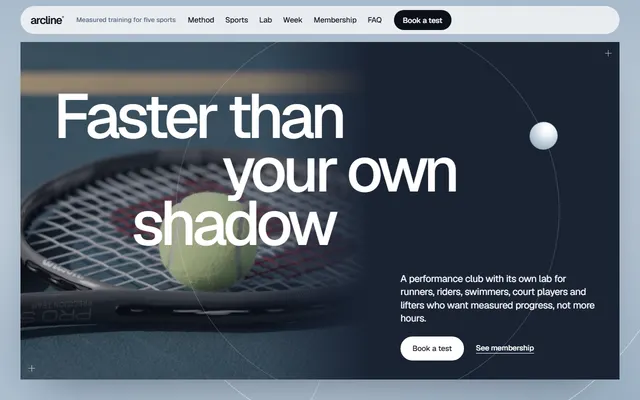
Fitness club site. The pinned week of seven day cards runs sideways, leaning harder when you scroll faster, while a progress line fills beneath it.
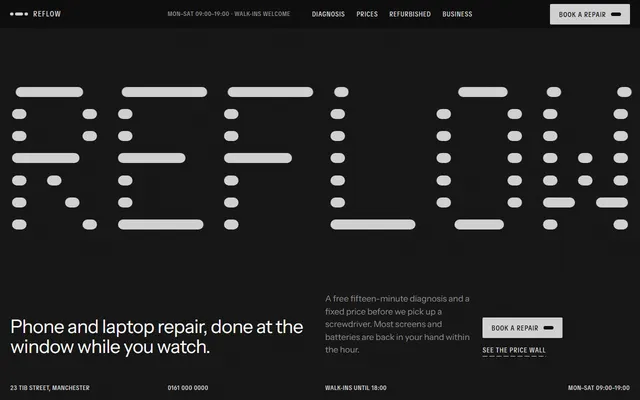
Phone and laptop repair shop site. One blue highlight moves through the page: down twelve diagnosis checks on large screens, across the van timetable, word by word through customer quotes.
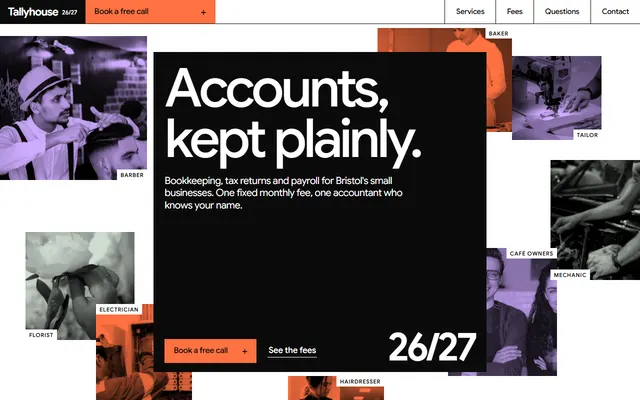
Accountancy practice site for bookkeeping, tax and payroll. The tax year pins and twelve months slide past a fixed orange line, each deadline chip filling with colour as it crosses.
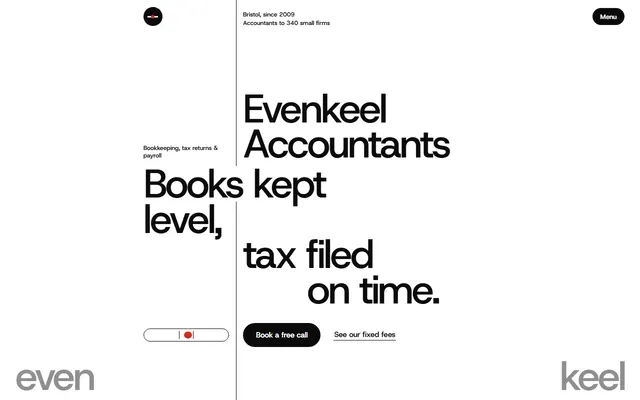
Accounting firm site for small businesses. A pinned sphere of 28 client cards rises and turns almost a full circle between the two halves of its title.
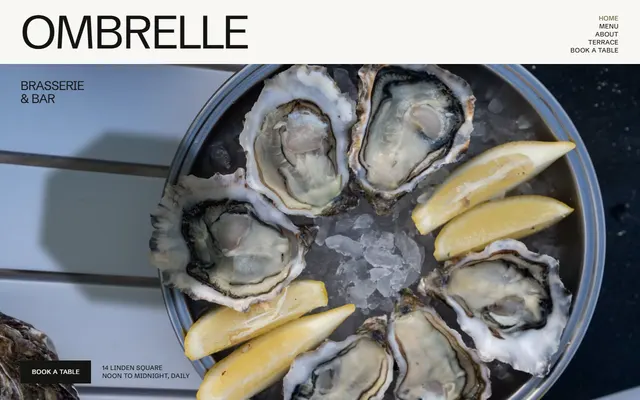
Brasserie and bar site. A blurred parasol shadow sways over the hero dish and slides across on scroll; the opening hours run sideways as the ground darkens to night.
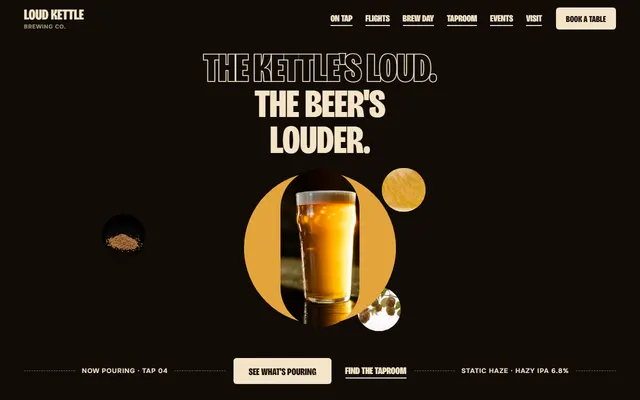
Craft brewery and taproom site. The brew day pins on a huge dashed wheel that turns one step at a time; on desktop the beer cards step down a staircase.
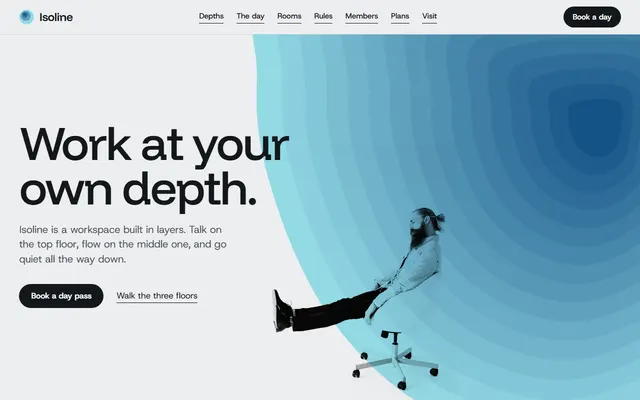
Coworking space site. The first scroll falls into a blue field as its bands swell over the screen; further down, nine coloured bands slide apart around the house rules.
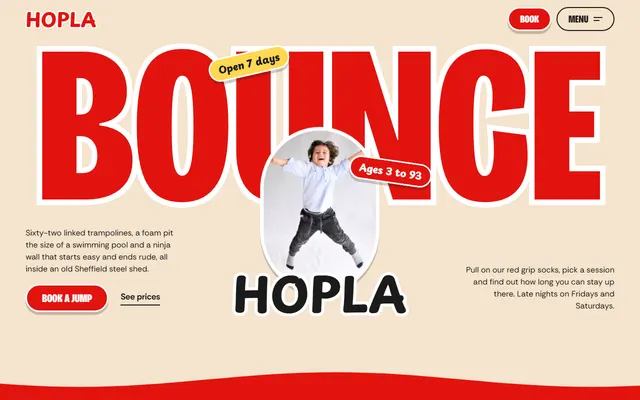
Trampoline park site. A red ball hops along a dashed route from photo to photo, drawing a trail behind it, and the photos, question marks and letters hop and squash; no motion path plugin is loaded.

Veterinary clinic site. A small coral arch near the headline grows into the doorway behind the visit steps; seven patient cards then slide sideways on a curve.
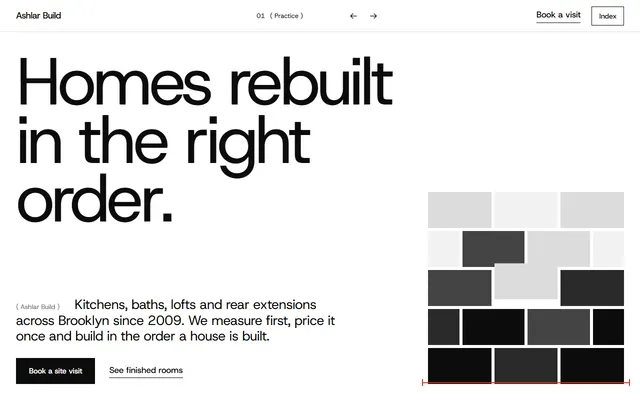
Renovation and extension contractor site. The grey block wall of the first screen breaks apart as you scroll; on wide screens the process wall builds itself from the bottom up.

Florist site. Leaving the first screen, a chocolate night rises as a widening dome; the delivery hours then pin and run sideways from 5 pm to 9 pm, each panel darker.
How the scroll animation is built in these templates
Each template ships its motion twice. The GSAP build, index.gsap.html, keeps one order: markup and styles, then, after the footer, three to five library scripts from jsDelivr at fixed versions (GSAP 3.13.0 and ScrollTrigger, SplitText or MotionPathPlugin where needed, Lenis 1.3), with small menu and form scripts around them. Its motion code has four parts.
- A guarded queue sets up each section's animation in turn once the fonts are ready. If one throws an error, its changes are rolled back and logged, and the others keep running.
- Page setup registers the plugins and drives Lenis from the GSAP ticker, so ScrollTrigger reads the smoothed position.
- Shared effects are small reusable moves: an element whose
data-8b-motionattribute names an effect gets it. - Scene scripts, 4 to 10 per template, each hold one section's timeline and nothing else.
Three ScrollTrigger patterns do most of the work, so each GSAP build doubles as a gsap scrolltrigger example. An entrance reveal plays once as its element comes into view. A scrubbed timeline follows the scroll forward and back, the engine of a scrollytelling website. A pinned section holds a stage, through CSS sticky positioning or ScrollTrigger's pin, while its timeline plays.
SplitText cuts headings into lines, words or letters before they move. None of it is video: the motion graphics for websites here are transforms, clip paths and colour changes on live HTML.
The main file of every template is built without any animation library. Its index.html ties each scene to the scroll with CSS scroll-driven animations, animation-timeline: view() and named view timelines, in one style block per section. A gate script in the head switches that motion on only where the browser supports it and the visitor has not asked for reduced motion, and a small inline kit measures distances, splits headings where a scene needs it, marks elements as they arrive and smooths the mouse wheel. The GSAP version stays beside it for browsers and projects that need it.
Kinds of scroll animation, grouped by signature effect
The groups follow the effect each template is remembered for, usually the first thing an owner asks to keep or to change. A template can sit in more than one group.
- Horizontal scroll tracks. Dozens of the templates pin a section and move panels sideways as you scroll down. The cat boarding house, the fitness club and the football club show the pattern most plainly, and each works as a horizontal scroll website template.
- Pinned stages that play a sequence. The product launch melts two keys into one outline, the accounting firm turns its card sphere, the festival page swings a VS line between two crews, the brewery turns a dashed wheel and, on large screens, the repair shop steps a blue band down twelve checks. The stage stays put and its contents change.
- Photos that wipe over each other. On the boutique hotel page each next room photo wipes in over the last while the line of room names slides sideways, and the pharmacy, the sauna and the mortgage broker use the same idea for their steps.
- Card stacks and dealt piles. On the arcade bar page four photo cards stick one under another, each shrinking as the next covers it; the pizzeria, ice cream shop, toy store, music school and hair salon deal cards out of a pile, and the self storage page deals four tilted step sheets onto a wall.
- Lines that draw themselves. An ink thread on the family history page links slip to slip as you scroll, a red dot walks the dance studio's hand-drawn path, and a lime curve draws for the group fitness dot to ride.
- Grounds that change colour. The bowling alley page runs one section from yellow to black, the bakery runs midnight blue to sunflower yellow, and the farm delivery page runs pale lime to near-black behind a sideways track.
- First-screen transitions. On the first scroll the agency's wordmark flies apart, the community arch swells into a dome, the construction wall breaks, the vet's arch becomes a doorway and the press with its pink drums prints a panel; the design studio, coworking and brasserie pages open the same way. These are animated website intro examples with no loading screen.
- A motion path. Five GSAP builds load MotionPathPlugin for it, and their CSS pages follow the path with the browser's own SVG methods or CSS
offset-pathinstead: the indoor jump park sends a red ball along a dashed route between party photos and makes its photos, question marks and letters hop and squash; the toy store's orange ball follows a ribbon, and the electric moped page draws its route on a map behind a red rider. - Type that turns into a picture. On the short film festival page the film still inside the second title word grows until it fills the screen, and the graphic design studio dives through the counter of a giant extruded word into its studio photo.
Which animated template suits which kind of site
Pick among these animated web design templates by case, not by look.
- A gadget launch: the product launch template, where each feature gets its own pinned or scrubbed moment. Weak spot: the hero panel is an eleven-key remote drawn in HTML and CSS, so another product needs a new drawing or a photo.
- A business whose day has a shape: the cat boarding house or the brasserie, where the hours run sideways from morning to night. Weak spot: with reduced motion, and in Firefox for now, the panels do not slide, so the times must read well at rest.
- A firm that sells precision and calm: the accounting firm, whose motion stays quiet: rules draw, a marker crosses a month, review sheets stack. Weak spot: each of the 28 sphere cards has its own coordinates in the markup, so another client count means new positions.
- An event with a lineup and tickets: the festival template, with a crew battle, venue zones and a fan wall. Weak spot: at 169 KB it is among the heavier files (the largest of the 106 is 188 KB), and the battle only fits an event with a head-to-head.
- A family venue: the trampoline park, where almost everything bounces. Weak spot: the hop-and-squash motion runs through many sections, so toning it down means editing several scripts.
- A neighbourhood pizzeria: the pizza place template, with a tipping photo and a framed dough sequence. Weak spot: the dough and house rule sections are held for a long scroll, which feels slow on a short screen, and the request form sends nothing yet.
- A roaster that sells beans: the roaster page with a turning round frame and stamped tickets. Weak spot: the Add to bag buttons link to the visit section until you connect a checkout, so there is no cart.
- A tour operator with a few named trips: the harbour cruise page, whose place cards ride a pinned wave. Weak spot: the sailing news form posts to a placeholder, and the route section holds for roughly its overflow width, which feels long on short laptop screens.
- A software product with two plans: the weekly advice app's landing page, whose chips glide into a list. Weak spot: the contact form has no backend, and four pinned scenes make the page feel long on a short screen.
- A family day out sold by the ticket: the water park page, where four ride sheets stack as you scroll and a long orange strap carries the season band's perks sideways. Weak spot: the party form goes nowhere until you connect a form service, and the season band tab needs JavaScript.
- A business that rents space by the week: the self storage page, whose unit faces turn on a block and then open flat into a row of sizes and prices. Weak spot: its pinned scenes add a lot of scroll, about four screens for the promises track alone.
- A care service that has to feel calm: the midwife-led birth center, where six room bands unfold from their title strips and a dial fills with each phase of labour. Weak spot: the demo states medical facts about rooms and care that the real center must replace with its own.
Reduced motion, speed and accessibility limits of scroll animation
In the GSAP files every section animation, every shared effect and Lenis itself start inside a prefers-reduced-motion: no-preference check; in each CSS file, index.html, the gate script plays that part. With reduced motion on, a visitor gets native scrolling and sections at rest, without entrance or scroll animation. Browsers without scroll-driven animations, Firefox today, show the CSS files with their scroll scenes at rest in the finished layout; the index.gsap.html beside each one moves there. Without JavaScript the content is there too, though the phone menu needs a script to open.
- Speed. The files weigh 66 to 188 KB before photos and fonts. In a GSAP file Lighthouse can list GSAP and ScrollTrigger as render-blocking even at the end of the body; the product launch page scored 93 on mobile in its GSAP build before release, with a 2.7 s LCP. A CSS file downloads 19 to 53 KB of gzipped code, against 66 to 98 KB for the same page with its libraries.
- Connection. Every file takes its fonts from Google Fonts and its photos from Unsplash's servers, and the GSAP files their libraries from jsDelivr: offline, the photos do not arrive, nor does a GSAP file's motion.
- Long pins. A pinned track turns sideways distance into vertical scroll. Among long scrolling website examples that is part of the charm; where people want a price fast, put it above the pin or shorten the track. Pins are also what an app builder handles worst: rebuilt in v0, a long pinned scene needs more follow-up prompts.
- Smooth scrolling. Lenis eases wheel and trackpad input in the GSAP files, a small wheel module eases the mouse wheel in the CSS files, and some people dislike both. The menu script also pauses it (
window.lenisorwindow.motionKit.wheel), so removing it takes a few small edits.
Changing or removing one animation effect by hand
- List the scene style blocks and inline script blocks with their line numbers. A section's animation label usually carries the section's id, and the HTML comment above each section names its script.
grep -n 'data-8b-part=' index.html - To retime an effect in
index.html, change the scene'sanimation-rangeand keyframes. Inindex.gsap.htmledit its timeline instead:startsets where it begins,endhow much scroll it spans,scrubhow closely it trails the wheel. - To drop a shared reveal from one element, remove that word from its
data-8b-motionattribute; the rest of the page keeps the reveal. - To remove a section's animation, delete its scene style block and scene script, or its script block in the GSAP build; a sticky stage or a wide track may then need a plain CSS layout.
- Reload at 375 and 1440 px with the console open. A failed block logs its own label.
The repair shop file is a good one to practise on: its script labels say what they do, and its raw, grid-first look keeps the markup around each one easy to follow.
Keeping the animation working when an AI agent edits the template
Any coding agent that edits files (Claude Code, Cursor, Codex, Windsurf, Gemini CLI) can work on these templates, since the motion is inline JavaScript or CSS beside the markup it reads. The risk is quiet breakage: rename a class a script looks up and that section stops moving, though the page looks fine at rest. Each AGENTS.md lists the classes and attributes the scripts query and asks the agent to keep every id, data-8b-section and data-8b-motion. In index.html the agent also keeps the gate script in the head and the motion kit at the end of the body.
Two more rules matter for motion. Each template also describes its motion step by step in the Motion section of its DESIGN.md. In 90 of the 106 files a display line carries style="--len:N", its character count, which must change with the text. New photos need width and height for their ratio, since scroll distances are measured from the layout. A prompt that covers both:
Read AGENTS.md first. Edit index.html for my business: [what it is, who it is for, the facts I give you]. Keep every id, data-8b-section, data-8b-motion and data-8b-part attribute, and every class AGENTS.md lists for the animation scripts. If a section needs a different structure, change its animation script with it. Update --len values when display text changes. Do not add animation libraries. When done, list the animation scripts you touched, then check the console at 375 and 1440 px with reduced motion on and off.Ask for one section at a time, so a break is easy to trace, and keep any new effect inside the reduced-motion check. To add or drop a whole section, move its markup, style block and scripts together, as the notes on building a site on one scroll lay out.
Scroll animation questions about these templates
What is a scroll animation website?
A website whose elements move in response to scrolling rather than on a timer. In these templates a CSS scroll timeline watches the scroll position, or ScrollTrigger in each GSAP build: some effects play once on arrival, some follow the wheel forward and back, and some sections pin while a sequence runs.
Can I use these animated website templates free for client work?
Yes. All 106 are MIT licensed, so you can build your own or a client's site on them and change anything. The demo photos come from Unsplash under its own license, and each template's CREDITS.md lists them.
How do I build a horizontal scroll section like these?
Start from one of the many templates that already have one, such as the brasserie's opening hours. The pattern: hold a sticky stage inside a taller section, move the track left by its overflow width with a CSS scroll timeline, or a scrubbed tween in the GSAP build, and make the section as tall as that distance.
Where is a GSAP ScrollTrigger pin example in these files?
In the GSAP build of the mortgage broker page, which pins its switch section with ScrollTrigger for the whole sideways run of its panels, and in the pet boarding template's index.gsap.html, whose day track uses the same pin. The default index.html of both holds the track with position: sticky and a CSS scroll timeline instead. Search a GSAP build for pin: to find the rest.
Do the animations work on phones?
Yes, most of them: touch scrolling drives the same scroll-linked timelines, and the smooth scrolling, Lenis or the CSS files' wheel module, leaves touch scrolling to the browser. A few effects are kept for wide screens, such as the construction gallery that settles into a contact sheet and the festival passes fanned like cards.
Will scroll animation slow my site down?
A little, in the GSAP builds: the libraries add three to five requests, and Lighthouse can flag GSAP and ScrollTrigger as render-blocking. The main index.html of every template loads no library and downloads 19 to 53 KB of gzipped code. In both the text is in the HTML from the first byte.