What comes with the glassblowing studio website template
- index.html: the pure HTML and CSS version, one single HTML file, 100 KB.
- index.gsap.html: the same design built with GSAP, ScrollTrigger and Lenis, for scroll motion in every browser, Firefox included.
- AGENTS.md: what a coding agent must keep and what to replace, so Claude Code, Codex or Cursor edit it without breaking the scenes.
- DESIGN.md: every colour, font, spacing and motion rule of this glassblowing studio website design.
- PROMPTS.md: the agent prompt and the design prompt below.
- CREDITS.md and LICENSE.md: the photos and fonts with their licenses, and the 8B license.
- Updates to this template, at no extra cost.
Yours to edit: one index.html with no build step, so you or a coding agent can change the words, prices and photos and upload it to any static host. Not a coder? Describe your business in one sentence to 8B's AI website builder and it designs a new site for you, with more pages when you need them. Designing is free; publishing with hosting is $9 a month, billed yearly. It also works inside Claude and ChatGPT.
Premium template · $39, one-time license · Made by 8B, an AI website builder · Updated November 2026 · Plain text: marver.md
About this glassblowing studio website template
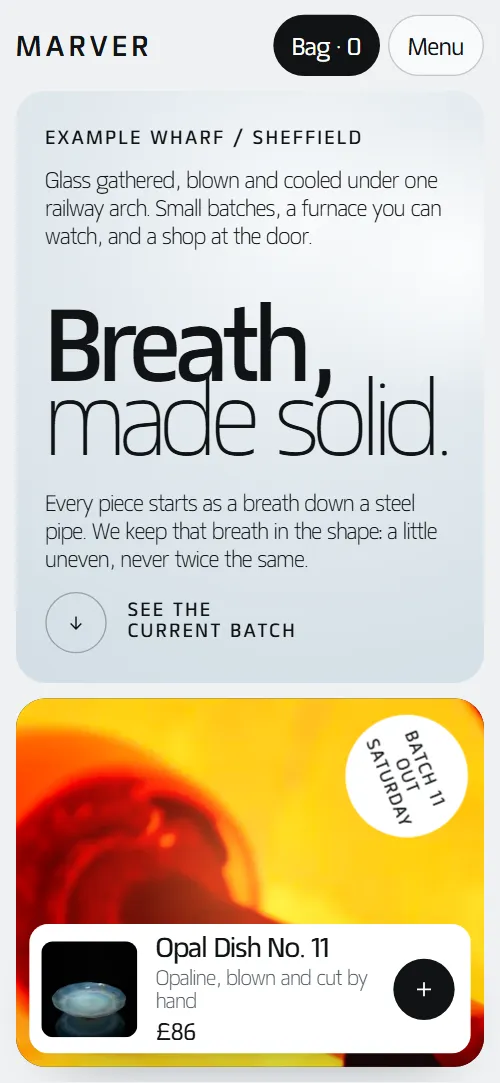
Glassblowing studio website template for a hot shop that sells its own glass and teaches: one HTML file with the current batch as product cards with prices, six glass colours, four making stages, three classes, lighting commissions, opening hours and a returns scheme for broken glass. It opens on a pale ice pane with a two-weight heading beside a furnace photo and a floating product card, then the photo opens over the whole screen into the hot shop. It is a single HTML file in pure HTML and CSS, and a GSAP version of the same page comes with it.
At a glance, November 2026. One 100 KB index.html: a single HTML file in pure HTML and CSS with a few lines of built-in JavaScript, 12 sections, 17 Unsplash photos, Matangi. A GSAP build of the same page, 91 KB, comes with it.
It suits a glassblowing studio with a shop, a glass maker who sells vases, tumblers and lighting, a hot shop that runs taster classes and courses, or any craft workshop that sells small batches and takes commissions. Glassblowing studio websites mostly need the same few things on one scroll: the pieces with prices, how the glass is made, what a class costs and when it runs, and where and when to watch the furnace. This page gives each its own section, and adds the details that make a small studio feel real: the recipe behind every colour, the fourteen hours in the annealer and a place to bring broken pieces back.
The demo business is Marver, an invented studio in a railway arch in Sheffield. Every piece, price, class, date, hour and address is demo copy to replace. Pieces carry a name, a specification line and a price in pounds, and classes carry a length, an age limit or bench size, a price and dates, so a studio in any city fills in its own batch and its own timetable; change the currency, the shipping wording and the opening hours to your market.
If you would rather not edit HTML at all, 8B, the AI website builder designs a site from one sentence about your business, with more pages when you need them. This template is for people who want this exact design in their own hands: one index.html with its CSS and its motion inside, which you or a coding agent can edit and host anywhere, next to the shop or booking tool you already use.
Good for:
What a glassblowing studio website needs
A glassblowing studio website answers a few questions fast: what can I buy, how is it made, what does a class cost and when can I come. Here is how this template covers each of them.
- The glass for sale, with prices. The current batch as six product cards beside a photo frame that changes to each piece, with a name, a specification, a price and an add button.
- Colours and how they are made. Six translucent glass panes, each with a name and the recipe behind it, stacked first and fanned out into a row.
- How a piece is made. Four stages, gather, blow, shape and anneal, each a photo and a short paragraph.
- Classes with a price and a date. Three classes under one photo, with length, age limit or bench size, what you make, price, dates and a button to the contact form each.
- Commissions for rooms. A dark section with four steps from the visit to the fitting and a button to the contact form.
- A reason to visit. Opening hours, free demonstration times, the address, directions and a maps link beside a photo of visitors at the furnace.
- Answers about shipping, breakage and care. Six questions on posting, dishwashers, class ages, what to wear, watching without booking and gift vouchers, plus a returns section for broken glass.
What it does not have is a cart, checkout, stock count or class calendar: the plus buttons and the Bag counter take no orders, and the class buttons lead to the contact form, which sends nothing until it is connected to a form service. It is built for a studio that sells small batches and takes class bookings by message, and connecting a payment link, a form service or a booking tool is a short job for a coding agent.
Glassblowing studio website design and motion
Palette
#eff2f4 page ground and the header bar#101315 near-black ink: text, dark buttons, the commissions section, the footer and the shade over the furnace photo#d3dee6 ice blue: the panes of the first screen, the classes and the contact form, the ground of the photo frame and the opal glass pane#f2a14a furnace amber: the glow over the opening photo and behind the commissions photo, the hot start of each heading's hairline line, the hairline line on the furnace screen, the amber glass pane and the hover fill of the plus buttons#2c4dad cobalt, one of the six glass panes#3f9a88 sea green, one of the six glass panes and the ground behind the returns photo#da8c9c rose, one of the six glass panesFonts
- Matangi: every piece of text: the two-weight headings, product names, prices, body text, spaced capital labels, buttons and form fields
A pale grey page with near-black text, rounded panes and a heading set in two weights everywhere: a heavy first line and a hairline second line. The first screen is a split of an ice-blue pane and a furnace photo with a round badge and a floating product card. The batch is a sticky photo frame on the left with six product-card rows on the right, each with a thumbnail, a specification, a price and a round plus button. The six colours are tall translucent panes with names and recipes underneath, the making stages are two rows of uneven photo and text pairs, and the three classes sit under one wide photo cut into three bands. The commissions section is dark, and the contact section repeats the first screen's split of a pane and a photo. On phones the pane sits above a shorter photo, the colours become two rows of three and the frame sticks at the top while the rows pass beneath.
The idea behind the page is cool against hot: glass is shown first as the cool, finished thing and then as the furnace that made it. So the first screen is ice and the second is the furnace glow, each section heading's hairline line arrives hot amber with a soft glow and cools to its resting ink, and a pale band of light crosses the making, visit and contact photos once as they arrive.
What is on the glassblowing studio website page
- NavigationFixed header that hides on scroll down, with the wordmark, five links, Book a class, a Bag counter and, on phones, a menu with a contact link
The fixed header slides away when you scroll down past the top 120 px and comes back as soon as you scroll up; on phones the menu opens as an overlay.
- Breath, made solid.Two screens: an ice pane with the heading Breath, made solid. beside a furnace photo, a badge and a floating product card, then Cool by morning. on the full-bleed furnace with three short facts
On load the heading lines shift up, the photo settles from slightly larger, the badge turns in and the product card rises; a light spot drifts across the ice pane and the furnace glow breathes over the photo. On scroll the photo opens to the whole screen and its corners square off, the pane lifts away and fades, the badge turns and shrinks out, the product card slides to the right (on phones it fades out and back) and a dark shade comes in under the second screen's text.
- Batch 11, out of the annealer.The current batch: a sticky photo frame beside six product-card rows with names, specs, prices and add buttons
The heading cools, then as each row moves up the screen the frame wipes up to that piece's photo, from the first piece to the sixth, and the current row takes a dark outline.
- Six colours, mixed in the pot.Six translucent glass panes with names and recipes, stacked first and fanned into a row
The heading cools, then the six translucent panes start stacked in the centre, overlapping and slightly turned, so their overlaps mix like layered glass; as you scroll they fan out into a clean row and the names and recipes rise in.
- Four stages, one afternoon.Four stages, gather, blow, shape and anneal, as photo and text pairs
The heading cools, each photo gets a pale band of light across it as it arrives, and the stage texts rise.
- Your breath, our furnace.One wide photo cut into three bands, with three classes, their length, what you make, price, dates and a button each
The heading cools and the wide photo is cut into three bands that start shifted out of line, like a picture seen through ribbed glass, and settle into one continuous picture.
- Questions we hear at the counter.Six questions as native details beside the heading, with the studio's phone and email
The heading cools and the six questions rise one after another.
- Light for rooms we haven't seen yet.Dark section: pendants photo, a warm glow and four steps from the visit to the fitting
The heading cools, the pendants photo starts dim and grey and brightens into colour while a warm glow grows behind it, and each of the four steps lights up from faint to full as it moves up the screen.
- Watch the glass move.Visitors photo beside opening hours, demonstration times, address and a maps link
The heading cools, a band of light crosses the photo and the opening hours, demonstration times and address rise in turn.
- Broken? Back to the pot.Broken glass back to the pot: three steps and a photo of green glass built from shards
The heading cools and the photo of green glass arrives as nine shards that fly in from around the frame, turning as they come, and close into one whole picture.
- Write to the studio.Form with a topic menu beside a photo and a card with address, phone and email
The heading cools, a band of light crosses the photo and the address card rises.
- FooterFooter with address, three link columns, a kiln-opening newsletter field and the company line
Before you publish the glassblowing studio website site
- Replace social preview image, favicon, phone number, email address, map and contact form (sends nothing yet) and the invented demo facts (names, prices, areas, quotes). AGENTS.md lists them.
- Book a class in the header and the menu, and the three class buttons (Book a taster, Book a half day, Ask for dates) lead to
#classes and #contactnow; point them to your booking tool or class page, or keep them pointing at the contact form once it is connected. - The Bag button in the header and the round plus buttons on the pieces and the opening card lead to
#pieces; in the pure HTML and CSS version the plus buttons do nothing and the count stays at 0, in the GSAP version each plus raises the count by one and announces the piece to screen readers, with no cart behind itnow; point them to your shop's cart or payment links, one per piece. - Start a commission, Shop the batch, Watch us work, the address line and See the current batch on the first screen, and the footer links lead to
#contact, #pieces, #visit and other sections of the pagenow; point them to keep them, or point them at your own pages. - Open in maps in the visit section lead to
a Google Maps search for the studio's areanow; point them to a link to your own address. - Scroll-driven animation runs when the browser supports it (Chrome, Edge and Safari today; Firefox does not yet) and the visitor has not asked for reduced motion. Otherwise each section shows its finished layout; the GSAP build, index.gsap.html, also plays the scroll motion in Firefox.
- The contact form and the newsletter field send nothing: connect them to a form service or your mailing list. In the pure HTML and CSS version there is no thank-you line after sending; the GSAP version shows one and clears the form, still without sending.
- There is no cart, checkout or payment. In the pure HTML and CSS version the plus buttons and the Bag counter do nothing; in the GSAP version a plus raises the Bag count, but nothing is kept or bought. Connect each piece to your own shop or payment links.
- The pieces list is built for six rows paired with six photos in the frame and the classes for three bands, and the colours grid has six columns (three on phones): a different count needs its layout and scene adjusted.
Questions about this glassblowing studio website template
What do I get for $39?
The glassblowing studio website template as a single HTML file, index.html, in pure HTML and CSS, a GSAP build of the same page as index.gsap.html, a DESIGN.md with every colour, font and motion rule, an AGENTS.md for coding agents, the agent prompt and the design prompt from this page, and CREDITS.md for the photos and fonts. Updates to this template are included.
Can I use this glassblowing studio template for client sites?
Yes. One purchase lets you build as many sites as you like with it, for your own studio or for clients, and change anything. What it does not allow is selling or giving away the template itself, as a template, theme or kit, or putting its source in a public repository.
Can customers buy glass and book classes on this page?
The page shows both and takes the enquiry, but it does not process payments. Each piece is a product card with a name, a specification, a price and a round plus button, and each class has a price, dates and a button to the contact form. There is no cart: in the pure HTML and CSS version the plus buttons and the Bag counter do nothing, and in the GSAP version a plus only raises the Bag count, so point each piece at your own shop or payment link, and send class buttons to your booking tool or leave them on the form with its topic menu once it is connected to a form service. With Claude Code, Codex or Cursor that is one sentence, such as link every plus button to my shop's product page.
How do I change the pieces, colours and classes?
Each piece is one product-card row with a photo, a name, a specification and a price, each colour is one pane with a name and a recipe, and each class is one band with its length, what you make, price and dates. You edit the words in place, or tell a coding agent, for example swap the Tide Jug for a 1.5 litre carafe at 140. The pieces list is built for six rows and six photos, the colours grid for six columns and the classes for three bands, so a different count needs its layout and scene adjusted.
Will it work with Claude Code, Codex or Cursor?
Yes. Put index.html and AGENTS.md in your project and give the agent the prompt that comes with the template. AGENTS.md says which attributes the scroll motion reads, what to keep and what to replace, so the agent swaps pieces, prices, classes and photos without breaking the scenes.
What do visitors see in Firefox or with reduced motion?
Firefox does not support scroll-driven animations yet, so it shows every section in its finished layout, as does any browser when the visitor asks for reduced motion. If the scroll motion must also play in Firefox, use the GSAP build, index.gsap.html, which loads GSAP, ScrollTrigger and Lenis from a CDN.
More templates for studios, makers and craft shops
Other designs for businesses that make things by hand.
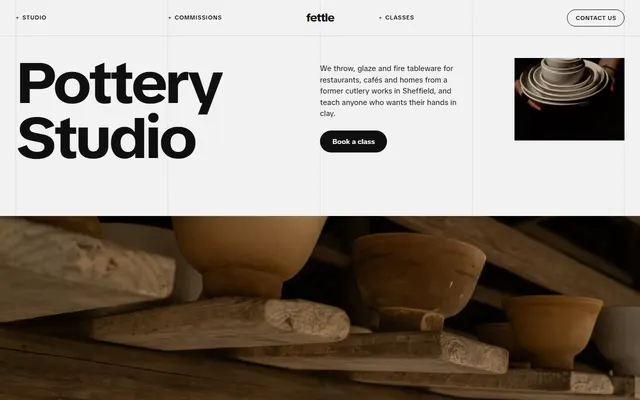
Pottery studio: restaurant commissions, a six-step process, four glazes, classes with prices and a small shop.
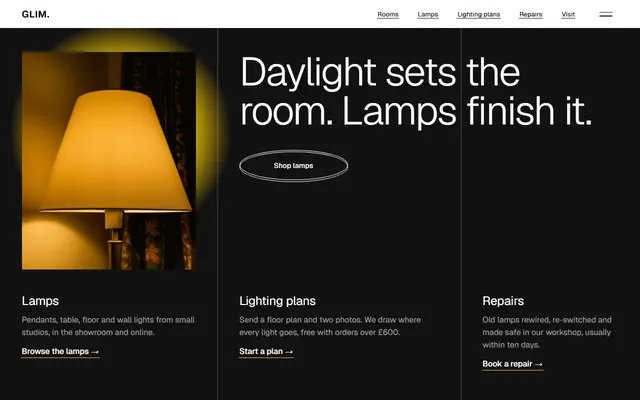
Lamp shop and showroom: six rooms, six lamp types, a lighting plan, repairs and a weekend lamp loan.
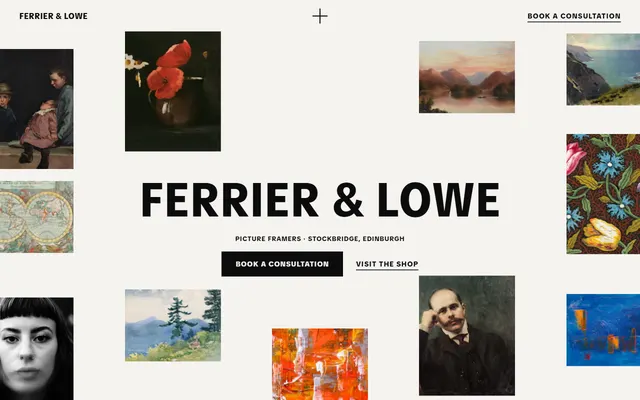
Picture framer: a wall of framed work, mounts, mouldings, glass, workshop steps and a print room.
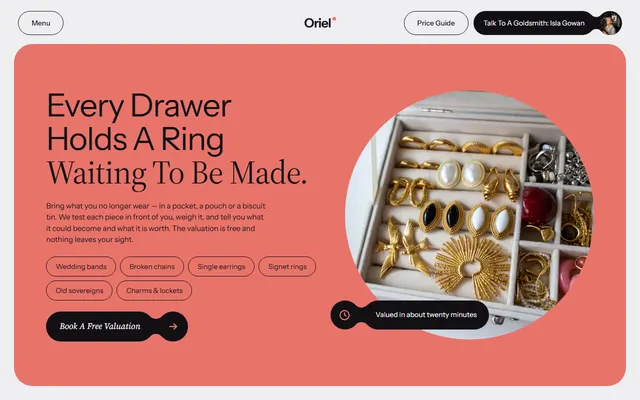
Goldsmith's studio: what the bench makes with prices, five sittings from sketch to hand-over and a booking form.
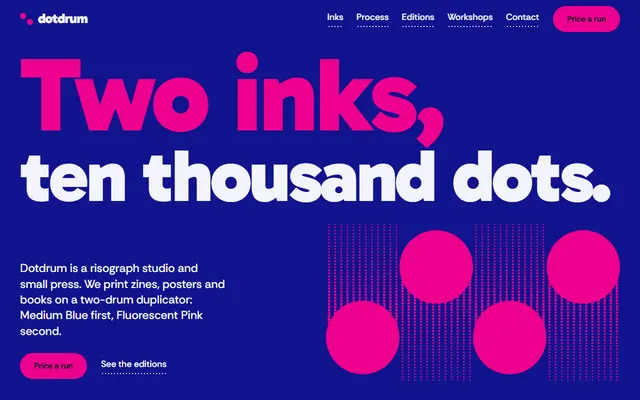
Risograph print studio: zines, posters and books, its own editions and workshop dates.
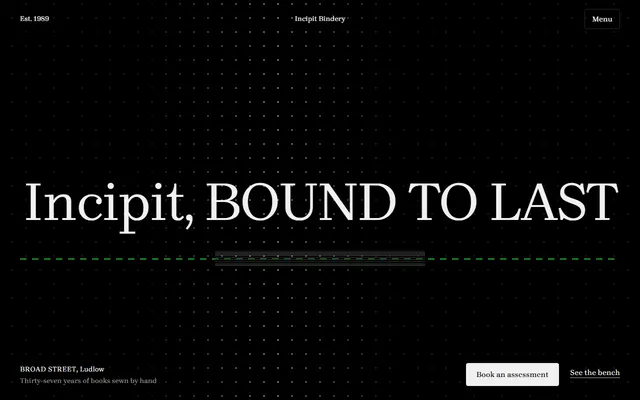
Bookbinder or paper conservator: the bench, materials, a title tester, addresses, prices and an enquiry form.
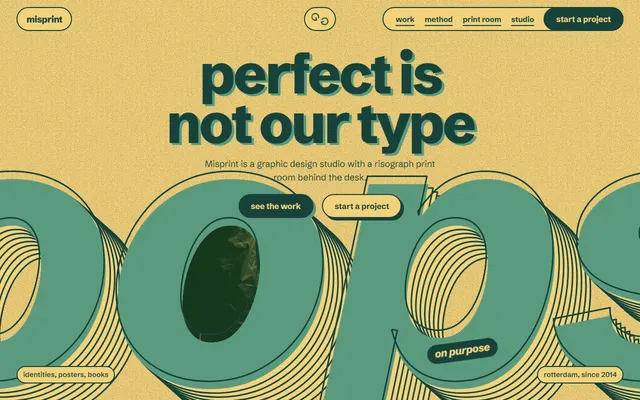
Graphic design studio with scroll animations, for design studios.
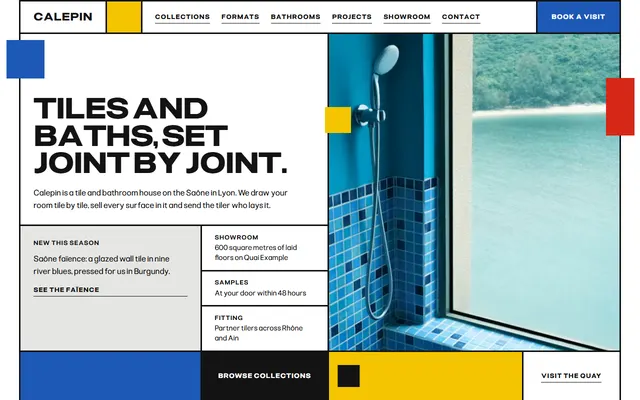
Bathroom or tile showroom: tile collections, formats, a fittings sheet, process, projects and a plan request form.