Landing page templates for vibe coding
Vibe coding means building software by describing what you want to an AI agent and accepting the code it writes; Andrej Karpathy coined the term in February 2025. This guide is for vibe coders whose app already works and who need a landing page that does not look generated: a designed single index.html the agent rewrites for the product, with an AGENTS.md that says what to keep.
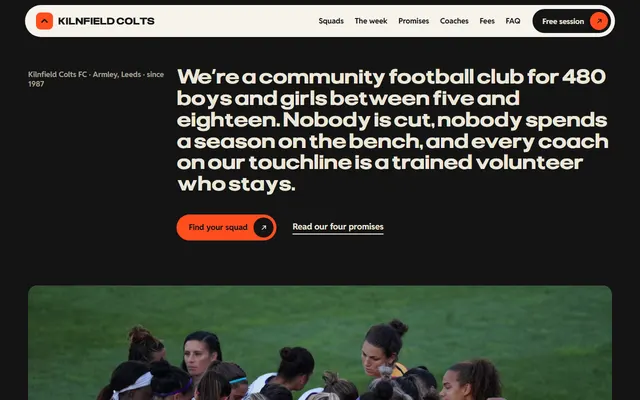
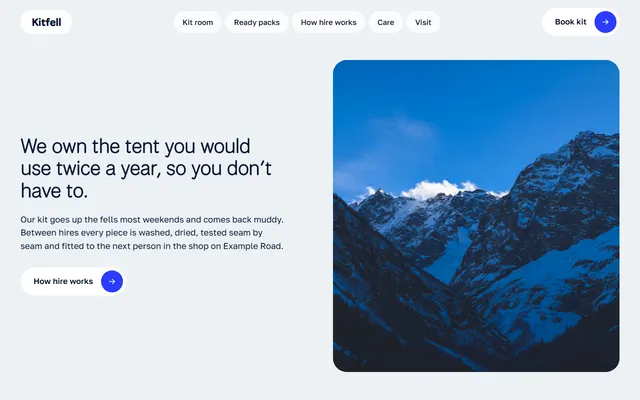
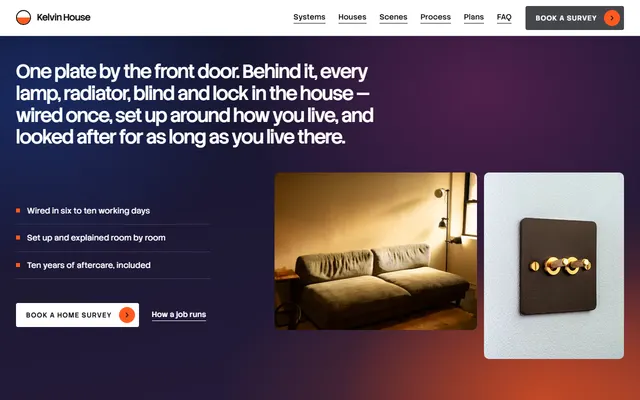
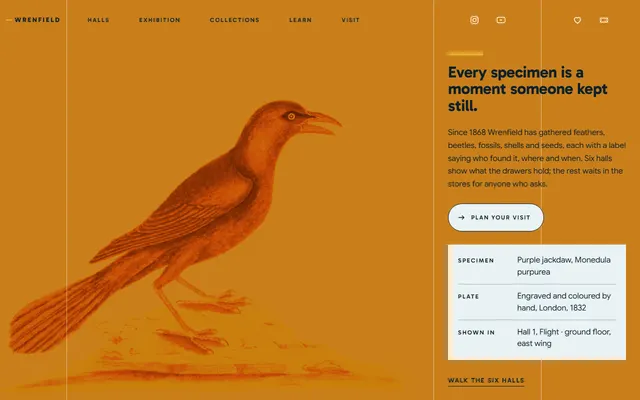
A generated landing page rarely breaks. The trouble is that visitors have seen it a thousand times: big type over a violet wash, a row of feature tiles, a pricing grid, a footer. A page someone designed carries choices an agent rarely makes on its own, such as an unusual type pairing, a palette held to a few colours and sections that move as you scroll. Your agent keeps those choices and changes the words.
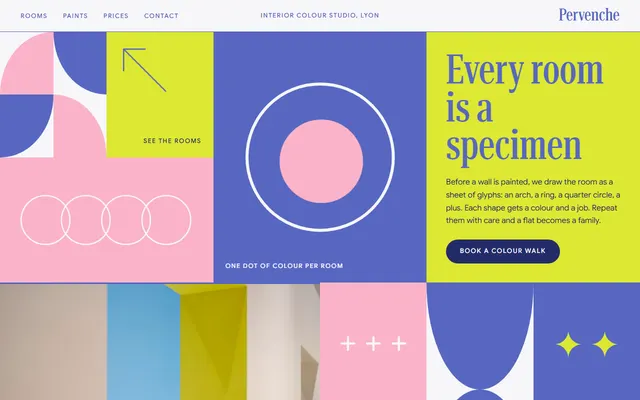
Six of the 106 templates below were drawn for software or devices: three app and SaaS pages and three vehicle and device launches. The rest were made for studios, clubs, events and local trades, and many carry a product launch well once the copy changes. Each one is a single long scroll with anchored navigation, the shape most app landings take anyway, so none needs routing, a framework or a server.
At a glance, November 2026. There are 106 templates on this page, all free under MIT and made by 8B, an AI website builder. By what you launch: 6 are product pages (three for an app or SaaS, three for a device or vehicle), and the other 100 were drawn for studios, events, venues, communities, schools, shops, trades, food and local services. Files weigh 66 to 188 KB, with 9 to 13 sections (65 have 12) and 7 to 47 photos. Every one runs its scroll animation on CSS with no library and keeps a GSAP build as a second file.

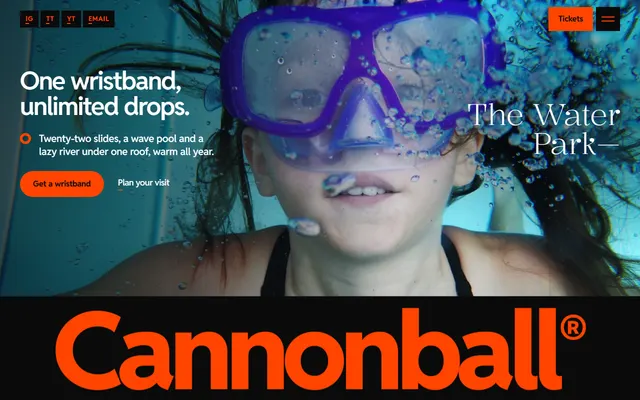
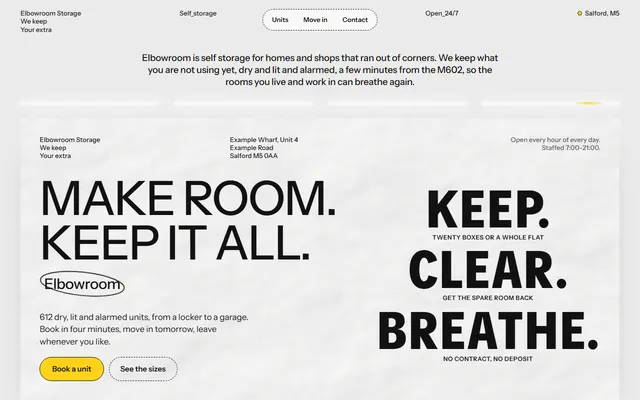
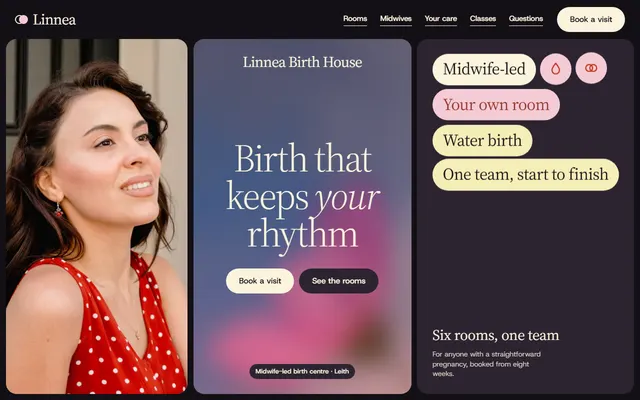
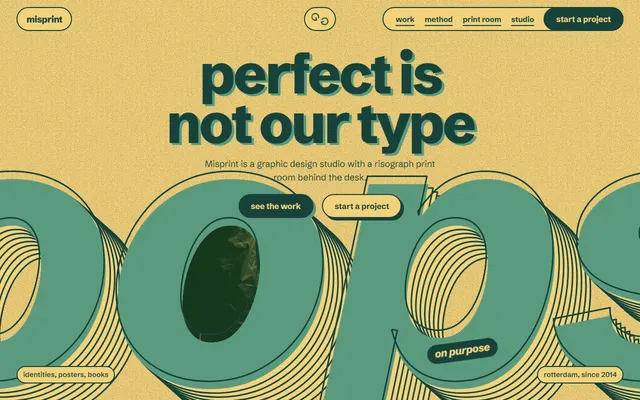
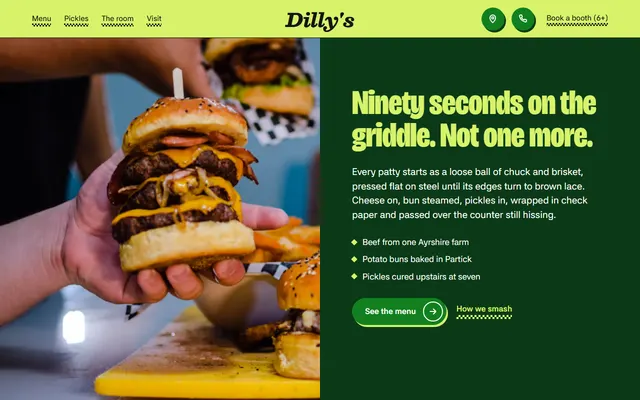
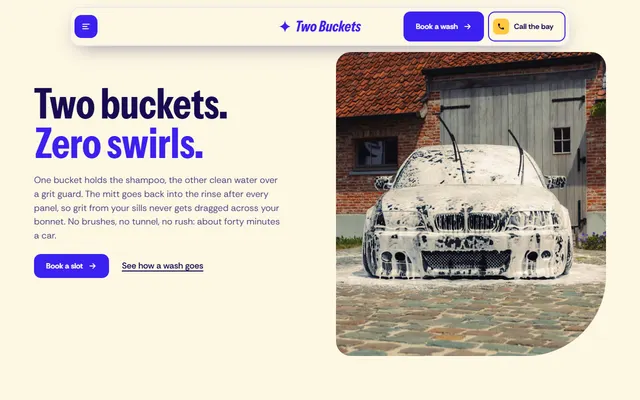
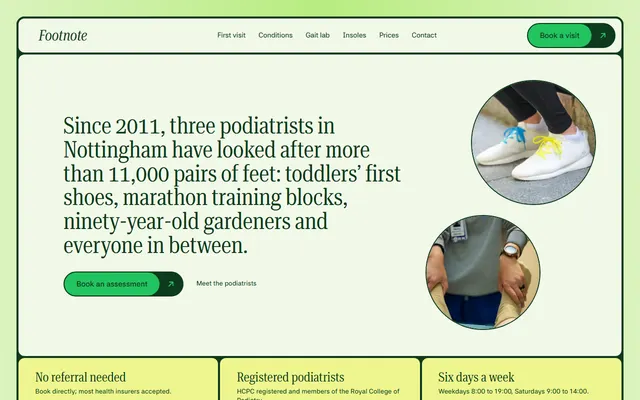
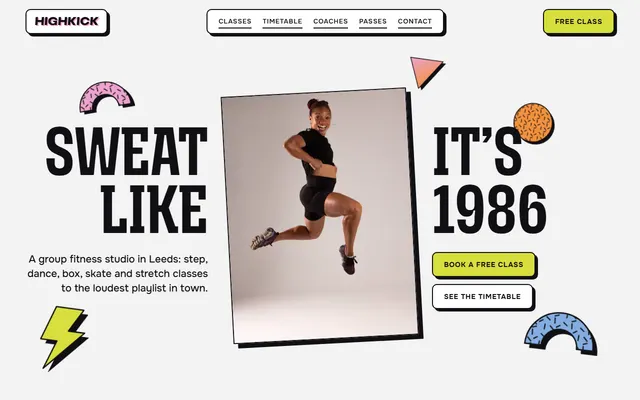
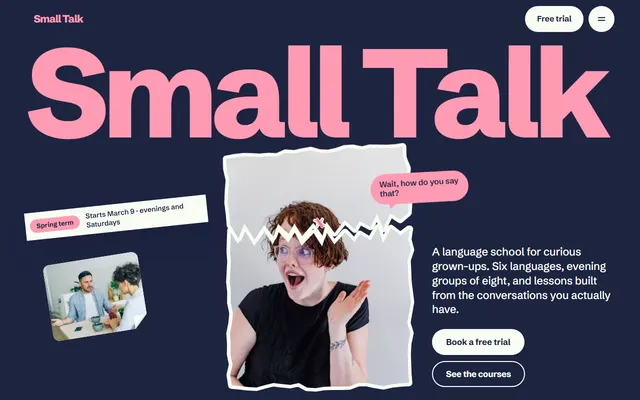
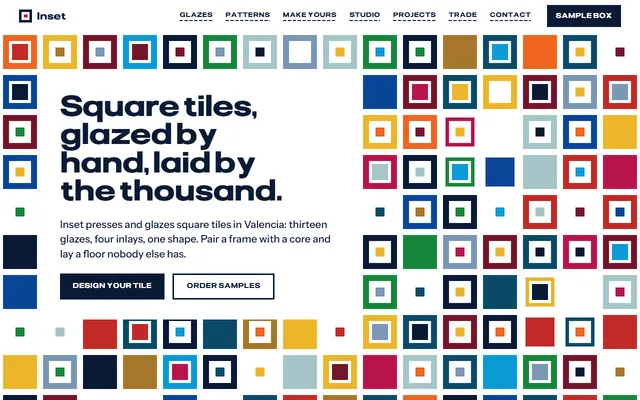
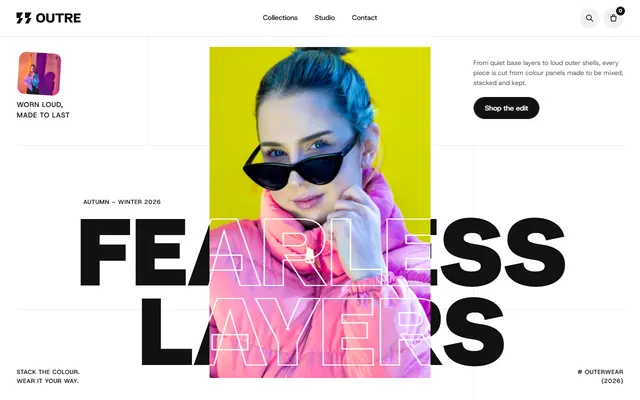
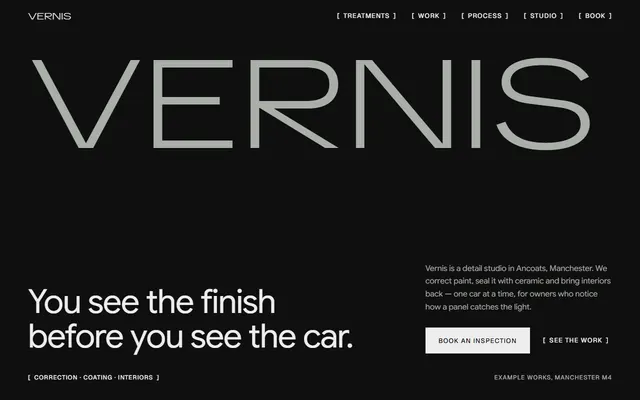
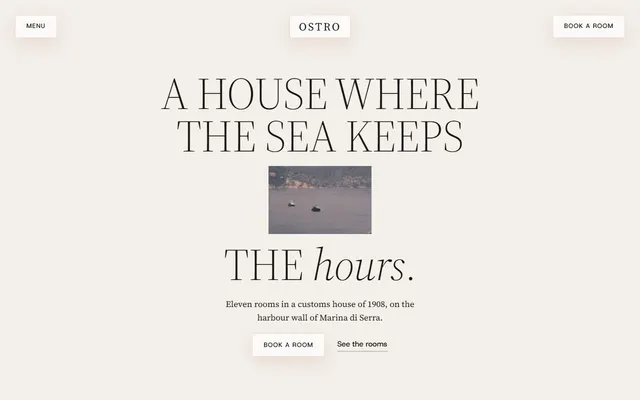
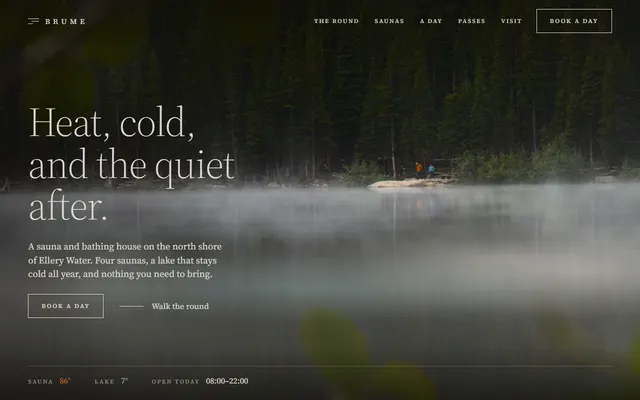
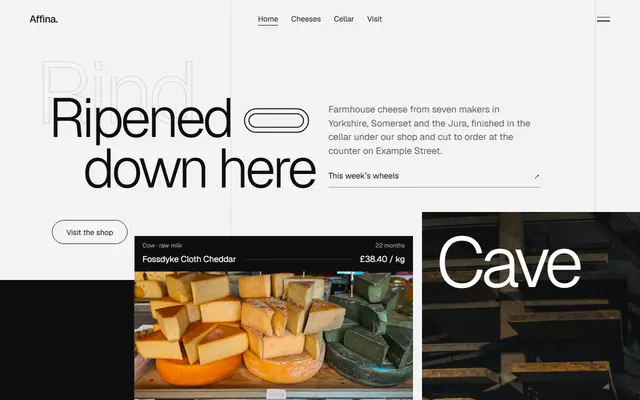
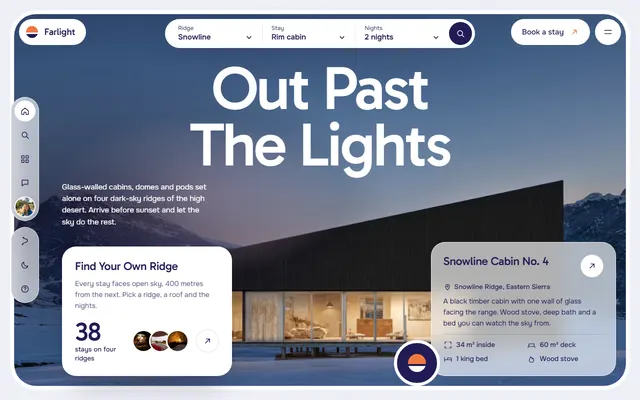
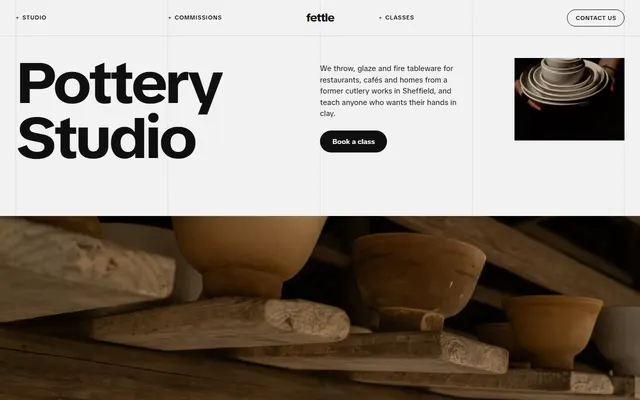
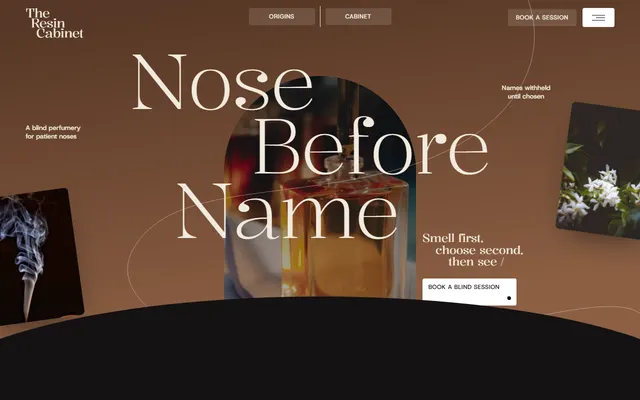
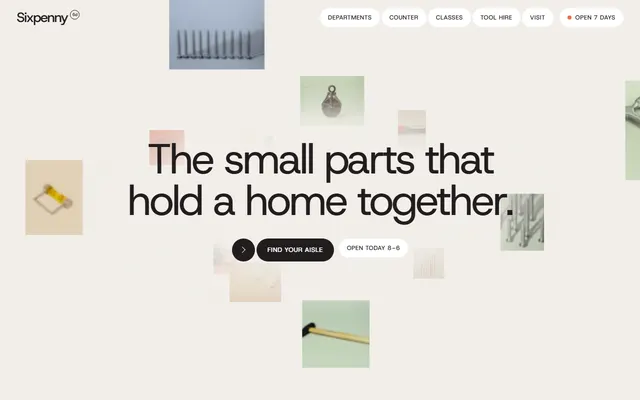
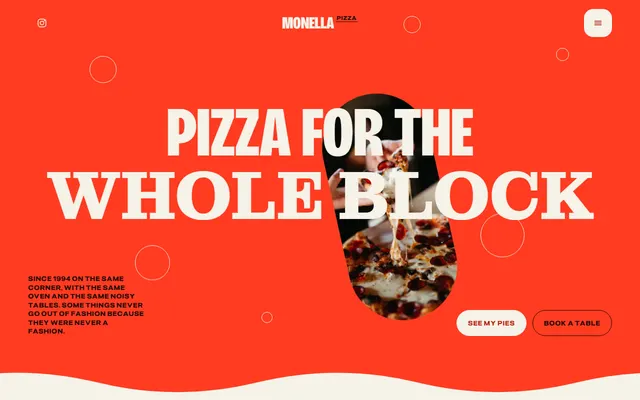
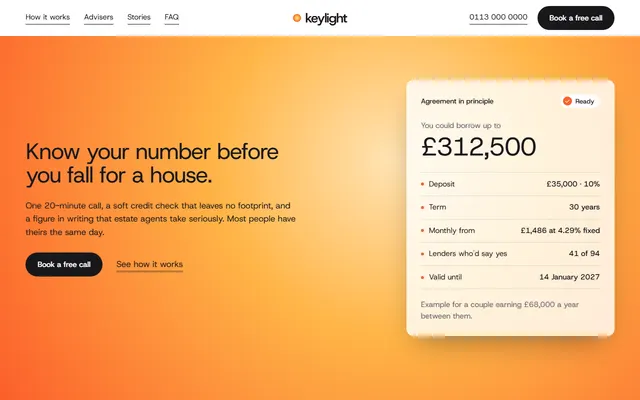
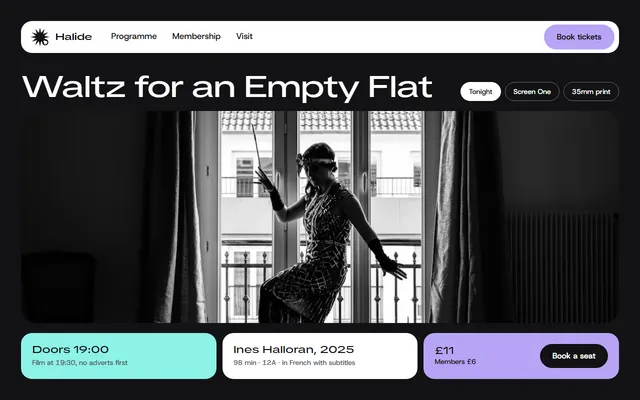
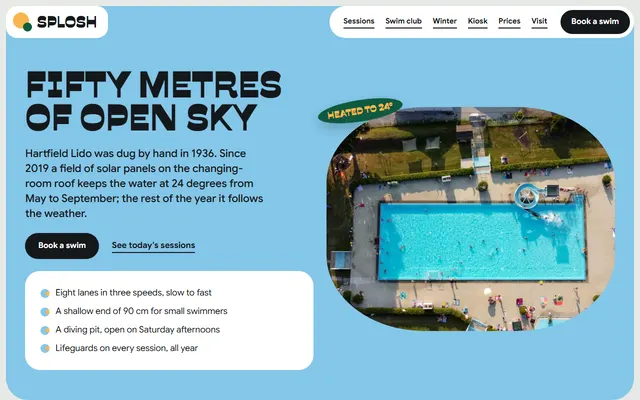
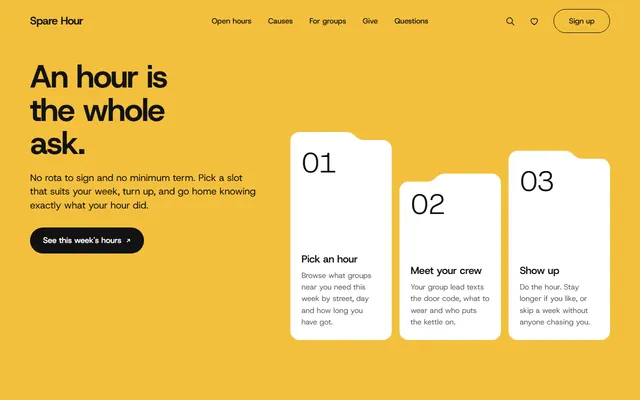
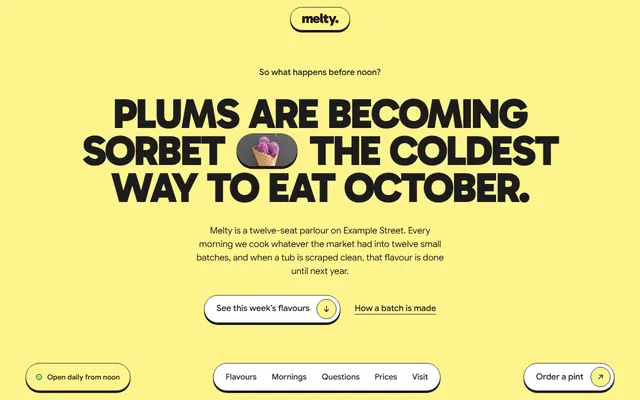
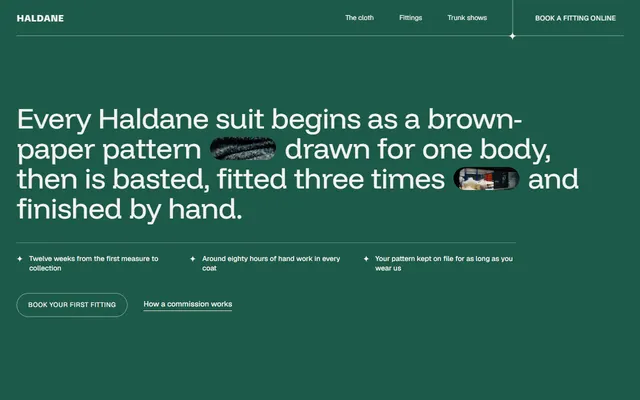
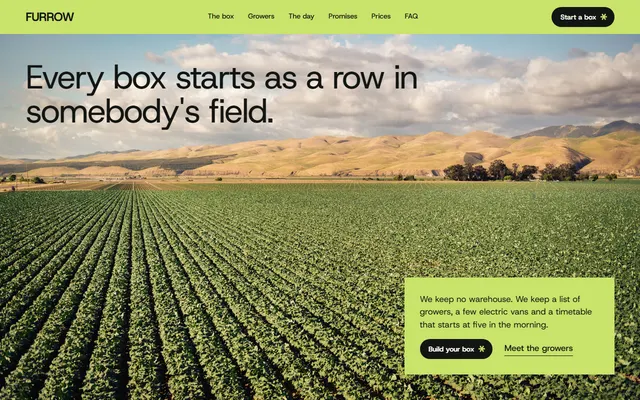
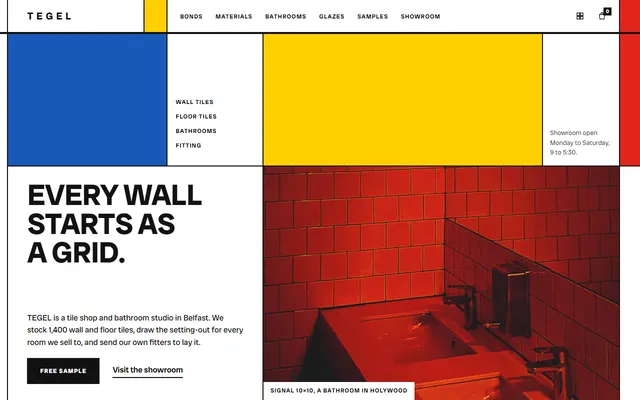
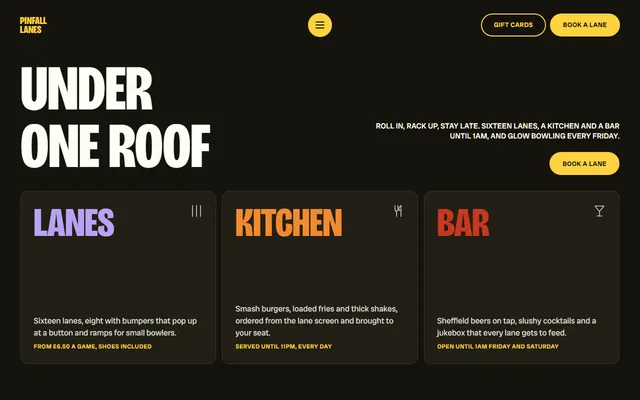
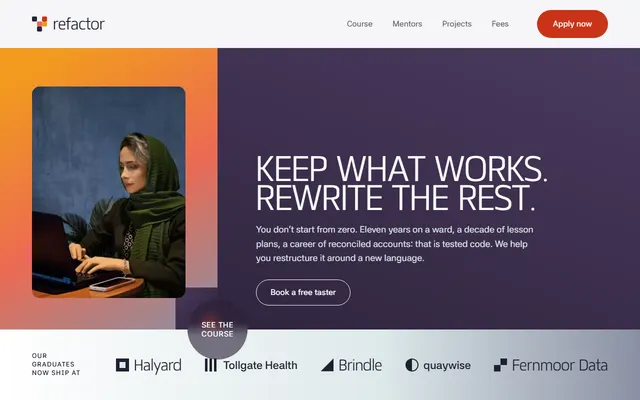
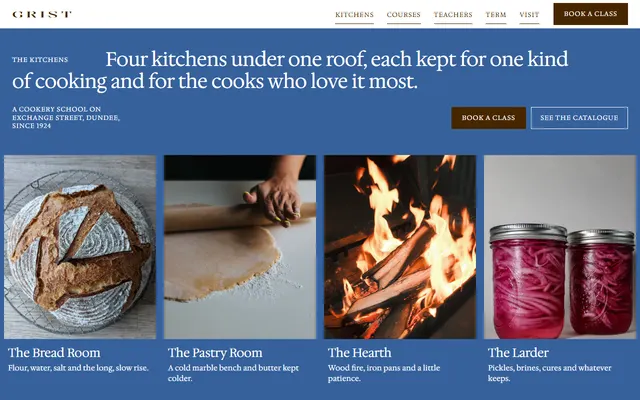
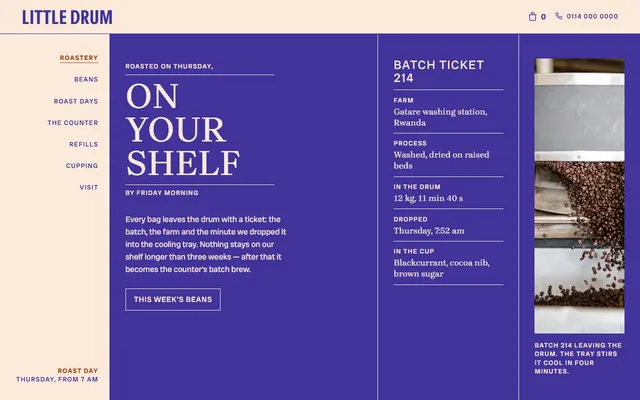
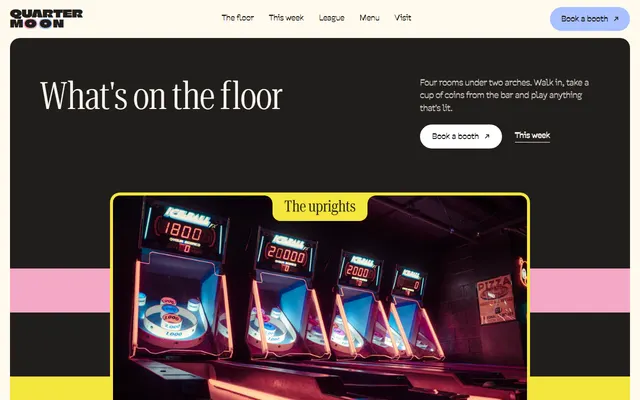
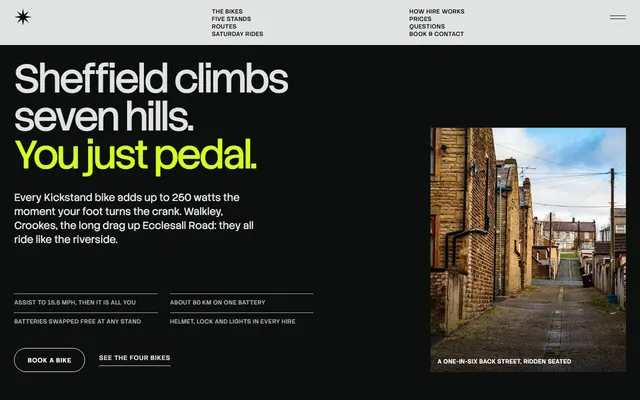
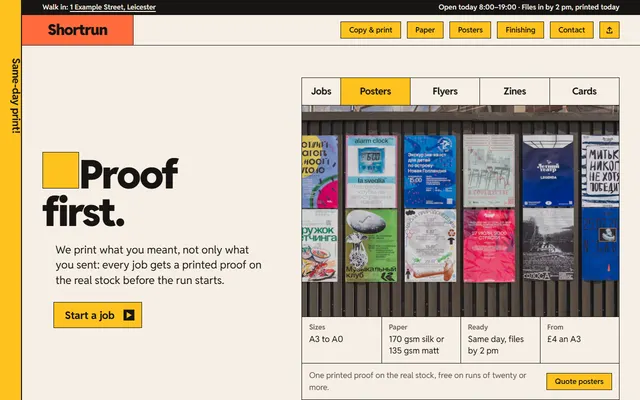
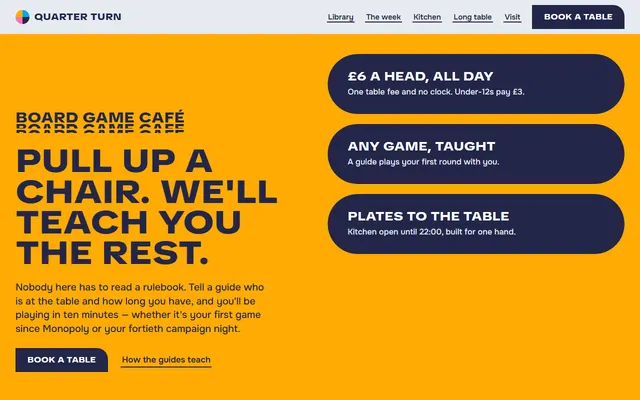
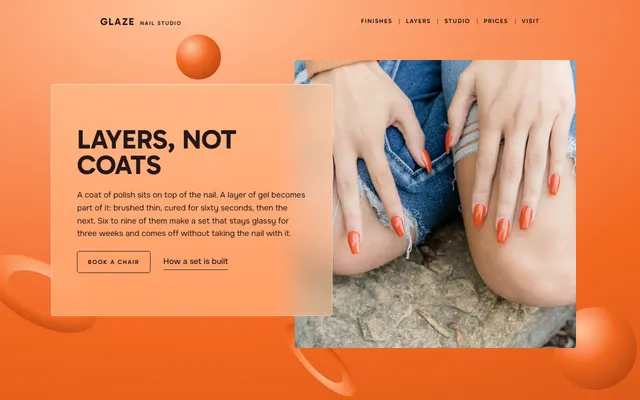
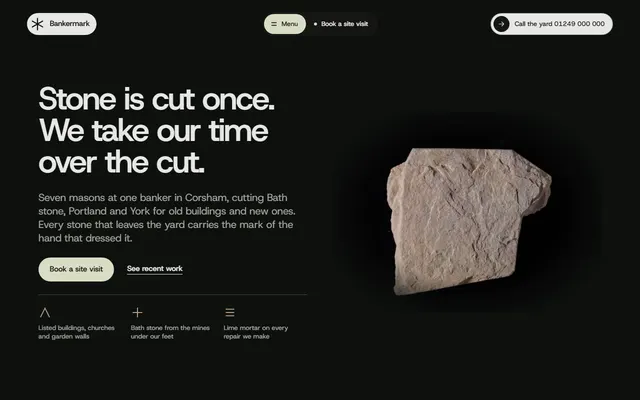
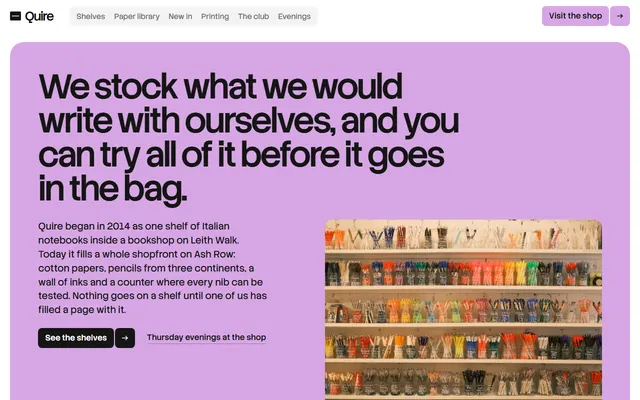
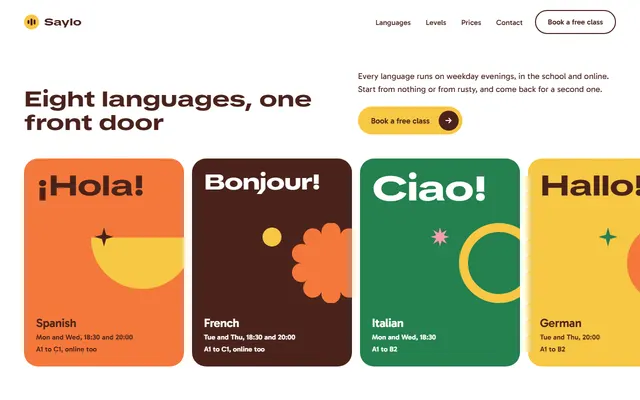
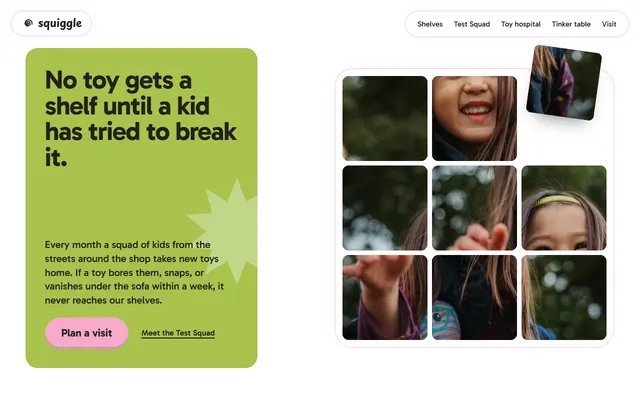
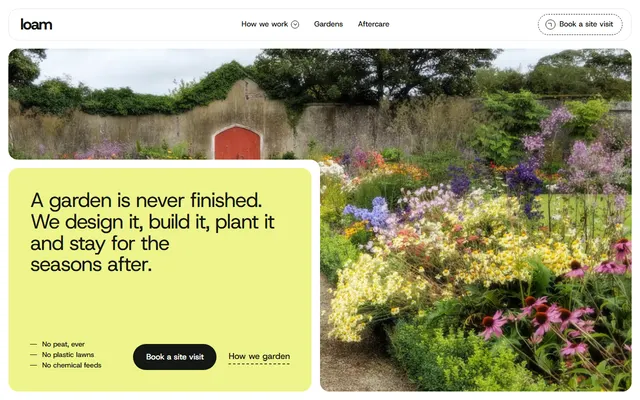
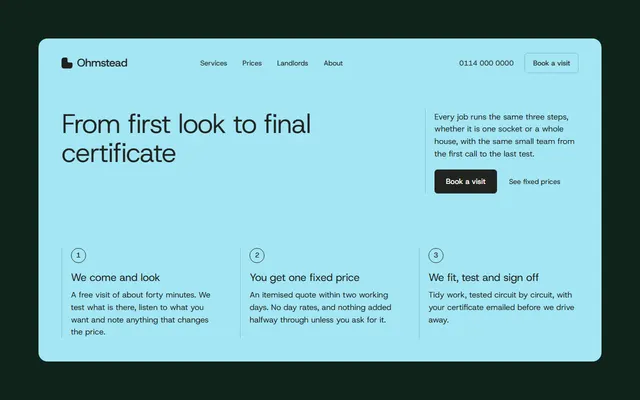
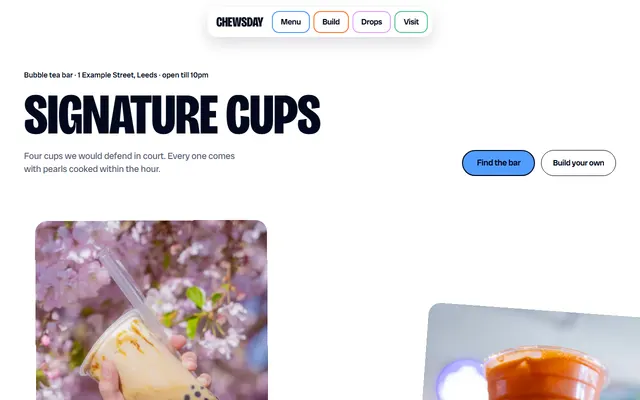
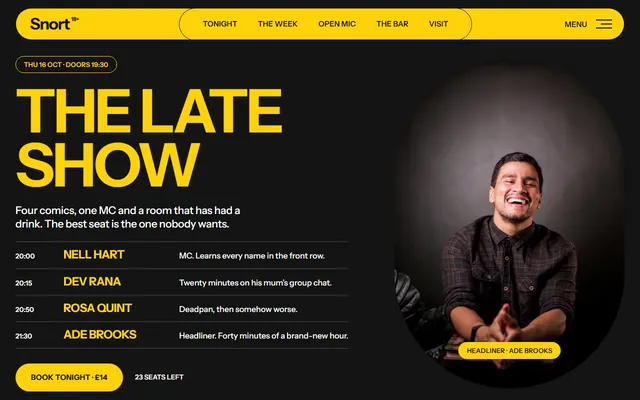
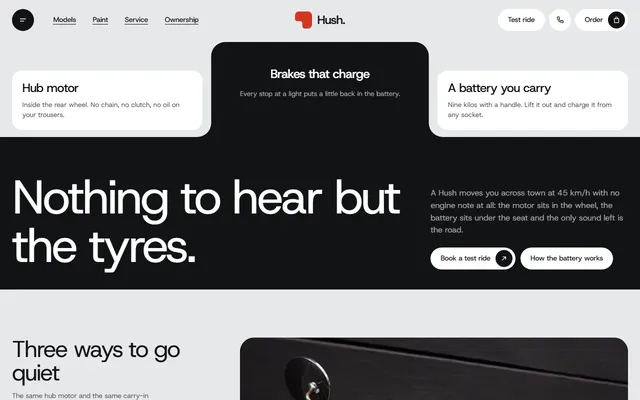
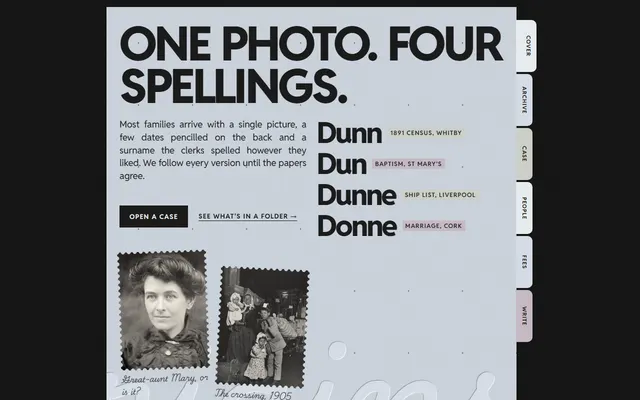
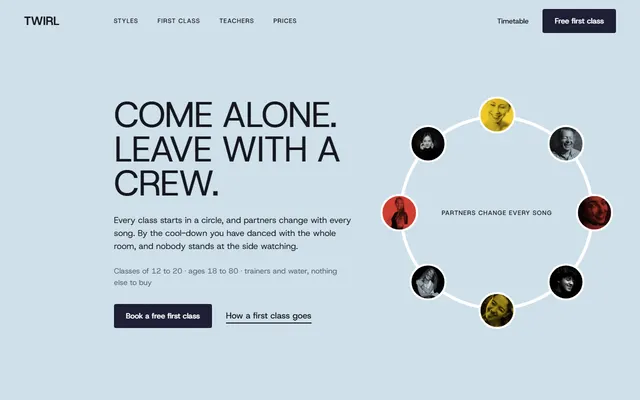
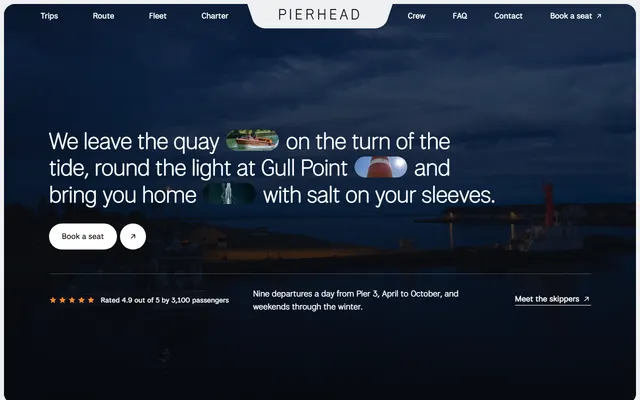
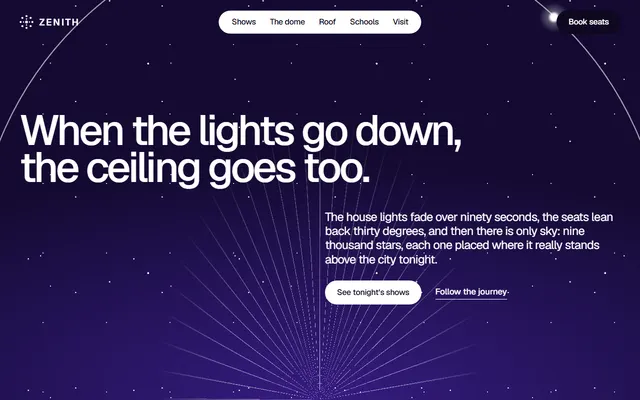
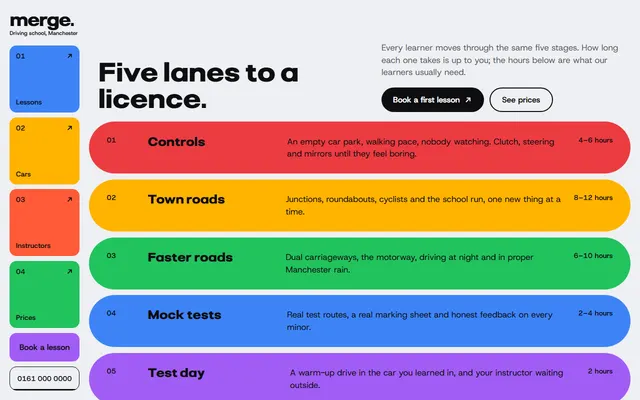
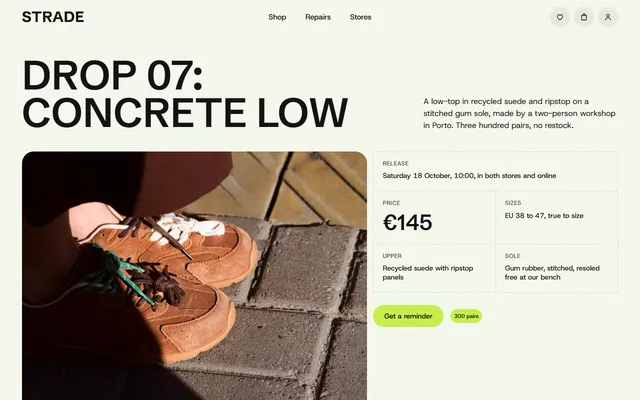
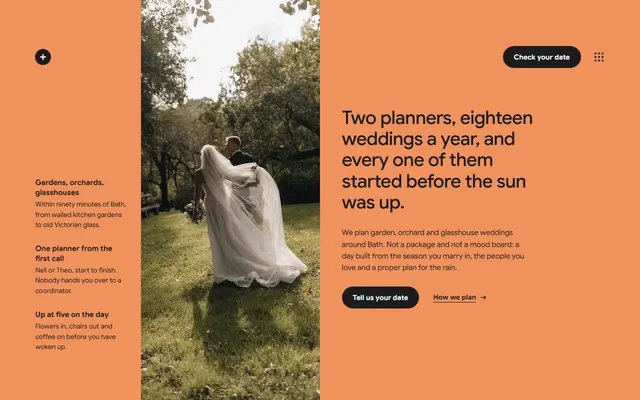
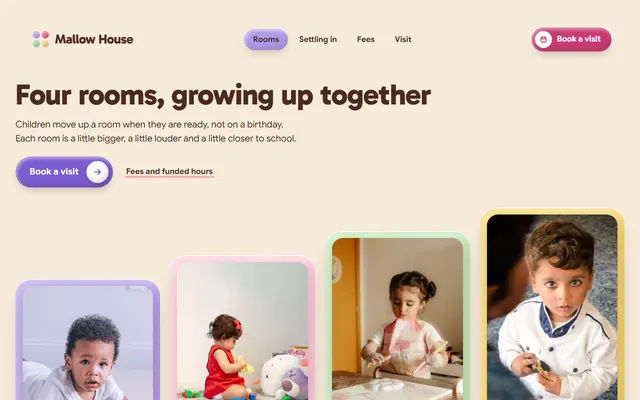
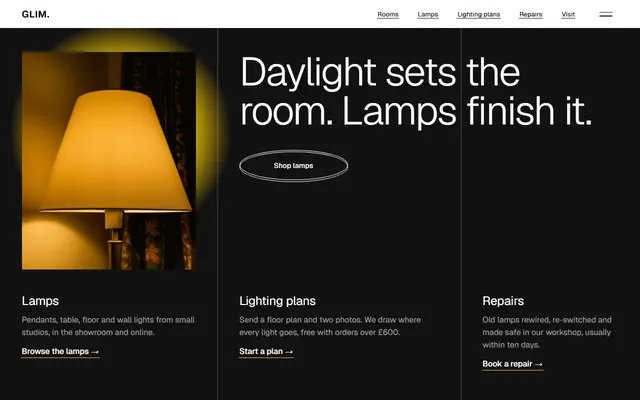
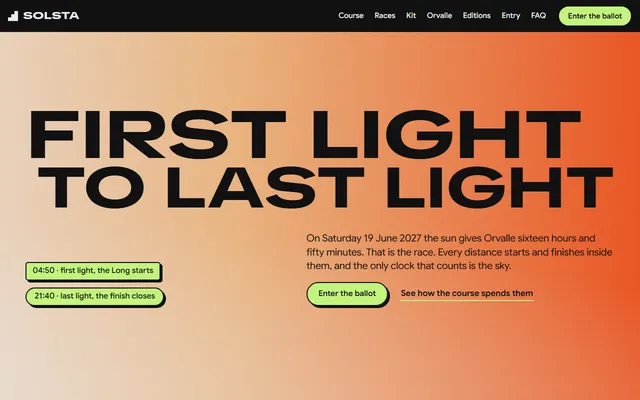
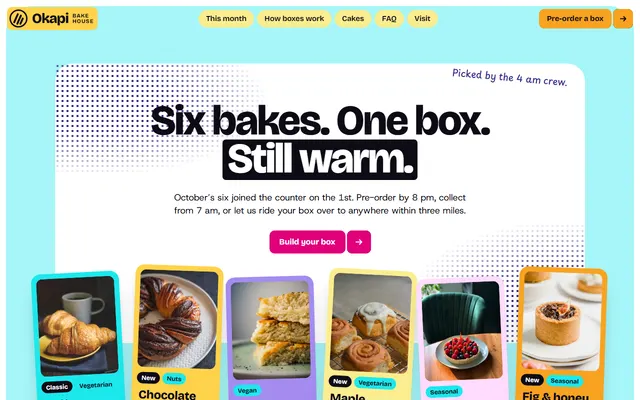
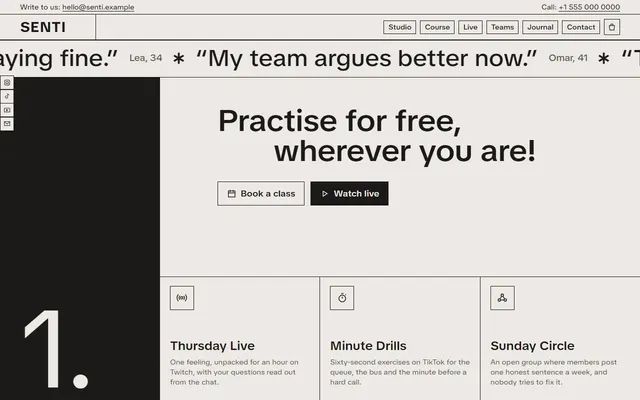
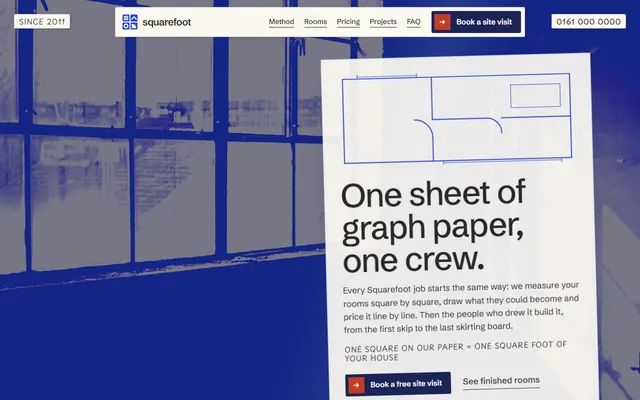
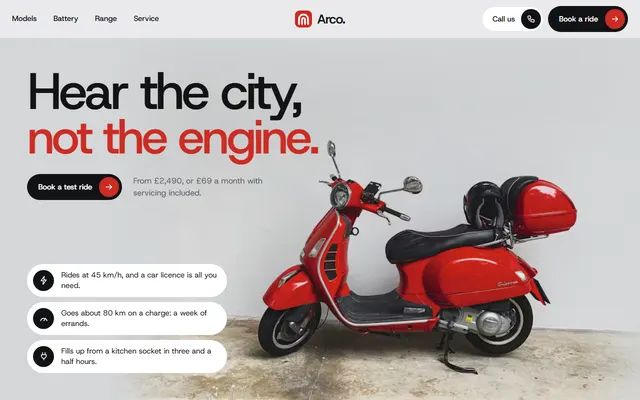
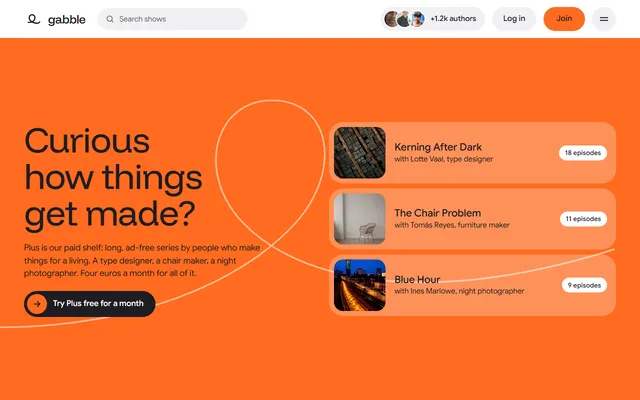
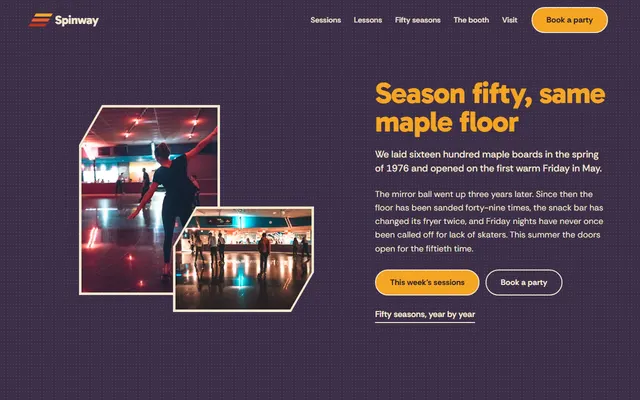
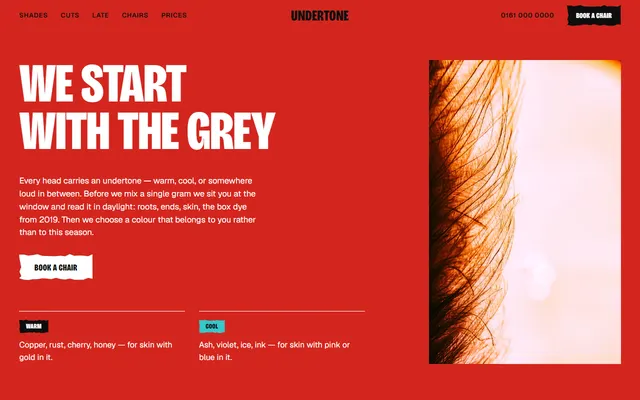
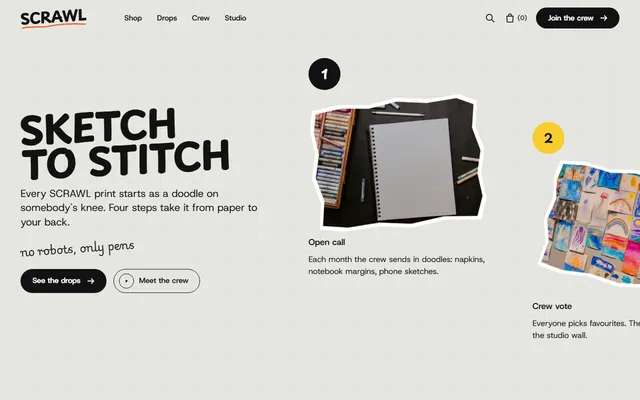
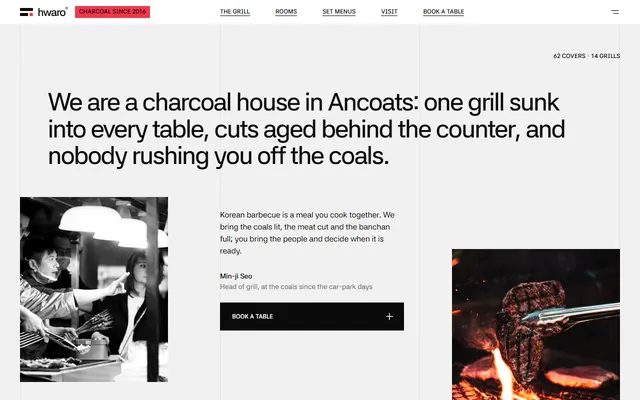
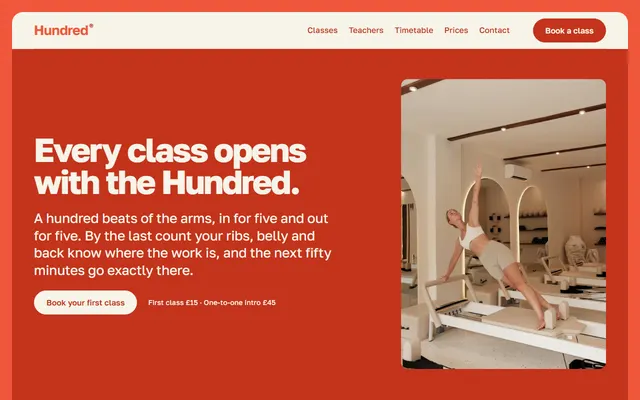
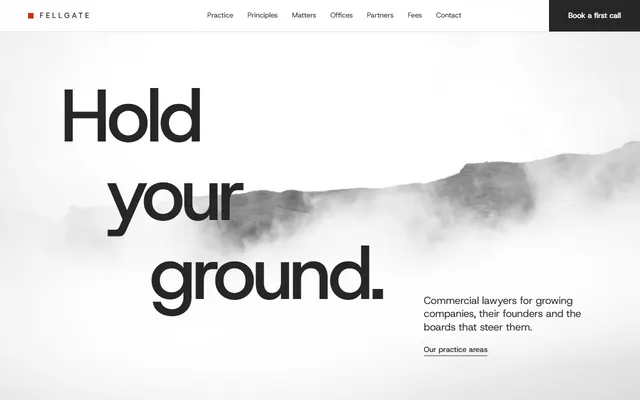
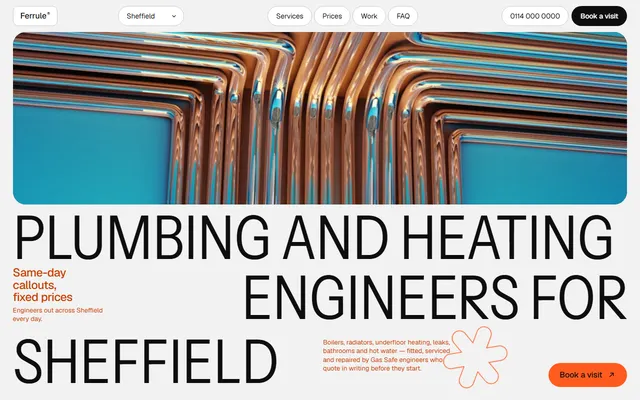
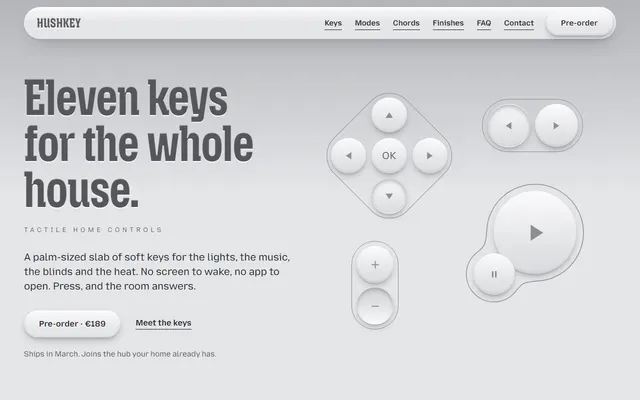
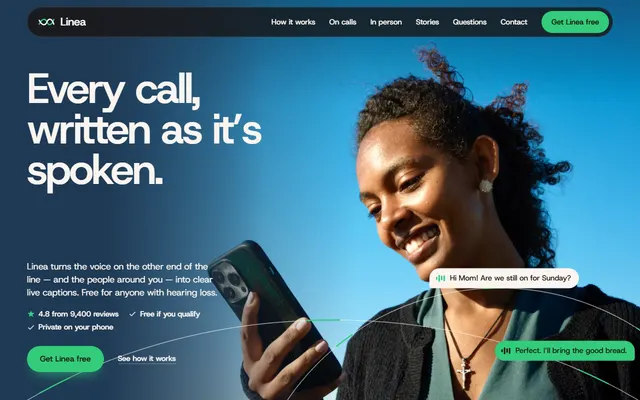
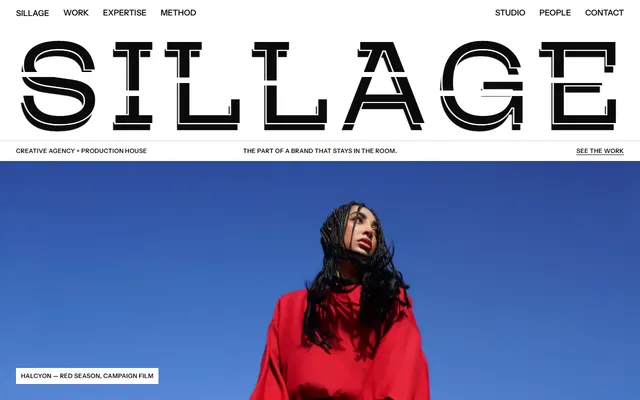

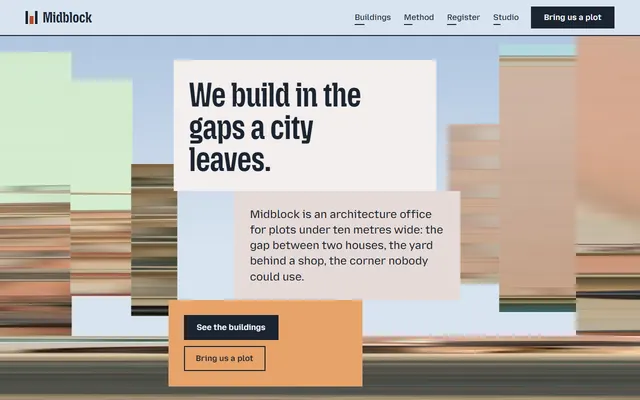
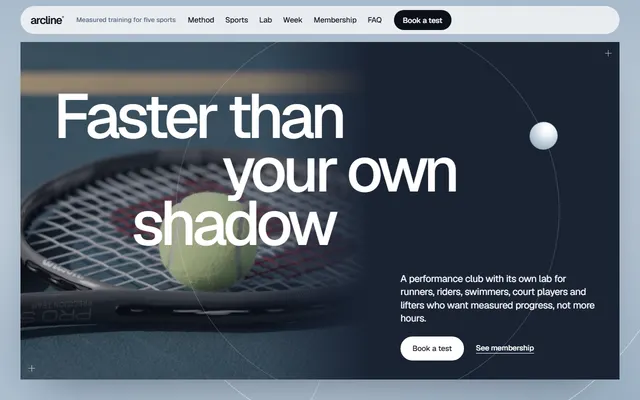
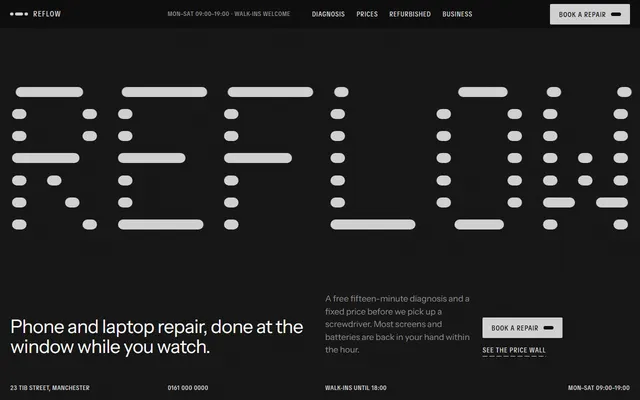
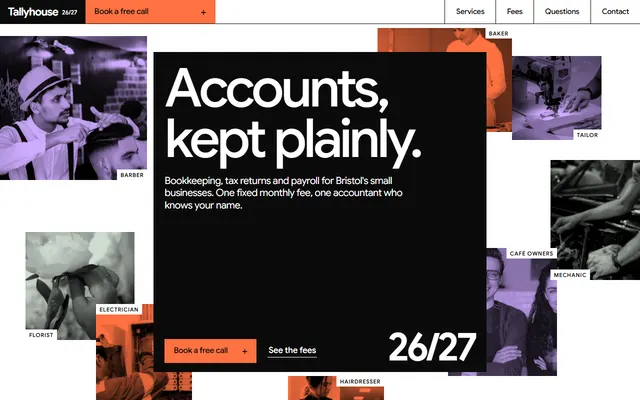
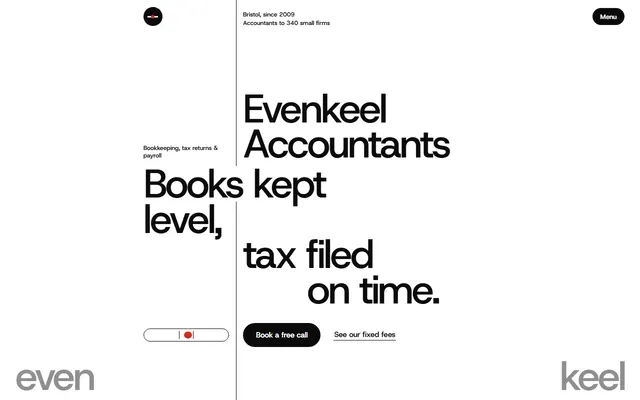
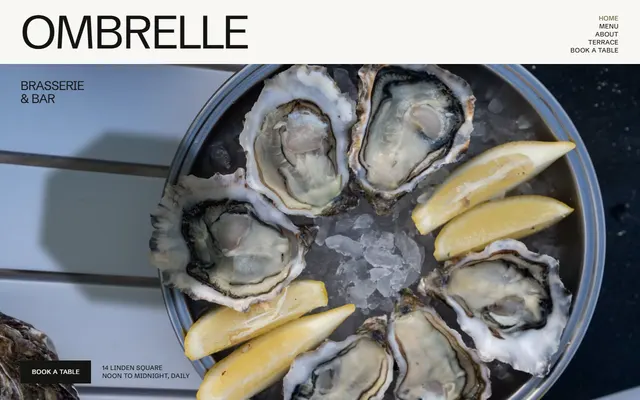
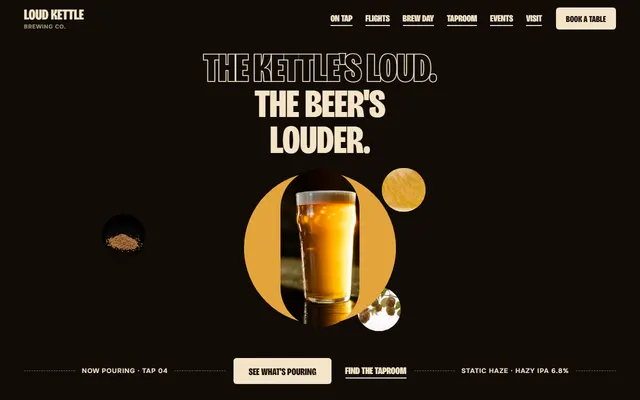
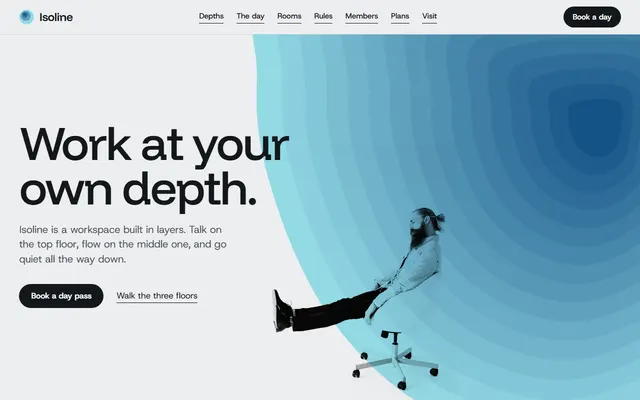
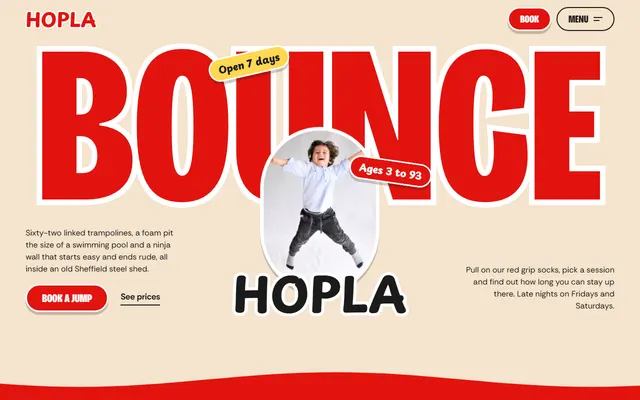
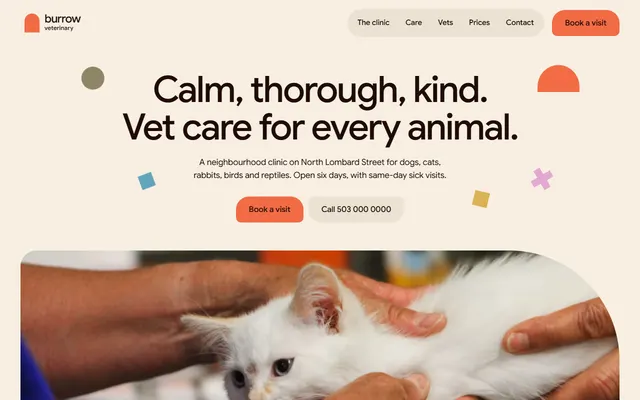
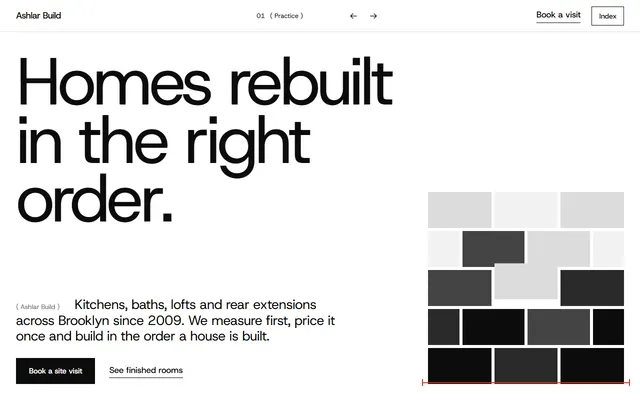
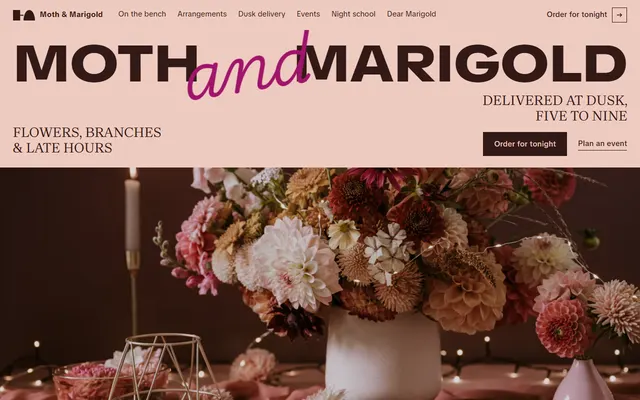
Which landing page template fits the app you are vibe coding
Choose by what the visitor has to do, not by colour. Ten pairings cover most launches, each with its catch.
- A web app or SaaS with a free plan. Start from the captioning app demo. Its phone, waveform and settings controls are HTML and CSS, not screenshots, so the agent can rewrite them into your own feature flow. Catch: a desktop product needs the phone frame reworked or a screenshot slot.
- Hardware, a gadget or a pre-order. The page for a pressable device draws the product from soft round keys in CSS, sells two finishes with their own pre-order buttons and closes with a FAQ and a contact form. Catch: the tactile grey look can feel off for pure software.
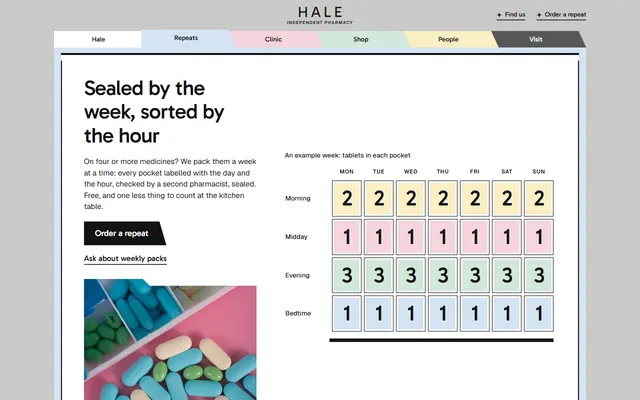
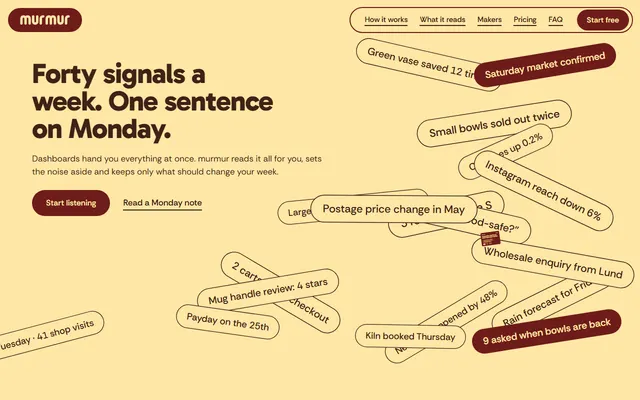
- A tool that reports on a schedule: a weekly email, a digest, a monitor. The weekly-advice app page shows the note on a drawn phone, lists five data sources, compares two plans and ends in a contact form. Catch: the form sends nothing until you connect a service, and its start buttons point at the plans.
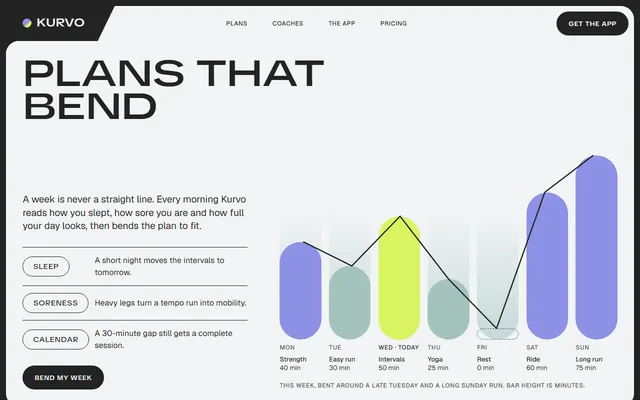
- A consumer app sold on plans. The training app page has an adaptive weekly chart, three plans and a monthly challenge. Catch: there is no form at all, and every plan button still points at an anchor, so each needs your sign-up or store link.
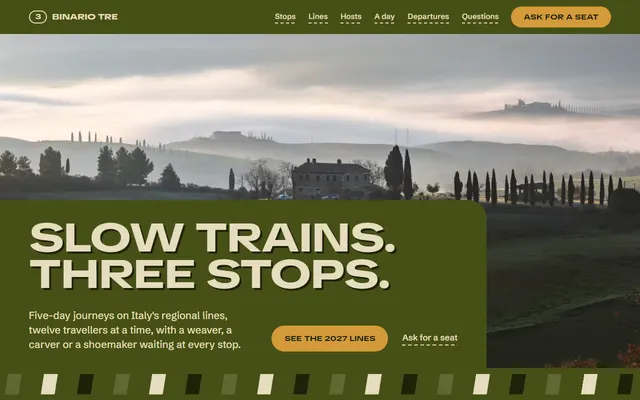
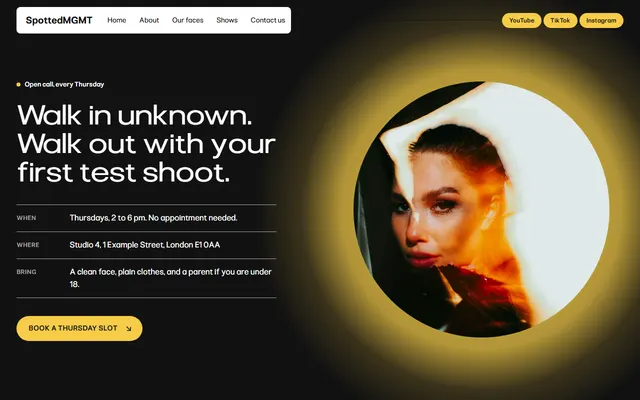
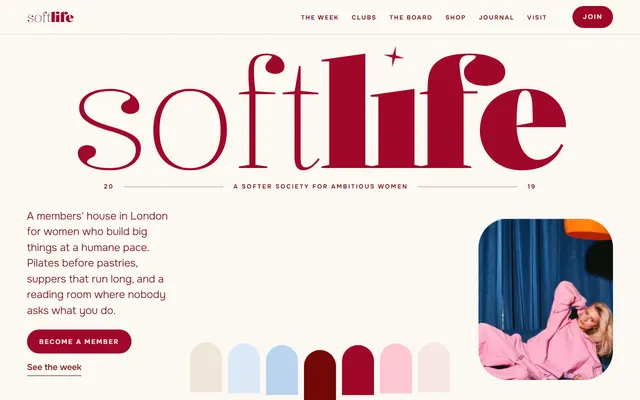
- A community, a paid newsletter or a membership app. The women's social club has a weekly programme, three membership tiers on cards that turn over, a journal and a small shop. Catch: its script accent and warm tone suit a lifestyle brand; for a developer community the coworking template, with day passes and evening talks, is cooler.
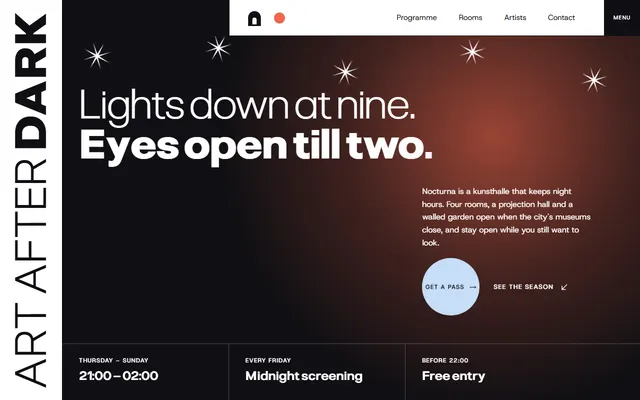
- An event: a launch day, a hackathon, a meetup. The music festival page has a lineup with round portraits, venue zones on a round plan and three passes with a button each. Catch: it has no form, so sign-ups go through your ticket shop link or an email address.
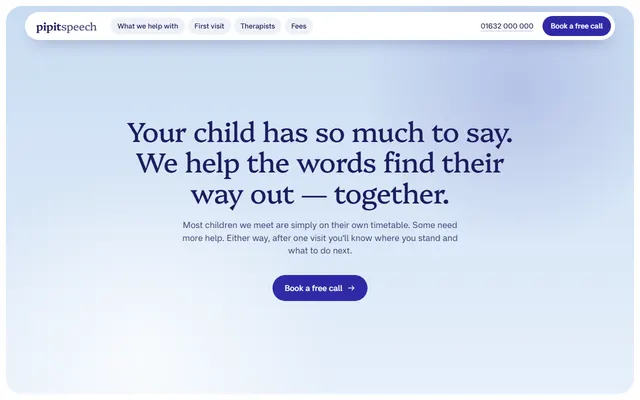
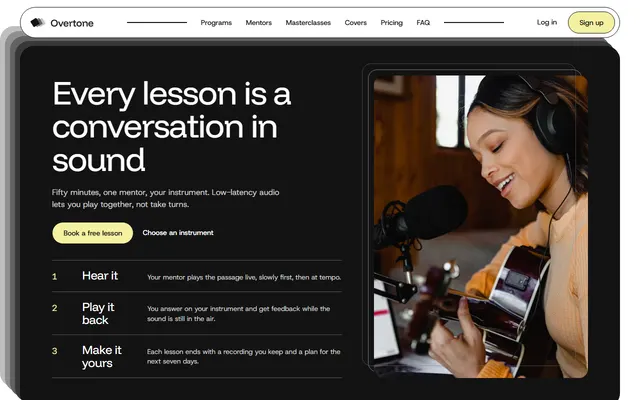
- A course or cohort for developers. The evening coding school has a five-module track, a weekly timetable, four taster dates and three fee plans, which map onto a bootcamp, a workshop series or a paid cohort. Catch: its contact form is a stub, and the Apply buttons land on it until you give each a real link.
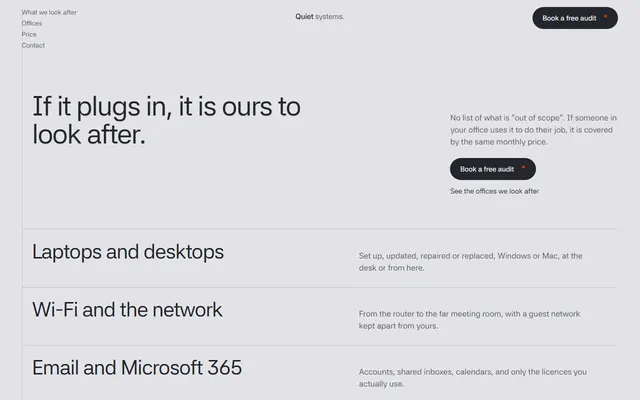
- Usage-priced or B2B software. The IT support firm page prices by headcount with a slider that updates the total, so the agent can swap seats for requests or projects. Catch: the slider needs JavaScript, and the audit form sends nothing.
- A product drop, merch or a one-off release. The sneaker shop page centres on one drop with specs and a price, plus a lookbook that runs sideways. Catch: the bag icon only jumps to the drop section until you give it a cart URL, and there is no cart in the file.
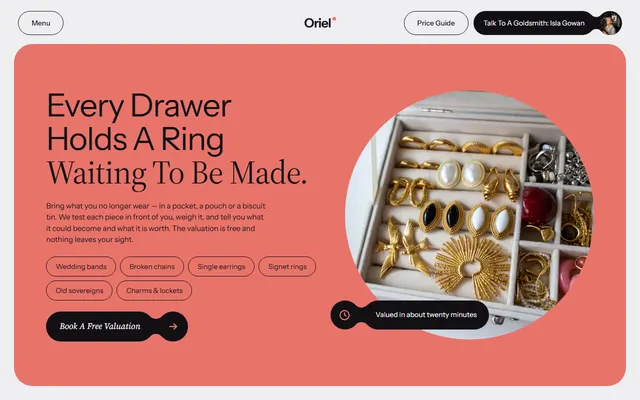
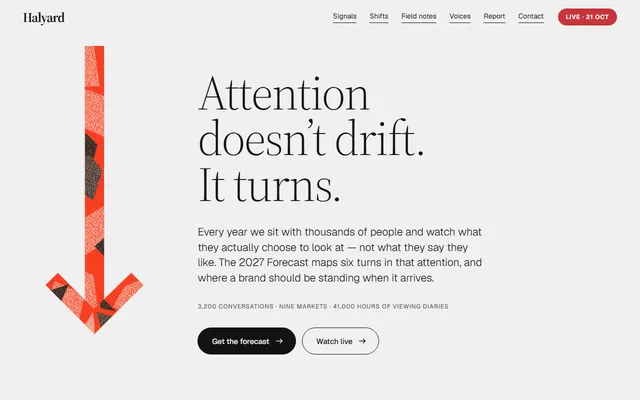
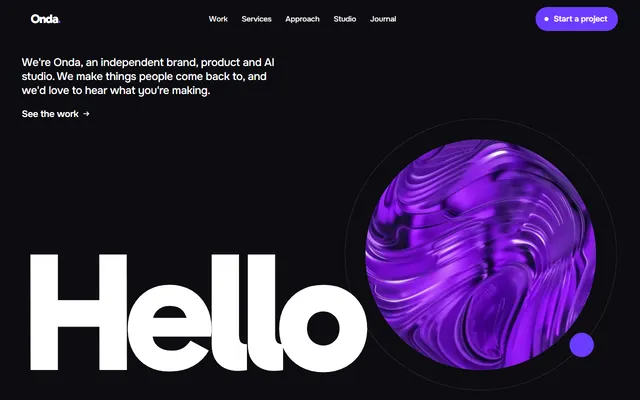
- An indie studio, a dev agency or a maker portfolio. The brand and digital studio slides its case cards sideways, lists services, a method and a journal, and its footer holds a one-field email form that can become a waitlist.
Six more cases need rewording.
- A device with models and a test ride. The electric moped page has a model picker and ownership plans that fit a hardware subscription.
- A yearly event with a limited entry list. The mountain race page has a ballot and fees section that can become a hackathon or conference ticket draw. Its form opens the visitor's mail program, so swap it for a real endpoint.
- An open-source project or community that asks for time and money. The volunteering network page has a donation picker and a sign-up form. The picker takes no payment until it points at your donation page.
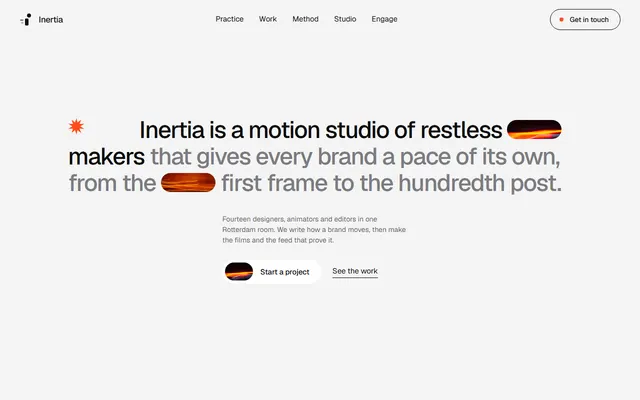
- A studio selling films and short engagements. The motion studio page has three plans and a brief form.
- A demo day, screening night or awards with an entry call. The screening series page has eight strands, an opening night, a jury, a call for entries and two passes. Its Submit button opens an email to the submissions address, so point it at your entry platform.
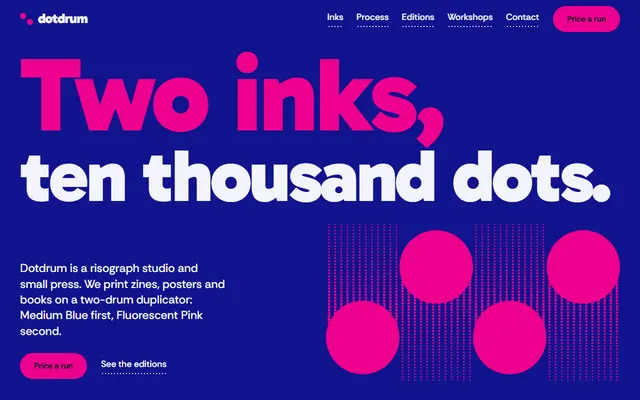
- A design studio that also prints merch or zines. The risograph studio page shows five jobs in a sideways row, a print room rates table and a contact form that sends nothing until connected.
Why a designed HTML file beats a generated vibe coding landing page
An agent writing a landing from nothing averages everything it has seen, and the average is forgettable. Given a designed file, its task shrinks to filling a structure that is already decided: layout, type scale, colours and scroll motion stay, while words, prices and photos become yours.
- No install, no build. Markup, styles and the animation code live in one
index.html, with no package.json to upgrade. - Rules beside the page. The repository adds
AGENTS.md(classes the scripts look up, placeholders, demo facts to ask about), the MITLICENSEandCREDITS.mdwith photo and font sources. - Brand colours in one block. Palette and fonts are CSS variables in
:root, so matching your app is one small edit. The same values, with the type scale and spacing, are written out in a DESIGN.md beside each template.
These are AI coding website templates in the literal sense: any agent that edits files can work on them, and you can read every changed line in a diff.
Vibe coding the landing in Cursor, Codex, Windsurf and Gemini CLI
The routine is the same in every editor agent: files in the landing folder, rules in view, then your product. For the app template, in Git Bash, macOS or Linux:
for f in index.html AGENTS.md LICENSE CREDITS.md; do curl -LO https://raw.githubusercontent.com/8bsite/app-landing-page-template/main/$f; doneFor another template, swap the repository name in https://raw.githubusercontent.com/8bsite/<repository>/main/<file>; each template page shows its repository. What each tool loads by itself decides whether the prompt has to mention the rules:
- Codex reads
AGENTS.mdbefore it does any work, so the rules apply without asking. - Cursor documents
AGENTS.mdin the project root or in subfolders as a plain alternative to its own rules files. - Windsurf, renamed Devin Desktop in June 2026, discovers
AGENTS.mdfiles automatically and treats a root one as an always-on rule. - Gemini CLI loads
GEMINI.mdby default. AddAGENTS.mdtocontext.fileNamein itssettings.json, or name the file in the prompt.
Naming the file in the prompt costs nothing and works in all of them, so the prompt below opens with it. Claude Code has habits of its own, covered in the separate Claude Code walkthrough.
Open AGENTS.md and follow it while you edit index.html. This page becomes the landing for <app name>, <what it does, for whom>. The main button goes to <https://app.yourdomain.com/signup or the waitlist form>. Keep every section, class, data attribute and animation. Swap the demo copy, reviews, numbers and contacts for mine; where you lack a fact, add it to a list of questions instead of making one up. When you finish, summarise what changed in each section.Open the result at full width and at 375 px with the browser console open, then once more with reduced motion switched on in your system settings: entrance and scroll animations, the drifting depth layers among them, and smooth scrolling should stop while every section still reads. Fix one section per request.
Lovable, Bolt and v0: these landing designs in an AI app builder
Lovable, Bolt and v0 generate their own project code, usually React, so they do not take an HTML file as it is: pasted in, it comes back as an approximation. People who search for Lovable templates or v0 templates want a starting design, and here a design has to travel as a description.
That description exists for one template. The product launch page carries a full rebuild prompt: a one-paste quick version, a base prompt with the palette, fonts and component styles, one prompt per section, a last one for the transitions and a checklist. Paste the base, then the sections one by one. Expect the same style and scenes fitted to your product, not a pixel copy.
The other 105 have a shorter design prompt on their template pages but no full rebuild set, so the simpler route keeps the landing out of the builder: make the app in Lovable, Bolt or v0, publish the HTML landing on your main domain and point its buttons at the app. Lovable and Bolt both document connecting a subdomain such as app.yourdomain.com, so Bolt websites and Lovable apps can share one domain with the landing.
Vibe coding these templates in your tool
File-based agents edit the HTML itself; app builders rebuild the design in their own code from the design prompt. Each tool has its own page with exact steps.
- Cursor opens the downloaded folder and reads AGENTS.md from the project root, so the Cursor setup in Plan mode edits the real file with no extra configuration.
- Codex runs from the command line, the editor extension or the cloud, edits the real files and reads AGENTS.md itself; the cloud route needs a GitHub copy.
- Lovable writes its own code, so the Lovable route pastes the template's design prompt with the public demo address as a reference, and you still press send.
- Bolt builds its own project from the design prompt and a screenshot; the Bolt walkthrough also covers attaching index.html or importing the public repository.
- v0 recreates the look from a prompt and screenshots, as its projects are Next.js or Vite; the v0 steps build the first screen, then each section.
- Base44 takes a prompt and picture, a Start from URL link to the demo, or a connected repository; the Base44 route does not promise to keep the HTML file as it is.
- Google AI Studio Build mode writes new React code from the prompt, while Gemini CLI edits the file itself; the Gemini page explains when to pick which.
- Replit imports the public repository by address or a ZIP and detects the stack; the Replit import steps keep the file as it is for Agent to edit.
Landing on the main domain, the vibe-coded app on app.yourdomain.com
Splitting the two is the cleanest setup for a vibe-coded product: a static landing on yourdomain.com, the app on app.yourdomain.com on whatever stack it uses. A copy fix never triggers an app deploy, and a failed app build never takes the marketing page down. Four jobs finish the landing:
- Point the buttons. In the app template the sign-up and download buttons jump to an anchor on the page; give them your sign-up URL or the store links. AGENTS.md lists each button and its current target.
- Wire up the form. Until you give it a Formspree, Netlify Forms or own endpoint, a form only checks its fields in the browser and shows a status line. For a pre-launch waitlist one email field is enough, and the agent can strip the rest.
- Write the meta and Open Graph tags. Set the
<title>, meta description,og:title,og:descriptionand a preview image (1200 by 630 pixels is a widely used size). With no image, deleteog:imageand settwitter:cardtosummary. - Publish. Upload
index.html, LICENSE and CREDITS.md to Netlify, Cloudflare Pages or Vercel with no build command, or copy the template repository and switch on Pages in its settings. Attach the main domain to the landing and the subdomain to the app, then test both on a phone.
What to ask before a vibe coding landing page goes live
The demo content in every template is invented: names, prices, reviews, ratings and addresses. An agent left to fill gaps will publish fake social proof under your brand, so paste the real facts into the prompt.
- The product name, the one-line promise and who it is for, in your users' own words.
- The one action the page asks for: sign up, join the waitlist, pre-order, download, book a call.
- Pricing and plan names, or a plain statement that pricing comes later.
- Numbers you can stand behind: users, a rating, a launch date. Leave the line out if there is none yet.
- Real screenshots, a support email that will be answered, and links to your privacy policy and terms.
Limits of HTML templates in a vibe coding stack
- Not a component library. These are pages, not React components. An agent can split one into components for a Next.js app, but every section's animation then has to be rewired.
- One page, one language. No blog, docs area or CMS, and the demo copy is English.
- Outside requests. The page pulls its fonts and photos from Google Fonts and Unsplash at load time, and only the GSAP build kept beside it,
index.gsap.html, also fetches animation libraries from a public CDN; host them yourself if your audience sits behind strict networks. - Modern browsers. Each template lists its minimum in index.json. The lowest floor, shared by 9 templates, is Chrome and Edge 108, Safari 15.4 and Firefox 101; 86 of the 106 need Safari 16.2 or newer. All of them play their scroll motion where CSS scroll-driven animations run, in recent Chrome, Edge and Safari, and show their finished layout in Firefox.
Vibe coding landing page questions
Is there a landing page template made for vibe coding?
Yes. All 106 here are single HTML files with an AGENTS.md written for coding agents, which makes each one a website template for vibe coding: the agent edits the copy and keeps the design. For a software launch, start with one of the six product pages: the app, the weekly-advice SaaS, the training app, or the device and vehicle launches.
Can I use these as Lovable templates?
Not as files. Lovable generates its own React project, so a pasted HTML file comes back as an approximation. The product launch template has a rebuild prompt, one part per section, for Lovable, Bolt or v0; for the other 105, publish the HTML landing yourself and keep the Lovable app on a subdomain.
Are these bolt.new templates or v0 templates?
No. They are plain HTML, CSS and JavaScript, not bolt.new or v0 projects. Run the landing next to an app built in either, or use the product launch rebuild prompt to recreate that one design inside the builder.
Does a Cursor website template need special setup?
No. Cursor documents AGENTS.md support in the project root, so downloading the files into your project is the setup. Open the folder, paste the prompt with your product details, and review the diff before you accept it.
Is there an AI agent landing page template for an agent product?
Yes, use the app template. Its phone screen, waveform and settings controls are HTML, so an agent can repurpose them into a chat transcript or a task list that shows what your agent does. The design studio page also suits an AI agency selling agent builds.
How do I add a waitlist to a vibe-coded landing page?
With a form service. Ask the agent to reduce a form to one email field, post it to Formspree or Netlify Forms and point the main button at it. The design studio already has a one-field email form in its footer, and the weekly-advice app page ends in a contact form. Until connected, a form stores nothing.