What comes with the mountain guide website template
- index.html: the pure HTML and CSS version, one single HTML file, 107 KB.
- index.gsap.html: the same design built with GSAP, ScrollTrigger and Lenis, for scroll motion in every browser, Firefox included.
- AGENTS.md: what a coding agent must keep and what to replace, so Claude Code, Codex or Cursor edit it without breaking the scenes.
- DESIGN.md: every colour, font, spacing and motion rule of this mountain guide website design.
- PROMPTS.md: the agent prompt and the design prompt below.
- CREDITS.md and LICENSE.md: the photos and fonts with their licenses, and the 8B license.
- Updates to this template, at no extra cost.
Yours to edit: one index.html with no build step, so you or a coding agent can change the words, prices and photos and upload it to any static host. Not a coder? Describe your business in one sentence to 8B's AI website builder and it designs a new site for you, with more pages when you need them. Designing is free; publishing with hosting is $9 a month, billed yearly. It also works inside Claude and ChatGPT.
Premium template · $39, one-time license · Made by 8B, an AI website builder · Updated November 2026 · Plain text: arete-alpine-guides.md
About this mountain guide website template
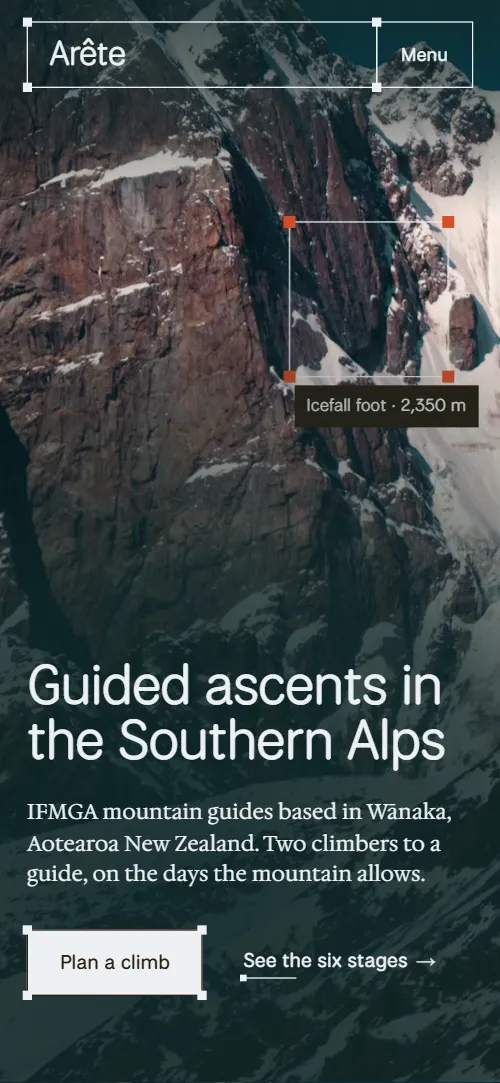
Mountain guide website template for a small guiding company or a guide who sells a few trips well: one HTML file with a six-stage climb, three ranges, a kit list, four guides, how the go-or-wait call is made, a table of trips with prices and an enquiry form. It opens on a full-screen alpine face that the view climbs as you scroll, while a selection frame walks three waypoints and a route line draws behind it. It is a single HTML file in pure HTML and CSS, and a GSAP version of the same page comes with it.
At a glance, November 2026. One 107 KB index.html: a single HTML file in pure HTML and CSS with a few lines of built-in JavaScript, 12 sections, 17 Unsplash photos, Hedvig Letters Serif and National Park. A GSAP build of the same page, 94 KB, comes with it.
It suits an alpine guides bureau, an independent mountain guide, a glacier skills or climbing school, a ski touring service or an expedition operator. Mountain guide websites mostly need four things on one scroll: who you take, how a trip runs, where you go and what it costs, and this page gives each its own section. A mountain guide website built from it also gets what makes a small company trustworthy to a nervous first-timer: the turnaround time fixed the night before, the number of climbers per guide and the way the go-or-wait call is made.
The demo business is Arête Alpine Guides, an invented company in Wānaka, New Zealand. Every peak, waypoint height, guide, price and line of copy is demo copy to replace. The trips are written as days, ratio, season and a from price in New Zealand dollars, so a guide in the Alps, the Rockies or the Himalaya fills in their own ranges and currency, and renames the three ranges, the six stages and the four guides to match.
If you would rather not edit HTML at all, 8B, the AI website builder designs a site from one sentence about your business, with more pages when you need them. This template is for people who want this exact design in their own hands: one index.html with its CSS and its motion inside, which you or a coding agent can edit and host anywhere, next to the booking system you already use.
Good for:
What a mountain guide website needs
A mountain guiding site has to answer a climber's worries quickly, before they ever call. Here is how this template covers each of them.
- Who the trips are for. Three kinds of climber in an accordion: a first alpine summit, learning to lead and a private objective, each with a short text and a link to the rates or to a guide.
- How a trip runs. Six numbered stages from the first conversation to the debrief, each with a text and a photo, so a nervous first-timer sees the whole climb.
- What to bring. A photo of the kit with three hotspots and three lists: what the guides provide, what you bring and what you can hire from the shop.
- Who the guides are. Four guides with a portrait, a speciality and the year they qualified.
- How safety decisions are made. The forecast, the snowpack and the team before a go-or-wait call, and a statement that the turnaround time is set the night before and kept.
- Prices. Three ranges with season, length and climbers per guide, then a table of six trips with days, ratio, season and a from price, and an Ask for dates link on each.
- A way to enquire. A form that asks the climber's level, the range, the season and what they have climbed, beside the office address, phone and email. Connect the form before you go live.
What the template does not have is an availability calendar, online booking, payment or a trip page for each route: it is built for a guiding company that sells a handful of set trips and takes enquiries by form or phone, and the Ask for dates links can point to your booking page when you add one.
Mountain guide website design and motion
Palette
#ECF1F4 page ground and text on the dark sections#2D2012 dark brown ink: text, hairlines, handles, dark buttons, the call frame of the conditions and the phone menu#DCE3EA darker blue-grey for the conditions and contact bands and button hovers#5E5145 warm grey-brown for secondary text and small labels#DB4F27 signal orange: finder handles, the drawn route, focus rings and hovered handles#10292A deep teal: the turnaround statement section, the shade over the first photo and dark button hoversFonts
- National Park: headings, statements, labels, navigation, buttons and form fields
- Hedvig Letters Serif: small body copy
A pale blue-grey page with dark brown ink, a slightly darker blue-grey for the calm sections and a deep teal ground for one statement. Almost every block is a hairline frame with a small square handle at each corner, like a selection in a drawing program: the header cells, the accordion rows, the stage rows, the rate rows, the form fields. Most sections use a one-third and two-thirds split, with a regular-weight heading on the left and a larger statement on the right. The six stages are a list of numbered rows beside an intro, the ranges are three full-bleed photos, and the rates are a table of rows with four facts each. On phones the header becomes the logo and a Menu button that opens a full-screen list on the dark brown ground, the guides sit two by two with the left ones set lower, and the contact photo is left out.
The idea behind the page is the selection frame as a climber's tool: the same corner-handled frame picks waypoints on the first photo, frames each row, and finally docks the form fields together. A route is drawn the way a guide would mark a map, and the signal orange is kept for that, the drawn route, the handles of the finder, the ends of the turnaround rule, hovered handles and the focus rings, so the rest of the page stays quiet.
What is on the mountain guide website page
- NavigationHeader of hairline cells with the logo and five links, and a Menu overlay on phones
The link cells draw in from their left edge when the page loads; the header hides as you scroll down past the top of the page and comes back as you scroll up.
- Guided ascents in the Southern AlpsTwo screens: a full-bleed alpine face with Guided ascents in the Southern Alps and a route finder, then a frosted company panel with four principles
On load the heading block rises and the photo drifts slowly while the finder seeks around its waypoint. As you scroll, the view climbs the face, the shade lifts, the finder moves from the icefall foot to the col to the summit with its label changing, and a route line draws behind it; the company panel then scrolls in over the summit.
- Who climbs with usWho climbs with us: a roped-team photo beside an accordion of three kinds of climber
The roped-team photo is re-cropped from a centred selection to its full frame while the image settles, and the three accordion rows are drawn out from their top-left corner like a dragged selection.
- The climb, in six stagesThe climb in six stages, from the first conversation to the debrief, each with a text and a photo
The section holds one screen while the open stage steps down the list: the body of the closing stage clips shut, the next row rises into the gap and its text and photo open, from 01 to 06.
- Three rangesThree ranges as full-bleed photos split by two handled dividers, each with a season, length and ratio
The section holds one screen of three photo columns cut by two handled dividers, with the cards shut to their names. The dividers sweep so the first range takes the whole screen and its card opens, then the dividers sweep back one at a time so the second and third ranges wipe in from the right edge, each card opening as its range fills the screen. On phones the ranges are horizontal bands and wipe in from the bottom.
- The packThe pack: a photo with three hotspots and three lists, we provide, you bring, hire from us
The photo is re-cropped from a centred selection to its full frame, and the three tier lists are drawn out from their top-left corner. The plus hotspots open and close a note on tap or click.
- Your guidesFour guides with a photo, a speciality and the year they qualified
The four portraits start level and gathered and step apart up a slope into a diagonal, each higher than the last, while the photos settle from a closer crop.
- Go, wait or change the planGo, wait or change the plan: forecast, snowpack, team and the call
The four frames are drawn out from their top-left corner one after another.
- The summit is optional. Coming home is not.A four-line turnaround statement on a deep teal ground with a note on fixed turnaround times
The four lines of the statement start scattered to the left and right and snap onto one handled hairline as the section crosses the screen.
- Trips and ratesTrips and rates: six rows with days, ratio, season and a from price
The six trip rows are drawn out from their top-left corner one after another.
- Plan a climbClimb enquiry form of framed fields beside the office address, phone, email and a photo
The fields start pulled apart, like an exploded drawing, and dock into one grid before the form reaches the middle of the screen; at rest they do not move.
- FooterFooter cells with the logo, an acknowledgement of mana whenua, address, contacts and back to top
The footer cells are drawn out from their top-left corner one after another.
Before you publish the mountain guide website site
- Replace social preview image, favicon, phone number, email address, contact form (sends nothing yet) and social media links and the invented demo facts (names, prices, areas, quotes). AGENTS.md lists them.
- Six stages, Ranges, Guides and Rates in the header and the menu, the logo in the header and the footer, and Back to top lead to
#stages, #ranges, #guides, #rates and #ascentnow; point them to keep. - Plan a climb in the header, the menu and the first screen, and Talk to a guide, Book the call and the six Ask for dates links lead to
#contactnow; point them to keep them once the enquiry form is connected, or point them to your booking page. - Glacier skills school, Learn-to-lead course and the See the trip links on the ranges lead to
#ratesnow; point them to your trip pages, or keep the rate table. - See the six stages on the first screen lead to
#stagesnow; point them to keep. - Phone and email links in the contact section and the footer lead to
tel:+6430000000 and climb@arete.examplenow; point them to your office number and email, in the link and in the visible text. - Instagram link in the footer lead to
the network's home pagenow; point them to your own profile, or remove it. - Scroll-driven animation runs when the browser supports it (Chrome, Edge and Safari today; Firefox does not yet) and the visitor has not asked for reduced motion. Otherwise each section shows its finished layout; the GSAP build, index.gsap.html, loads GSAP 3.13.0 and also plays the scroll motion in Firefox.
- The climb enquiry form sends nothing: its action is a placeholder, so connect it to a form service or your email. The thank-you line is in the markup but hidden: the pure HTML and CSS version never shows it, and the GSAP version shows it after a valid submit while still sending nothing.
- The header gets its frosted pale fill after the first screen only in the GSAP version; in the pure HTML and CSS version it keeps its light text and no fill.
- It is one page and all its links stay on the page, except the phone, email and Instagram links; there are no trip pages, booking calendar or payment.
- The six-stage scene is built for six stages, the ranges scene for three ranges, the guides scene for four guides and the route finder for three waypoints named on the photo: a different count needs its scene adjusted.
- The route heights, waypoint names, peaks, prices and guides are demo copy; the photo is not of a named peak.
Questions about this mountain guide website template
What do I get for $39?
The mountain guide website template as a single HTML file, index.html, in pure HTML and CSS, a GSAP build of the same page as index.gsap.html, a DESIGN.md with every colour, font and motion rule, an AGENTS.md for coding agents, the agent prompt and the design prompt from this page, and CREDITS.md for the photos and fonts. Updates to this template are included.
Can I use this mountain guide template for client sites?
Yes. One purchase lets you build as many sites as you like with it, for your own guiding company or for clients, and change anything. What it does not allow is selling or giving away the template itself, as a template, theme or kit, or putting its source in a public repository.
How do I change the trips, ranges and rates?
The six trips are rows of one list, each with a name, days, ratio, season and a from price, so you rename them and change the numbers in place; the three ranges, the six stages and the four guides are each a short block of the same kind. With Claude Code, Codex or Cursor you say it in a sentence, such as change Mount Aspiring to five days from 4,200 euros and add a ski touring week, and the agent edits the rows. The template has no booking calendar or payment: the trip rows and the Ask for dates links lead to the enquiry form, and you can point them to your own booking page. If you want a site with more pages that you edit without code, 8B's AI website builder makes one from a sentence about your company.
Does the climb enquiry form send requests?
Not yet. The form asks who the climber is, where they would like to climb, when, their name, email, phone and what they have climbed so far, with a box for the season's conditions notes, but it sends nothing until you connect a form service such as Formspree or Netlify Forms, or your own email. The pure HTML and CSS version shows no thank-you line after sending, so point the form at a thank-you page or add a script that shows the line already in the markup; the GSAP version shows that line after a valid submit, still without sending anything.
Will it work with Claude Code, Codex or Cursor?
Yes. Put index.html and AGENTS.md in your project and give the agent the prompt that comes with the template. AGENTS.md says which attributes the scroll motion reads, what to keep and what to replace, so the agent swaps peaks, prices, guides and photos without breaking the scenes.
What do visitors see in Firefox or with reduced motion?
Firefox does not support scroll-driven animations yet, so it shows every section in its finished layout, as does any browser when the visitor asks for reduced motion. If the scroll motion must also play in Firefox, use the GSAP build, index.gsap.html, which loads GSAP, ScrollTrigger and Lenis from a CDN.
More templates for outdoor and adventure businesses
Other designs for businesses that take people outside.
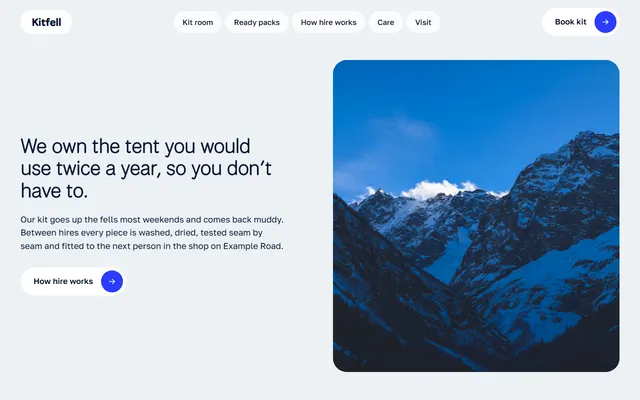
Mountain-town kit hire shop: six shelves of kit with nightly prices and ready packs.
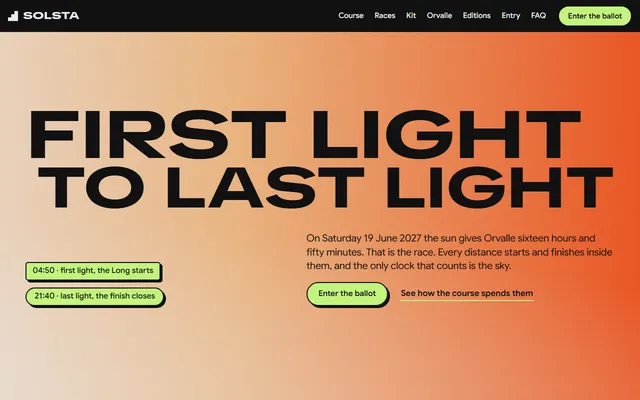
Yearly mountain race: date and daylight hours, a five-part course, three races and a kit list.
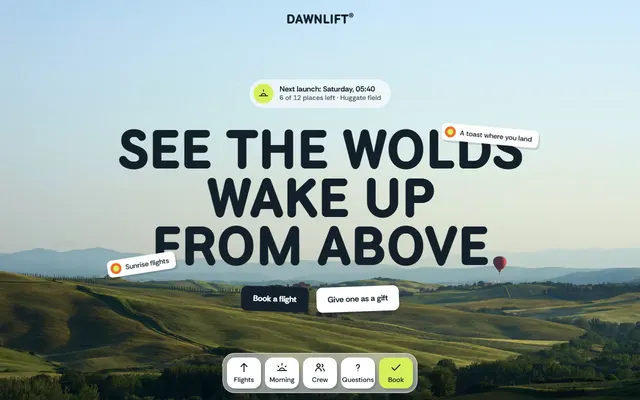
Hot air balloon company: flights with prices, the morning step by step, crew, gift vouchers and a booking form.
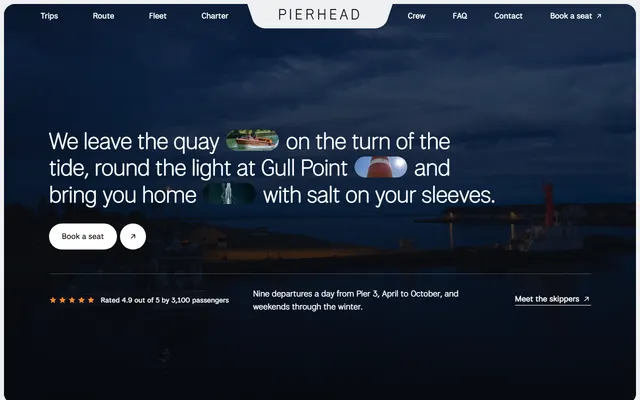
Family harbour boat firm: three trips with fares and times, places along the route and private charter.
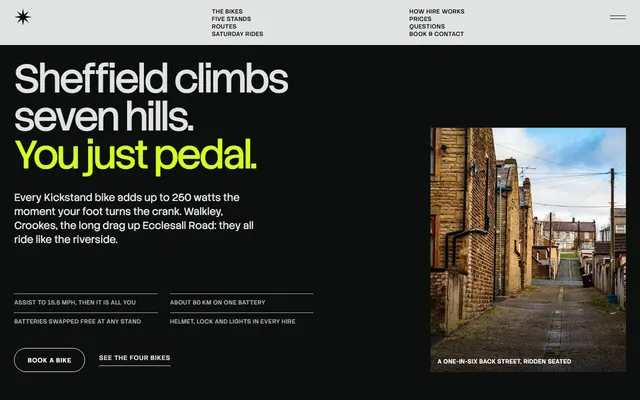
E-bike hire: four bikes shown one at a time, four routes and three booking steps.
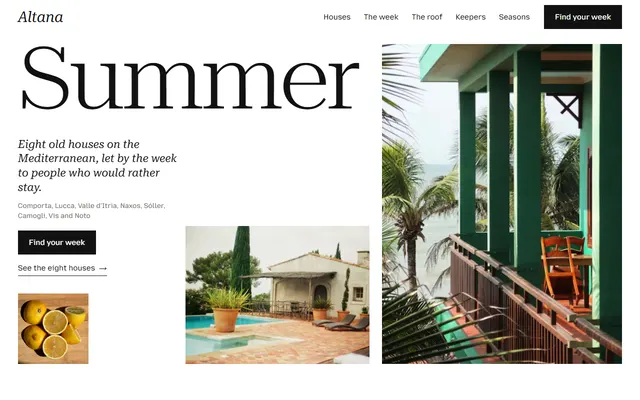
Holiday home rental: eight houses with weekly prices, a week timetable, seasons, keepers and an enquiry form.
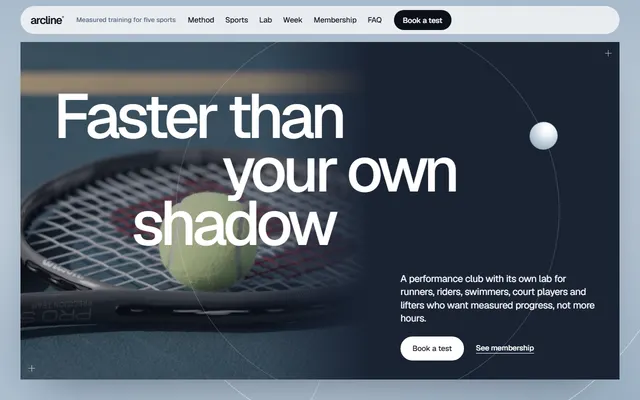
Fitness for a gym, training club or coaching studio: schedule, plans, booking form.

Children's swim school: six levels with prices, the pool, a timetable, a free trial and a booking form.