What comes with the scuba diving school website template
- index.html: the pure HTML and CSS version, one single HTML file, 96 KB.
- index.gsap.html: the same design built with GSAP, ScrollTrigger and Lenis, for scroll motion in every browser, Firefox included.
- AGENTS.md: what a coding agent must keep and what to replace, so Claude Code, Codex or Cursor edit it without breaking the scenes.
- DESIGN.md: every colour, font, spacing and motion rule of this scuba diving school website design.
- PROMPTS.md: the agent prompt and the design prompt below.
- CREDITS.md and LICENSE.md: the photos and fonts with their licenses, and the 8B license.
- Updates to this template, at no extra cost.
Yours to edit: one index.html with no build step, so you or a coding agent can change the words, prices and photos and upload it to any static host. Not a coder? Describe your business in one sentence to 8B's AI website builder and it designs a new site for you, with more pages when you need them. Designing is free; publishing with hosting is $9 a month, billed yearly. It also works inside Claude and ChatGPT.
Premium template · $39, one-time license · Made by 8B, an AI website builder · Updated November 2026 · Plain text: tenang.md
About this scuba diving school website template
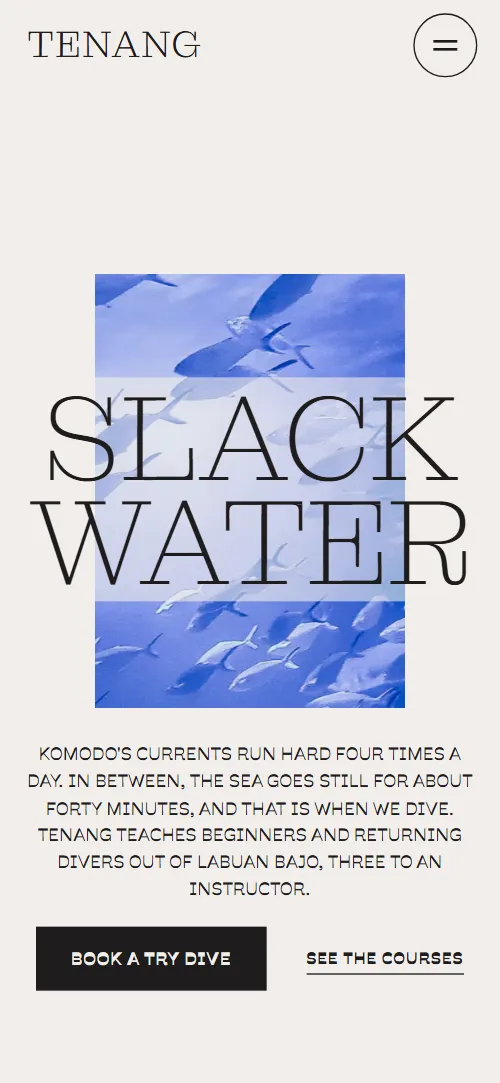
Scuba diving school website template for a small dive school or dive centre: one HTML file with six dive sites, a ledger of six courses with length, depth and price, a day aboard the boat, four instructors, questions divers ask before booking and a booking form. It opens on a giant thin serif line running through a sea photo window, and the window opens into the full-bleed second screen as you scroll. It is a single HTML file in pure HTML and CSS, and a GSAP version of the same page comes with it.
At a glance, November 2026. One 96 KB index.html: a single HTML file in pure HTML and CSS with a few lines of built-in JavaScript, 12 sections, 24 Unsplash photos, Montagu Slab and Savate. A GSAP build of the same page, 81 KB, comes with it.
It suits a dive school with its own boat, a dive centre that runs try dives and certification courses, a freediving or snorkelling instructor with a small team, and a day-boat operator who knows a few sites very well. Scuba diving school websites mostly need the same things on one scroll: what you teach and how, where you dive and how deep, what each course costs and how long it takes, who the instructors are and a quick way to ask for a place. This page gives each its own section, and it adds the questions nervous beginners type into search: swimming level, medical form, seasickness and flying after diving.
The demo business is Tenang, an invented dive school in Labuan Bajo that dives in Komodo National Park. Every site, depth, price in rupiah, instructor and the boat Senja is demo copy to replace. The sites, the course ledger and the team are plain blocks of text and a photo, so a school in the Red Sea, the Philippines, Cornwall or a quarry lake fills in its own sites, currency and seasons; the tide idea can become whatever shapes your day, such as visibility, wind or the surface interval.
If you would rather not edit HTML at all, 8B, the AI website builder designs a site from one sentence about your business, with more pages when you need them. This template is for people who want this exact design in their own hands: one index.html with its CSS and its motion inside, which you or a coding agent can edit and host anywhere, next to the booking system or the shop you already use.
Good for:
What a scuba diving school website needs
A diving school website that fills the boat answers the same questions quickly. Here is how this template covers each of them.
- What you teach and how. A method section with four plain rules: two metres before twenty, three students to one instructor, beginners dive the slack and fins off the reef.
- Where you dive, how deep and for whom. Six dive sites with area, depth range, a level badge and a sentence, shown beside a photo that changes with each site.
- Courses, length and price. A ledger of six courses, from a try dive to Rescue Diver, Nitrox and a refresher, each with a sentence, length, depth and price, and a note on what the price includes.
- What a day looks like. A ten-photo sequence of one dive and a timetable of the day aboard the boat, from coffee on the jetty to signing logbooks.
- Who the instructors are. Four instructors with role, the languages they teach in and a sentence about each.
- Answers for nervous beginners. Six questions: swimming level, medical form, best season, flying after diving, seasickness and equipment.
- A way to ask for a place. The closing section has WhatsApp, email, the shop address and hours, and a form with the course and dates. Connect the form before you go live.
What it does not have is live availability, a calendar or online payment: it is built for a school that answers each request by message and confirms dates, and the course buttons lead to the form, which you can connect to your own booking system.
Scuba diving school website design and motion
Palette
#f1eeeb page ground and the text on the navy sections#1e1c1c near-black ink for text and hairlines on the light ground#041e37 deep navy: the second opening screen, the start of the dive sequence and the contact band#5b5753 grey for secondary text, notes and site names that are not in the middle of the screen#a9bfd0 pale blue for text and labels on navy#010c18 the deepest navy: the end of the dive sequence and the footerFonts
- Montagu Slab: the thin display voice: the opening line, section headings, site names, the giant words and the closing line
- Savate: body text, labels, badges, navigation, buttons and form fields
An off-white page with near-black ink, and deep navy for the water: the second opening screen, the dive sequence, the contact band, and a deeper navy for the footer. Headings are thin serif capitals set large against tiny bold uppercase labels. The opening has a centred landscape sea window (a portrait window on phones) with the headline running across it and a centred paragraph and two actions below. Courses are a ruled ledger with a sticky heading beside it; the sites are a list of serif names beside a sticky photo; the dive sequence is a heading with ten photos placed in lanes of different sizes (two lanes on phones); the instructors are four cards, 2 by 2 on phones. The page ends on a huge closing line standing on the top edge of a navy band that holds the contacts and the form.
The idea behind the page is slack water: the minutes when the sea stops moving and diving is calm. So the first window opens into the sea, two giant words race across and then stand still, a photo stage floods with each site as its name reaches the middle of the screen, the ground darkens as the dive goes deeper, and the closing line settles into a still reflection.
What is on the scuba diving school website page
- NavigationHeader bar with the wordmark, base, local time, four links and Book a dive; below 1180 px a menu button opens them in a full-screen navy panel
The header hides when you scroll down and comes back when you scroll up; below 1180 px its links open as a full-screen navy panel with the base and local time.
- Slack waterTwo screens: an off-white one with a sea photo window and the giant Slack water line, then a navy one where the window has opened into a full-bleed sea with a short statement
On load the sea window settles from slightly larger, the headline rises and the paragraph and actions follow, and the photo drifts slowly inside the window. On scroll the window opens in place until the sea fills the second screen, the headline drifts left and leaves upward, and a navy veil darkens the lower half under the statement.
- Four times a day, the sea stopsTwo giant words, Flood and Ebb, around the heading Four times a day, the sea stops, with a tide line and a typical morning
The words Flood and Ebb race across the screen in opposite directions with copies trailing them, slow down and stop at their places while the copies fade and a tide line draws across; the stage holds still for the last part of the scroll.
- Hovering comes firstHovering comes first: a statement, four ruled rules and a tall photo of a diver hanging still
The heading rises line by line, the hairline of each rule draws in, and the photo floats slowly inside its frame as you scroll.
- Six sites we know by heartAn index of six dive sites with area, depth, level badge and a sentence, beside a sticky photo stage
As each site passes the middle of the screen its photo rises over the previous one behind a waterline and settles, and its name turns to ink while the others stay grey.
- What you can learn hereA ledger of six courses with a sentence, length, depth, price in rupiah and a booking link
The heading rises and the hairline of each course row draws across as the rows come into view.
- What a dive looks likeA navy section with ten numbered, captioned photos of one dive, from the gear check to the surface
The ten photos rise past the held heading at different speeds, wider ones faster, and rest around the middle of the screen, while the ground darkens from navy to the deepest navy.
- A day on SenjaThe boat's story, a wide photo and a deck photo, and a timetable of the day aboard from 06:15 to 14:30
The heading rises, the wide boat photo is revealed by a waterline rising across it, the deck photo floats in its frame and the timetable rows draw in one by one.
- Who teaches youFour instructors with role, language badges and a sentence
The four instructor cards start at different heights with a navy tint over their photos, and rise into one line while the colour returns.
- Before you bookSix questions in native details rows: swimming, medical form, season, flying, seasickness, equipment
The heading rises and the hairline of each question draws across; each answer opens in place with a plus that turns into a minus.
- See you at slackThe closing line See you at slack with a reflection, WhatsApp, email, shop address and a booking form
A flipped copy of the closing line starts squashed and wavering, blurred on wide screens, and settles into a still mirror under it as the section reaches the middle of the screen.
- FooterFooter with the school name, a line, three links and Back to the surface
Before you publish the scuba diving school website site
- Replace social preview image, favicon, email address, contact form (sends nothing yet) and social media links and the invented demo facts (names, prices, areas, quotes). AGENTS.md lists them.
- Book a dive in the menu, Book a try dive on the first screen and Book buttons in the course ledger lead to
#contact, the booking formnow; point them to keep them once the form is connected, or point the course buttons to your booking system. - WhatsApp link in the contact section lead to
wa.me with a 000 numbernow; point them to your own WhatsApp number. - Email link in the contact section lead to
mailto: an address at tenang.examplenow; point them to your own address. - Instagram link in the footer lead to
the network's home pagenow; point them to your own profile, or remove it. - Menu, footer and first screen links lead to
#courses, #sites, #boat, #faq, #slack, #method, #team and #opening (the wordmark and Back to the surface) on the same pagenow; point them to keep them. - Scroll-driven animation runs when the browser supports it (Chrome, Edge and Safari today; Firefox does not yet) and the visitor has not asked for reduced motion. Otherwise each section shows its finished layout; the GSAP build, index.gsap.html, also plays the scroll motion in Firefox.
- The booking form sends nothing: connect it to a form service, your email or your booking system. The thank-you line is in the page but the pure HTML and CSS version never shows it (the GSAP version shows it on submit, still sending nothing), so add a thank-you page or a line of your own. The local time in the header shows the fixed text UTC+8, WITA in the pure HTML and CSS version; the GSAP version runs a live clock.
- It is one page with one Instagram link out; there is no live availability, calendar, shop or payment. Course buttons point to the booking form, so connect it to the way you take bookings.
- The sites index and its photo stage are built for six sites, the dive sequence for ten placed photos and the team row for four instructors: a different count needs its layout and scene adjusted. The two giant words suit short words of a similar length.
Questions about this scuba diving school website template
What do I get for $39?
The scuba diving school website template as a single HTML file, index.html, in pure HTML and CSS, a GSAP build of the same page as index.gsap.html, a DESIGN.md with every colour, font and motion rule, an AGENTS.md for coding agents, the agent prompt and the design prompt from this page, and CREDITS.md for the photos and fonts. Updates to this template are included.
Can I use this scuba diving template for client sites?
Yes. One purchase lets you build as many sites as you like with it, for your own dive school or for clients, and change anything. What it does not allow is selling or giving away the template itself, as a template, theme or kit, or putting its source in a public repository.
How do I change the courses, prices and dive sites?
Each course is one row with a name, a sentence, length, depth and price, and each site is one block with a name, area, depth range, a level badge and a sentence. With Claude Code, Codex or Cursor you say it in a sentence, such as change Open Water to 3 days and 365 euros and replace Castle Rock with the wreck at Zenobia, and the agent edits the rows; by hand you copy a row and change the words. The sites index and its photo stage are built for six sites, so a different number of sites needs its scene adjusted; course rows can be added or removed, and prices are plain text in any currency. If you want a site with more pages that you edit without code, 8B's AI website builder makes one from a sentence about your school.
Does the booking form send requests?
Not yet. The form asks for name, email, the course, dates and a message, and it sends nothing until you connect a form service such as Formspree or Netlify Forms, or your own booking system. The course buttons only scroll to the form, so point them to your booking page if you have one. The thank-you line is in the page; the pure HTML and CSS version never shows it and the GSAP version shows it on submit, so point the form at a thank-you page once it is connected.
Will it work with Claude Code, Codex or Cursor?
Yes. Put index.html and AGENTS.md in your project and give the agent the prompt that comes with the template. AGENTS.md says which attributes the scroll motion reads, what to keep and what to replace, so the agent swaps sites, courses, prices, instructors and photos without breaking the scenes.
What do visitors see in Firefox or with reduced motion?
Firefox does not support scroll-driven animations yet, so it shows every section in its finished layout, as does any browser when the visitor asks for reduced motion. If the scroll motion must also play in Firefox, use the GSAP build, index.gsap.html, which loads GSAP, ScrollTrigger and Lenis from a CDN.
More templates for boats, water and travel
Other designs for businesses on and around the water, and for trips and outdoor kit.
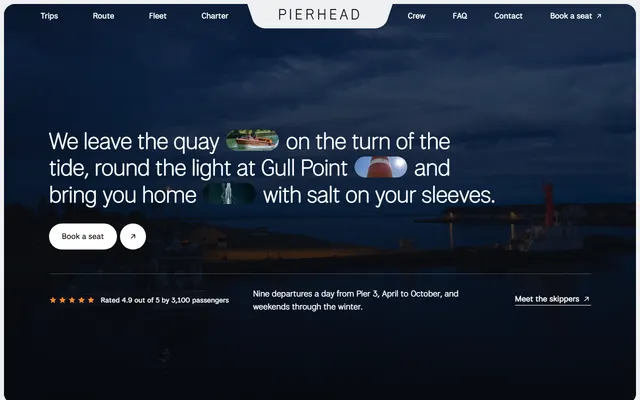
Harbour boat firm: three trips with fares and times, the boats, skippers, private charter and questions.
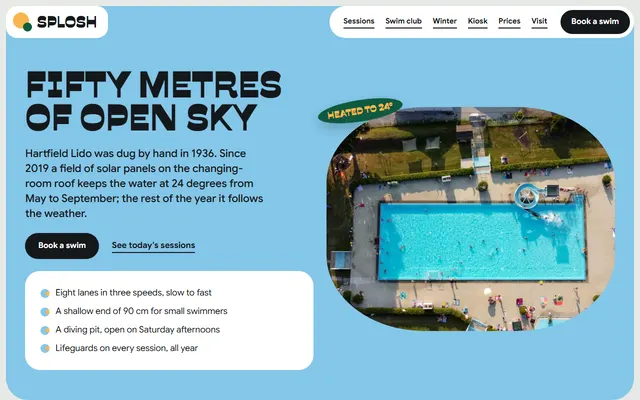
Outdoor pool: lane sessions, a swim club with four levels, winter swimming, ticket prices and a visit board.
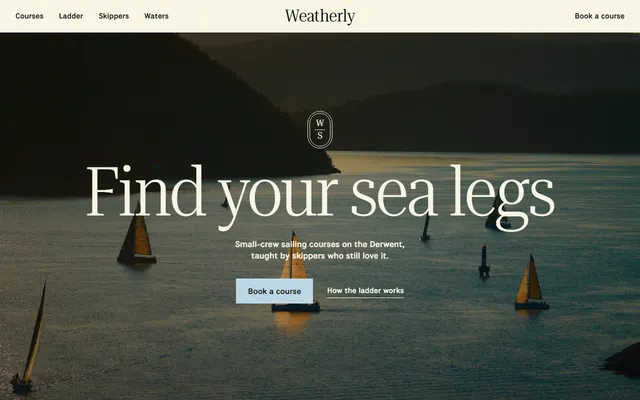
Sailing school: season course list, four-step course ladder, skippers, three waters and an enquiry form.
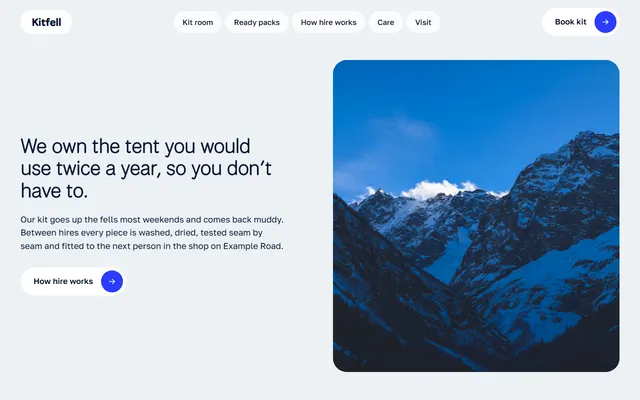
Kit hire shop: six shelves of kit with nightly prices, ready packs, hire steps and walking routes.
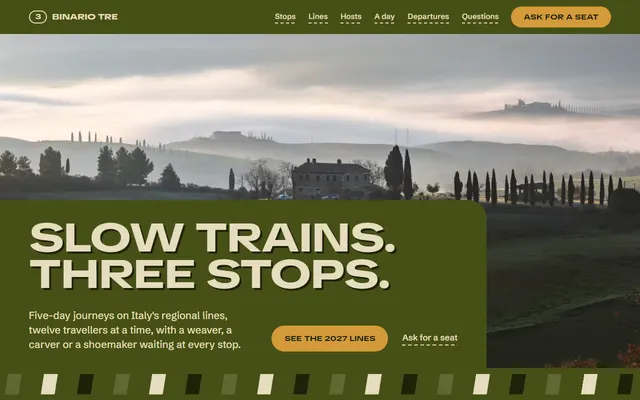
Slow-travel tour operator: a route with three stops, journeys with prices, hosts and an enquiry form.
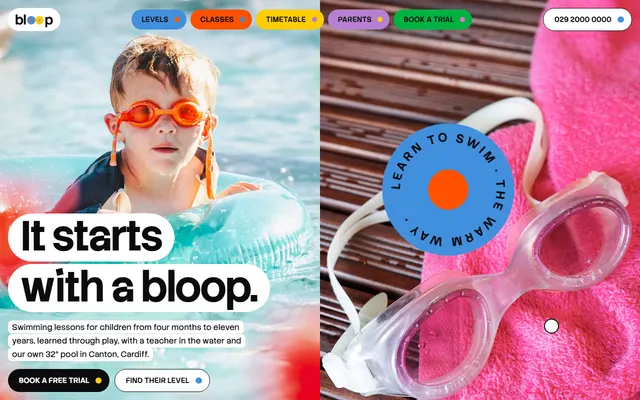
Children's swim school: six levels with prices, the pool, a timetable, a free trial and a booking form.
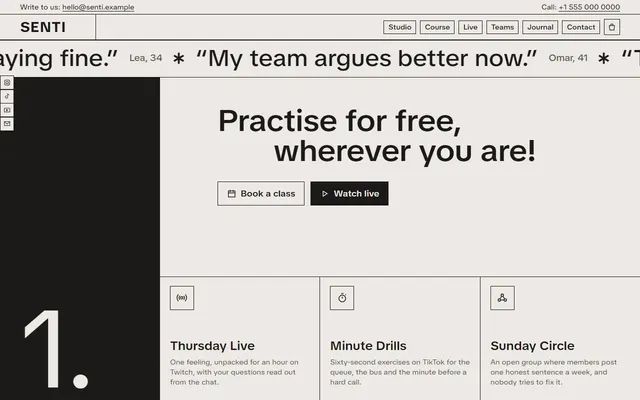
Wellness studio for coaches and course makers.
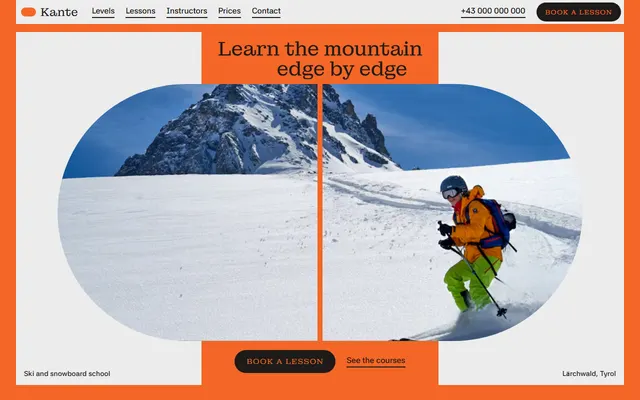
Ski and snowboard school: levels, courses, instructors, a week plan, prices and a booking form.