What comes with the escape room website template
- index.html: the pure HTML and CSS version, one single HTML file, 121 KB.
- index.gsap.html: the same design built with GSAP, ScrollTrigger and Lenis, for scroll motion in every browser, Firefox included.
- AGENTS.md: what a coding agent must keep and what to replace, so Claude Code, Codex or Cursor edit it without breaking the scenes.
- DESIGN.md: every colour, font, spacing and motion rule of this escape room website design.
- PROMPTS.md: the agent prompt and the design prompt below.
- CREDITS.md and LICENSE.md: the photos and fonts with their licenses, and the 8B license.
- Updates to this template, at no extra cost.
Yours to edit: one index.html with no build step, so you or a coding agent can change the words, prices and photos and upload it to any static host. Not a coder? Describe your business in one sentence to 8B's AI website builder and it designs a new site for you, with more pages when you need them. Designing is free; publishing with hosting is $9 a month, billed yearly. It also works inside Claude and ChatGPT.
Premium template · $39, one-time license · Made by 8B, an AI website builder · Updated November 2026 · Plain text: vault-sixty.md
About this escape room website template
Escape room website template for a venue with several themed rooms and a game master: one HTML file with eight rooms, the four stages of a game, camera feeds from the control room, a wall of the fastest teams, three private hire options, a price panel, reviews, questions and contact details. It opens on a red panel inside a dark frame with the name half solid and half outlined, then eight giant rows of words click into place like the rings of a combination lock, and the room grid solves itself like a sliding puzzle. It is a single HTML file in pure HTML and CSS, and a GSAP version of the same page comes with it.
At a glance, November 2026. One 121 KB index.html: a single HTML file in pure HTML and CSS with a few lines of built-in JavaScript, 13 sections, 16 Unsplash photos, Host Grotesk and TikTok Sans. A GSAP build of the same page, 112 KB, comes with it.
It suits an escape room venue, a puzzle or mystery game centre, a haunted or immersive game attraction and any timed-game business that sells by team size and day. Escape room websites mostly need five things on one scroll: the rooms with players and difficulty, how a game runs, what it costs for a team, whether groups and parties can book, and where the door is. This page gives each its own section, and an escape room website built from it also gets the things that make a game feel real before anyone arrives: the cameras, the game master and the wall of times.
The demo business is Vault Sixty, an invented venue with eight rooms in a 1904 bank in Manchester. Every room, price, team name, record time, review and address is demo copy to replace. The rooms carry players and difficulty, the prices are in pounds with a weekend extra, and the records show a room, a time and the hints used, so a venue in any city or country swaps in its own rooms, currency and house rules.
If you would rather not edit HTML at all, 8B, the AI website builder designs a site from one sentence about your business, with more pages when you need them. This template is for people who want this exact design in their own hands: one index.html with its CSS and its motion inside, which you or a coding agent can edit and host anywhere, next to the booking page or widget you already use.
Good for:
What an escape room website needs
People choosing an escape room want to know what the rooms are, what it costs for their team and whether it is safe. Here is how this template answers each of them.
- The rooms, clearly. Eight rooms in a grid with a photo, a number, a name, the number of players and the difficulty from Easy to Expert.
- How a game works. Four stages in ruled rows: briefing, lock-in, hints and debrief, with when each happens and how many hints are free.
- A price for my team. A price panel for players, room and weekday or weekend with the price per player and the team total, and notes on paying, free changes and gift vouchers.
- Reassurance that it is safe. A section on the cameras and the game master who watches every room, and a question about whether the team is really locked in.
- Groups, birthdays and team days. Three private hire options with player counts and room counts, and a button that goes to the contact section.
- Proof that people finish the games. A wall of the five fastest teams with room, time and hints, and eight reviews in two rows with the room and how each game ended.
- Where and when. The address, opening hours, last game, phone, email and how to get there on foot, by tram and by car.
What it does not have is a booking engine, a calendar of free slots, a gift voucher shop or a form: it shows prices and rooms, and the Book buttons go to your own booking page or widget.
Escape room website design and motion
Palette
#14171f near-black blue ground of the page and the text on the red panels#ff1919 hot red: the panels, the giant rows, the outlined words once they fill and the red layer of the hour#ebe5ce warm cream: text on the dark ground and the hover fill of buttons, never a section ground#34d6cb cyan: the scan line over the vault door, the lock-on bracket on the camera wall and focus ringsFonts
- TikTok Sans: the headings, the wordmark, room names, buttons and labels, all in capitals: wide for display, narrow and spaced for labels
- Host Grotesk: reading text, leads, review quotes and the room select
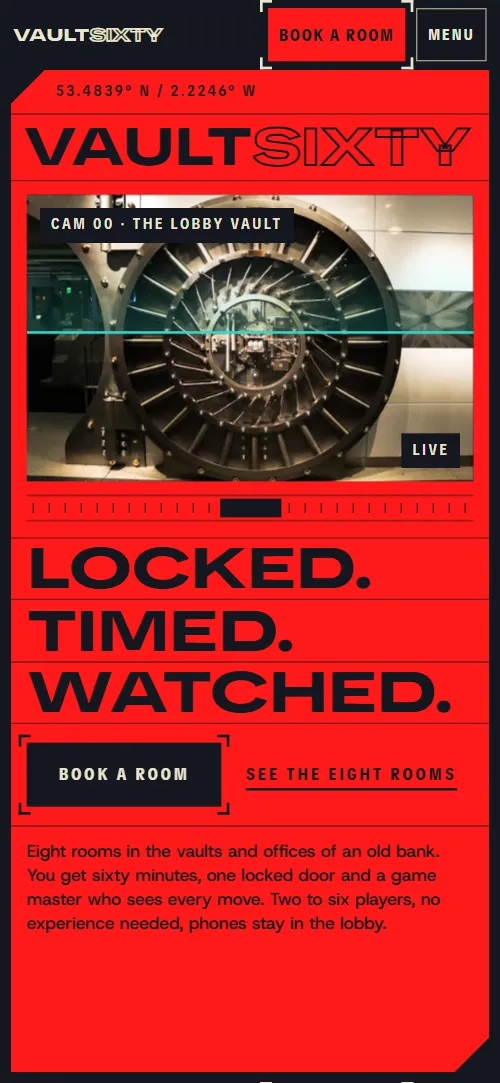
A near-black blue page with a faint cross grid behind some sections and cream text. The first screen is a red panel with thin ruled cells: coordinates, the name across the full width, three ruled words, the opening hours and a camera cell on the vault door. Rooms sit in a four-column grid with empty cells, the four stages of a game in a red panel of ruled rows, the camera wall as one large feed beside four small ones, the record wall as large team names in ruled rows, and the price panel as a bracketed console. The footer is a red panel with four columns and the name across the full width. On phones the room grid becomes two columns of five rows, the first screen puts the camera cell above the three words, and each heading sits above its lead in one column.
The idea behind the page is a bank vault with a clock on it: locked, timed and watched. Hot red against a dark ground carries the urgency, thin ruled cells and corner brackets read like a control room, and the one cool colour, cyan, is kept for the scan line, the camera lock-on and focus rings. Words move like lock rings turning to their mark, bolts retract, and a stage turns red around a shrinking 60.
What is on the escape room website page
- NavigationDark bar with the solid and outlined logo, five links and Book a room, and a full-screen menu on phones with the phone number
The bar hides as you scroll down and comes back when you scroll up; on phones the Menu button opens a full-screen overlay.
- Vault Sixty, escape rooms in ManchesterTwo screens: a red panel with the VAULT SIXTY wordmark, three ruled words, a camera cell on the vault door and opening hours, then eight giant red rows with a portrait and a tall EXIT
On load the two halves of the name slide in from opposite sides and the three ruled words rise, while a cyan scan line sweeps the camera cell and a ruler ticks under it. On scroll two dark walls close in on the red panel, the three words slide sideways in alternating directions, the outlined word fills solid, and the eight giant rows of the second screen click into place one after another as the portrait's red and cyan copies converge and EXIT fills red.
- Eight rooms. One way out.Eight rooms in a bracket-framed grid that solves itself like a sliding puzzle, each with photo, number, name, players and difficulty
The grid is held on screen while the eight tiles start scrambled and slide, one cell at a time, into the empty cells until the rooms sit in order; the heading lines slide into place like lock rings.
- How the hour runsRed panel with four ruled stages: briefing, lock-in, hints and debrief, each locked by a bolt
A dark bolt across each of the four rows retracts to the right edge as the row reaches the reading line, while the stage name slides home.
- Sixty minutes, one door, no other way outA held stage with a giant 60 between two rows of words and three house rules below, where a red layer takes over as a dark iris closes
The stage holds a giant 60 between two rows of words; a dark iris closes toward the centre while a red copy of the stage takes over until the whole screen is red, the 60 shrinks and the two rows of words close in on it.
- Someone is always watchingMonitor wall: one large feed and four small camera feeds, with copy about the game master
The heading lines slide in; a cyan bracket jumps from feed to feed on the wall while the large monitor wipes to that feed, from the first camera to the fourth.
- The wallThe wall of this month's fastest five teams with room, time and hints used
The heading slides into place like a lock ring and each ruled row is wiped in from its left edge as it comes into view.
- The whole vaultTHE WHOLE VAULT across the section, a group photo and three private hire options with player counts
THE WHOLE VAULT starts as an outline and fills solid from left to right as it crosses the screen; the three options slide in from the right in turn and the group photo arrives as separate red and cyan copies that converge.
- Plan your hourA price panel: players, room and weekday or weekend, with price per player and team total
The price panel closes its corner brackets onto its frame as it arrives and the heading lines slide in. The controls stay still while used.
- Heard at the doorTwo rows of four review cards from teams, each with the room and how the game ended
The two rows of review cards drift in opposite directions as you scroll and line up at the middle of the pass.
- Before you bookSix questions in a bracketed list, each answer opening on a click
The heading lines slide in, the list closes its corner brackets onto its frame and each question row is wiped in from its left edge as it comes into view.
- Find the doorAddress with opening hours, phone, email and how to get there, and a corridor photo, with crosshair rules
Two red crosshair rules sweep in from the top and right edges of the section and cross on the address, and the corridor photo arrives as red and cyan copies that converge.
- FooterRed footer panel with a statement, four columns, social links and the giant VAULT SIXTY wordmark
The two halves of the wordmark slide into place like lock rings.
Before you publish the escape room website site
- Replace social preview image, favicon, phone number, contact form (sends nothing yet), email address and social media links and the invented demo facts (names, prices, areas, quotes). AGENTS.md lists them.
- Book a room in the header, the menu, the first screen and the contact section, and the room names in the grid lead to
#plan, the price panelnow; point them to your booking page or booking widget. - Book this game under the price panel and Ask about a date in private hire lead to
#contactnow; point them to your booking page, or keep it once the contact details are yours. - Rooms, The hour, Private hire, Prices and Find us in the header and the menu lead to
#rooms, #game, #groups, #plan and #contactnow; point them to keep them. - See the eight rooms and How a game runs in the opening, and All eight rooms, Private hire, Prices, Questions and Access in the footer lead to
#rooms, #game, #groups, #plan, #faq and #contactnow; point them to keep them. - Instagram and TikTok links in the footer lead to
the networks' home pagesnow; point them to your own profiles, or remove them. - Scroll-driven animation runs when the browser supports it (Chrome, Edge and Safari today; Firefox does not yet) and the visitor has not asked for reduced motion. Otherwise each section shows its finished layout (the rooms in order, the hour on its dark stage with the 60 at full size); the GSAP build, index.gsap.html, also plays the scroll motion in Firefox.
- There is no booking engine. The price panel has players, room and day controls with the prices in data attributes, but in the pure HTML and CSS file its numbers are fixed text for four players on a weekday (26 and 104 pounds); the GSAP version recalculates them as the controls change, and a coding agent can move that short script into the main file. Its Book this game button goes to the contact section; point it at your own booking page or widget. The contact section has no form.
- The room grid and its sliding puzzle are built for eight rooms, the game section for four stages, the camera wall for four feeds and the price panel for two to six players: a different count needs its layout and scene adjusted.
- The camera feeds are stills of the demo rooms and the record wall is typed in, so both are edited by hand each time the times change.
Questions about this escape room website template
What do I get for $39?
The escape room website template as a single HTML file, index.html, in pure HTML and CSS, a GSAP build of the same page as index.gsap.html, a DESIGN.md with every colour, font and motion rule, an AGENTS.md for coding agents, the agent prompt and the design prompt from this page, and CREDITS.md for the photos and fonts. Updates to this template are included.
Can I use this escape room template for client sites?
Yes. One purchase lets you build as many sites as you like with it, for your own venue or for clients, and change anything. What it does not allow is selling or giving away the template itself, as a template, theme or kit, or putting its source in a public repository.
Can customers book a room on it?
Not by itself. The price panel has controls for the number of players, the room and weekday or weekend, with every price stored in the markup; in the pure HTML and CSS file it shows a fixed example, four players on a weekday at 26 pounds each and 104 for the team, while the GSAP version recalculates the price per player and the team total as the controls change. Its Book this game button goes to the contact section and the page has no booking engine or calendar. Point the Book a room buttons at your own booking page or the widget you use, such as Bookeo, FareHarbor or your own system, and keep the panel as the price guide. A coding agent can change the prices in one sentence, such as set weekends to plus 5 and make the expert room plus 3, and can add the GSAP version's short price script to the main file so it updates there too.
How do I change the rooms, prices and record wall?
Each room is one block with a photo, a number, a name, the players and the difficulty, and the record wall is five rows with a team, a room, a time and the hints used. With Claude Code, Codex or Cursor you say it in a sentence, such as rename room 3 to The Lighthouse and put the Mum Knows Best team first, and the agent edits the blocks; by hand you edit the words. The room grid and its sliding puzzle are built for eight rooms and the price panel for two to six players, so a different count needs the scenes adjusted. The contact section has no form, so keep a phone number and email or link to your booking page.
Will it work with Claude Code, Codex or Cursor?
Yes. Put index.html and AGENTS.md in your project and give the agent the prompt that comes with the template. AGENTS.md says which attributes the scroll motion reads, what to keep and what to replace, so the agent swaps rooms, prices, records and photos without breaking the scenes.
What do visitors see in Firefox or with reduced motion?
Firefox does not support scroll-driven animations yet, so it shows every section in its finished layout, as does any browser when the visitor asks for reduced motion: the rooms sit in order and the hour stays on its dark stage with the 60 at full size. If the scroll motion must also play in Firefox, use the GSAP build, index.gsap.html, which loads GSAP, ScrollTrigger and Lenis from a CDN.
More templates for games, venues and nights out
Other designs for places people visit to play.
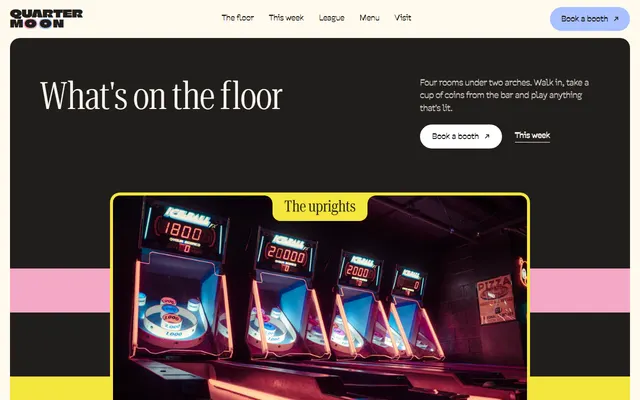
Arcade bar: the floor, events, a league board, ways to play with prices, private hire and a booking form.
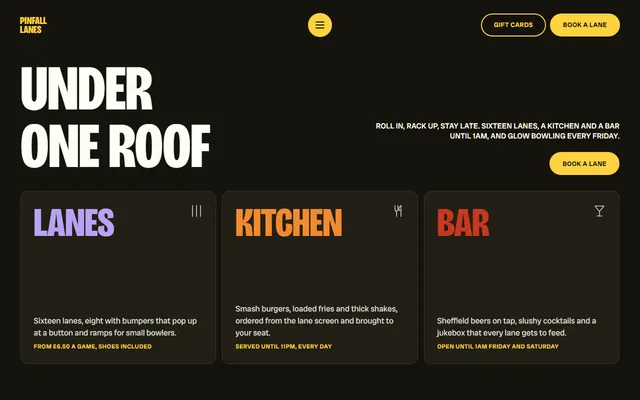
Bowling alley: lanes, leagues, a menu, glow bowling, a leaderboard and party packages.
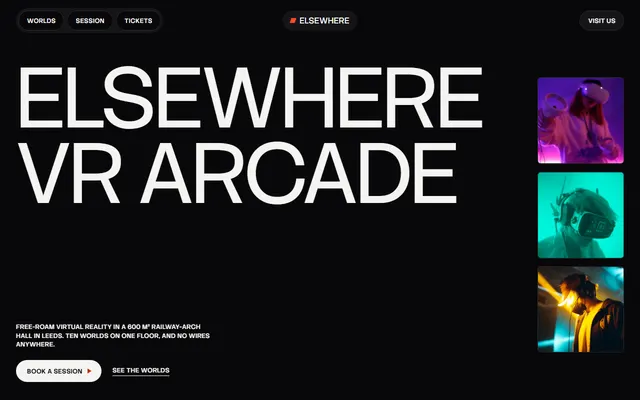
VR arcade: four worlds, ways to play, a session step by step, party hire, a price board and a league board.
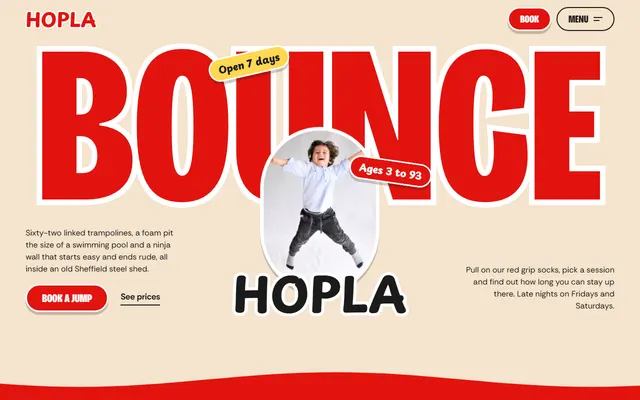
Indoor trampoline park: zones, sessions, birthday parties, a league table, prices and booking.
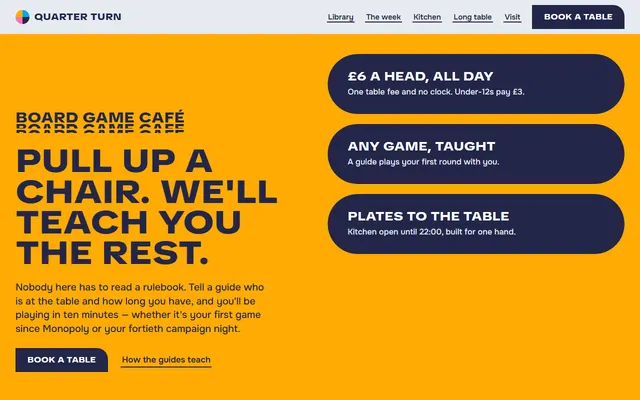
Board game cafe: a library of games, a week of sessions, a menu, private hire and a table request form.
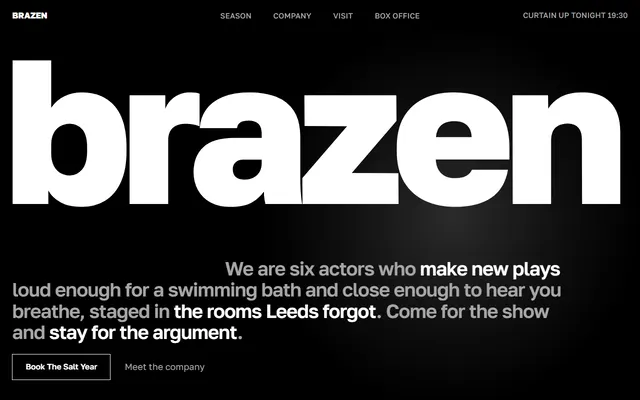
Theater company: current show, season board, company, rehearsal weeks, venues and box office.
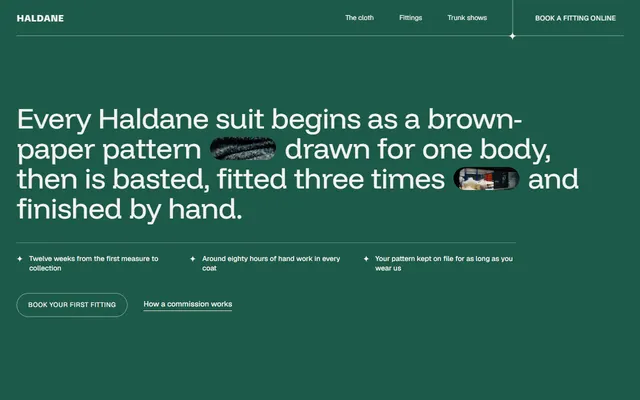
Tailor for bespoke tailors: cloth, fittings, prices, trunk shows.
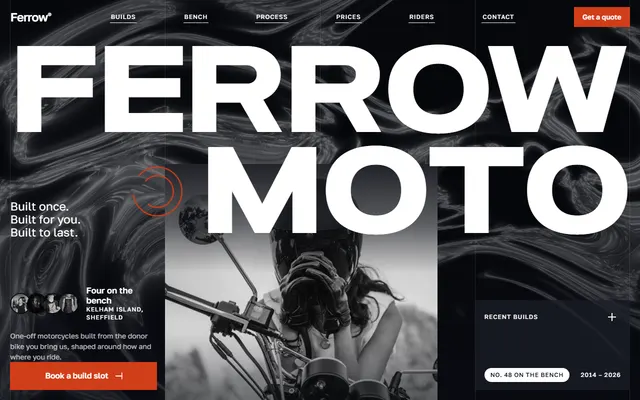
Custom motorcycle workshop: recent builds, services, build process, prices and a quote form.