What comes with the ski school website template
- index.html: the pure HTML and CSS version, one single HTML file, 145 KB.
- index.gsap.html: the same design built with GSAP, ScrollTrigger and Lenis, for scroll motion in every browser, Firefox included.
- AGENTS.md: what a coding agent must keep and what to replace, so Claude Code, Codex or Cursor edit it without breaking the scenes.
- DESIGN.md: every colour, font, spacing and motion rule of this ski school website design.
- PROMPTS.md: the agent prompt and the design prompt below.
- CREDITS.md and LICENSE.md: the photos and fonts with their licenses, and the 8B license.
- Updates to this template, at no extra cost.
Yours to edit: one index.html with no build step, so you or a coding agent can change the words, prices and photos and upload it to any static host. Not a coder? Describe your business in one sentence to 8B's AI website builder and it designs a new site for you, with more pages when you need them. Designing is free; publishing with hosting is $9 a month, billed yearly. It also works inside Claude and ChatGPT.
Premium template · $39, one-time license · Made by 8B, an AI website builder · Updated November 2026 · Plain text: kante.md
About this ski school website template
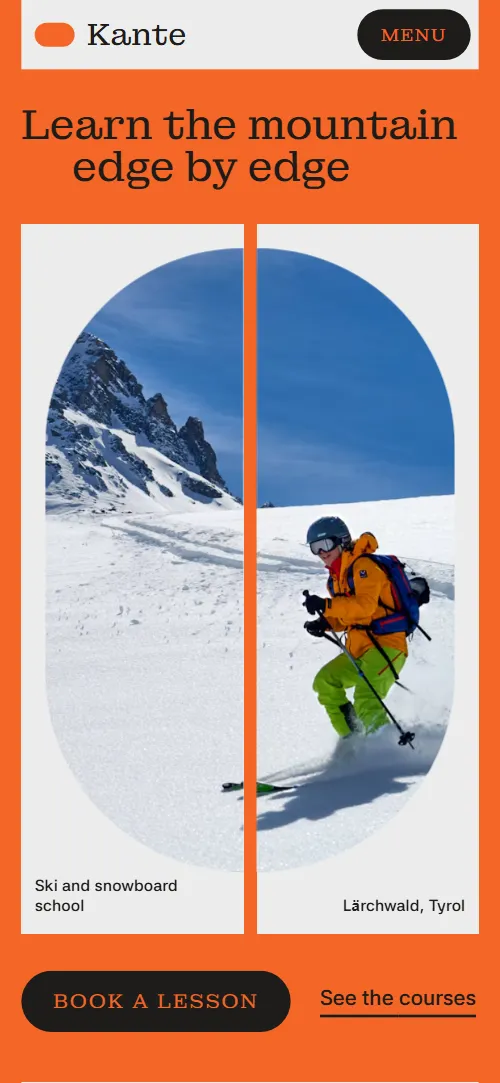
Ski school website template for a ski and snowboard school: one HTML file with four skill levels, five courses, instructors, a kids programme, freeride days, boot rental, a six-day week plan, a price table and a booking request form. It opens on a split frame of two light panels with a stadium window cut across both, which closes into a circle and breaks apart to reveal the page. It is a single HTML file in pure HTML and CSS, and a GSAP version of the same page comes with it.
At a glance, November 2026. One 145 KB index.html: a single HTML file in pure HTML and CSS with a few lines of built-in JavaScript, 13 sections, 16 Unsplash photos, Asta Sans and Montagu Slab. A GSAP build of the same page, 138 KB, comes with it.
It suits a ski school at a resort, a snowboard school, a freelance instructor who sells private hours, a kids ski camp or a mountain guide company with freeride days. Ski school websites mostly need the same things on one scroll: which level you are, which course to book, who teaches you, what a week looks like, what it costs and a way to ask for a place. This page gives each its own section, and it lets a beginner write their level in a sentence instead of choosing from a drop-down.
The demo business is Kante, an invented school in the Tyrolean village of Lärchwald. Every name, price, time, instructor and quote is demo copy to replace. Prices are in euros with Austrian details such as the state licence, which you change to your own country's terms; the week runs Sunday to Friday, and the rows, days and courses are plain text you rewrite for a resort with a different rhythm.
If you would rather not edit HTML at all, 8B, the AI website builder designs a site from one sentence about your business, with more pages when you need them. This template is for people who want this exact design in their own hands: one index.html with its CSS and its motion inside, which you or a coding agent can edit and host anywhere, next to the booking system you already use.
Good for:
What a ski school website needs
A ski school website has to answer a guest's first questions fast, before they book a week. Here is how this template covers each of them.
- Which level am I?. Four levels, from first turns to fresh tracks, each opened by the skier's own sentence and followed by what the week brings.
- Which course should I book?. Five courses on one track with a photo, the days, the times where they apply and the price: group ski week, snowboard week, kids, private hours and freeride days.
- Who will teach me?. Four instructors with their discipline, name and the first thing they teach, and the head of school shown larger.
- What do the children do all day?. A kids section with a fenced garden, lunch at the hut, loaned helmets and the Friday race, with its own booking button.
- What does a week look like?. Six stadium columns from the Sunday ski test to Friday race day, one idea for each morning.
- What does it cost?. One price table with course, what is included, when and price, plus rental per day and a note about lift passes and early booking.
- A way to ask for a place. A booking request form with course, starting week and the guest's level in a sentence, beside the address, phone, email and desk hours. Connect the form before you go live.
What it does not have is a live booking calendar, lift status or snow feed, payments or a members area: it is built for a school that confirms each group by answering a request, and you link out to your booking system if you take bookings online.
Ski school website design and motion
Palette
#f46626 safety orange: the page ground of most sections#1d1b19 near-black: all text, the dark buttons, focus rings and the freeride panel#ececec light grey: the panels of the opening frame, instructors, rental, price rows, address, form and footer, and the text on the freeride panel#57534e warm grey: secondary text on the light panels#d3d1ce hairlines and quiet fills on the light panelsFonts
- Montagu Slab: every heading, instructor name, price and button label, at regular weight
- Asta Sans: body copy, statements, captions, navigation and form fields
Safety orange carries most sections, with light grey panels for the opening frame, the instructors, the rental, the price rows, the address panel, the form and the footer, and one dark panel for the freeride day. Every heading is two slab lines, the second indented. The levels are four rows that step down to the right like a slope; the courses sit on one sideways track of arched photos; the instructors are scattered at different sizes with the head of school larger; the week is six tall outlined stadium columns; the prices are one table. On phones the opening window becomes tall, the levels step less and the price rows become light blocks.
The idea behind the page is the edge: Kante is German for edge, and the shape that repeats is a stadium, a pill with fully round ends, in the window, the buttons, the photo frames and the week columns. A narrow gap runs through the opening photo from the first paint and returns in the button hover, the link hover and the contact section, so the page opens with a break and closes by pulling the two halves back together.
What is on the ski school website page
- NavigationHeader with the wordmark, five links, phone and Book a lesson, and a full-screen orange menu on phones
The header is a light bar that hides when you scroll down and returns when you scroll up.
- Learn the mountain edge by edgeTwo screens: a split frame of two light panels with a stadium photo window and the heading Learn the mountain edge by edge, then an orange statement with opening hours
On load the two grey panels slide out from the centre to their places, the two heading lines and the buttons rise, and the photo drifts slowly sideways inside its window. On scroll the panels slide together to a narrow slit and the window closes into a circle while the photo grows; then each half swings off its side with a small turn, the first heading line going left and the second line and the buttons going right, and the orange statement screen appears in the widening crack.
- Where do you stand?Four skill levels as rows stepped down like a slope, each with the skier's own sentence and what the week brings
The four rows start flush on the left edge and step out into the slope as the list reaches the middle of the screen.
- Lessons with a lineFive courses on a sideways track with arched photos, days, times and prices
The section holds still while the track of course cards travels sideways; cards entering from the right swing alternately up and down with a small turn and settle into one straight row.
- Fourteen instructors, most grew up hereFour instructors scattered at different sizes with their discipline, name and first lesson, on a light grey ground
The four portraits start smaller and gathered toward the middle, and spread to their places as the list rises.
- Little Edges, from age fourLittle Edges for ages four to twelve: two photos, four facts and a booking button
Both photos open from a centred stadium to their full frame and the heading slides its two lines from flush into their stagger.
- Off the marked lineGuided freeride days: a full-screen slope and a dark panel with a diagonal edge, three points and a link
The section holds for a stretch of scroll while a dark panel with a diagonal edge, which starts covering most of the slope, sweeps back to its resting line beside the text and the photo settles from slightly enlarged.
- Six mornings, one weekSix outlined stadium columns from Sunday to Friday with the goal of each morning, and a chairlift photo
Each of the six columns fills with the light panel colour in turn as the section scrolls; on phones the columns are rows that fill from the left.
- Boots that fit on day oneBoot rental: a photo of the boot wall, three points and a link to the prices
The boot wall photo opens from a stadium to its full frame and the heading slides its two lines into their stagger.
- Prices for winter 2026-27One price table with six rows: course, what is included, when, price and a Book link
The table rows slide in from alternate sides and settle aligned before the table reaches the middle of the screen.
- Before you bookFive questions in native details elements with a pill marker that fills when open
The heading slides its two lines into their stagger; the questions open and close as native details elements.
- Book your first morningAddress panel with a village photo, phone, email and hours, beside a booking request form
The address panel swings in from the left with a small turn and slides back against the booking form, and its village photo opens from a circle into a stadium. The form itself never moves.
- The snow report, every ThursdayGrey panel with a Thursday snow report email field, links, social links and the company line
The two lines of the snow report heading slide from flush into their stagger.
Before you publish the ski school website site
- Replace social preview image, favicon, phone number, email address, contact form (sends nothing yet) and social media links and the invented demo facts (names, prices, areas, quotes). AGENTS.md lists them.
- Book a lesson in the header, Book a lesson and Book Little Edges buttons, Book links in the price table lead to
#contactnow; point them to keep them once the booking form is connected, or your booking system. - See the courses, level links, Meet the instructors, Freeride prices, Rental prices, header and footer links lead to
#section links on the same pagenow; point them to keep them. - Imprint and Privacy links in the footer lead to
#footer, no pages behind themnow; point them to your legal pages, which a school in the EU must have. - Instagram and YouTube links in the footer lead to
the networks' home pagesnow; point them to your own profiles, or remove them. - Scroll-driven animation runs when the browser supports it (Chrome, Edge and Safari today; Firefox does not yet) and the visitor has not asked for reduced motion. Otherwise each section shows its finished layout; the GSAP build, index.gsap.html, loads GSAP 3.13 and also plays the scroll motion in Firefox.
- The booking form and the snow report field send nothing: connect them to a form service, your booking system or your mailing list. Without a page script there is no thank-you line after sending.
- It is one page: Imprint and Privacy in the footer point back to the footer, and there are no pages for courses or instructors. There is no live booking calendar, lift status or snow feed.
- The levels list is built for four rows (the slope steps across four), the instructors for four people placed one by one, and the week plan for six columns: a different count needs that layout adjusted. The course track and the price table take any number of items.
Questions about this ski school website template
What do I get for $39?
The ski school website template as a single HTML file, index.html, in pure HTML and CSS, a GSAP build of the same page as index.gsap.html, a DESIGN.md with every colour, font and motion rule, an AGENTS.md for coding agents, the agent prompt and the design prompt from this page, and CREDITS.md for the photos and fonts. Updates to this template are included.
Can I use this ski school template for client sites?
Yes. One purchase lets you build as many sites as you like with it, for your own school or for clients, and change anything. What it does not allow is selling or giving away the template itself, as a template, theme or kit, or putting its source in a public repository.
How do I change the courses, levels and prices?
The courses, the levels, the week plan and the price table are plain HTML text. With Claude Code, Codex or Cursor you say it in a sentence, such as change the snowboard week to 330 euro and add a Saturday morning course, and the agent edits the rows; by hand you change the words in the table and on the course card. The levels list and the instructors are built for four items and the week for six days, so a different count there means the agent also adjusts that layout; the course track and the price table take any number of rows. There is no live availability: the form is a request, and you answer with a confirmed group, as the demo says.
Does the booking form take bookings?
Not yet. The form asks for name, email, course, the week the guest starts and their level in one sentence, but it sends nothing until you connect a form service such as Formspree or Netlify Forms, or your booking system. The snow report field in the footer is the same. The pure HTML and CSS version shows no thank-you line after sending, so point the form at a thank-you page or add one. The Book links in the price table go to the form.
Will it work with Claude Code, Codex or Cursor?
Yes. Put index.html and AGENTS.md in your project and give the agent the prompt that comes with the template. AGENTS.md says which attributes the scroll motion reads, what to keep and what to replace, so the agent swaps courses, prices, instructors and photos without breaking the scenes.
What do visitors see in Firefox or with reduced motion?
Firefox does not support scroll-driven animations yet, so it shows every section in its finished layout, as does any browser when the visitor asks for reduced motion. If the scroll motion must also play in Firefox, use the GSAP build, index.gsap.html, which loads GSAP, ScrollTrigger and Lenis from a CDN.
More templates for mountains, sport and outdoor hire
Other designs for businesses that teach, rent and guide outdoors.
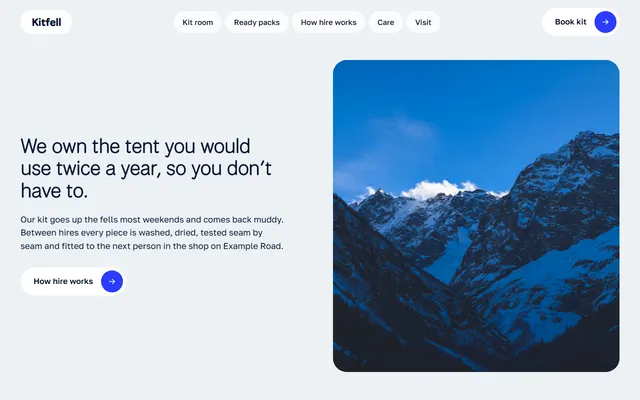
Mountain-town kit hire: shelves of kit with nightly prices, ready packs, hire steps and routes.
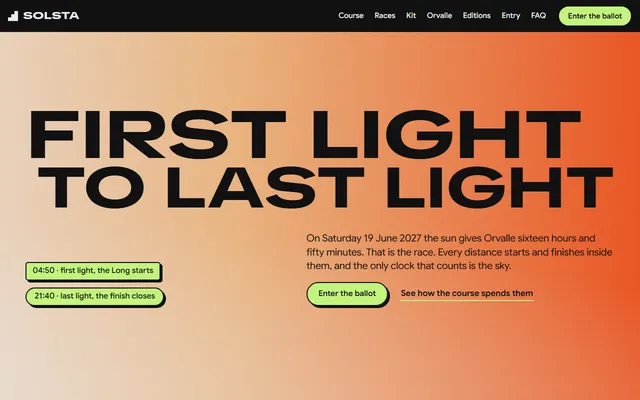
A yearly mountain race: a five-part course, three races, the entry ballot and fees.

Children's swim school: six levels with prices, the pool, a timetable, a free trial and a booking form.
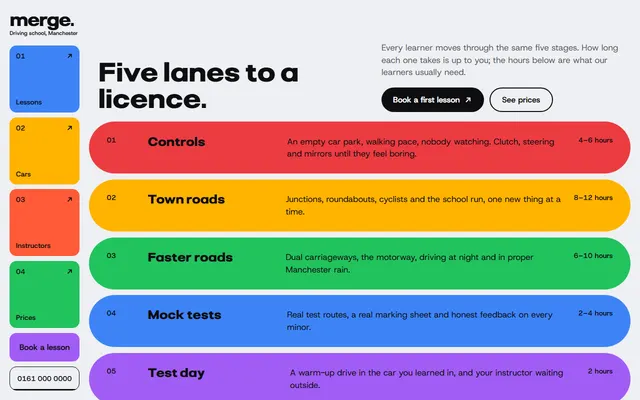
City driving school: five lesson stages, instructors with free slots, packages and a booking form.
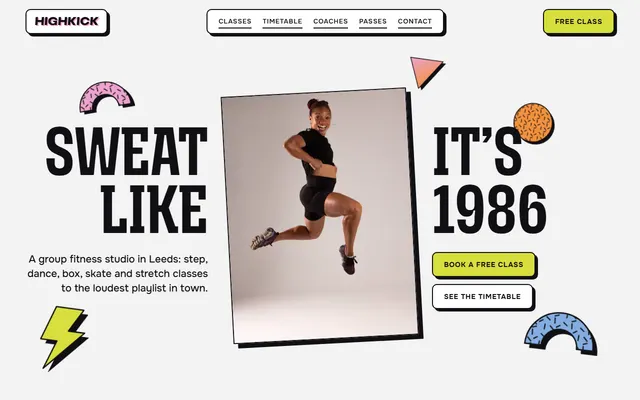
Group fitness studio: seven classes, a week timetable, coaches, three passes and a free-class form.
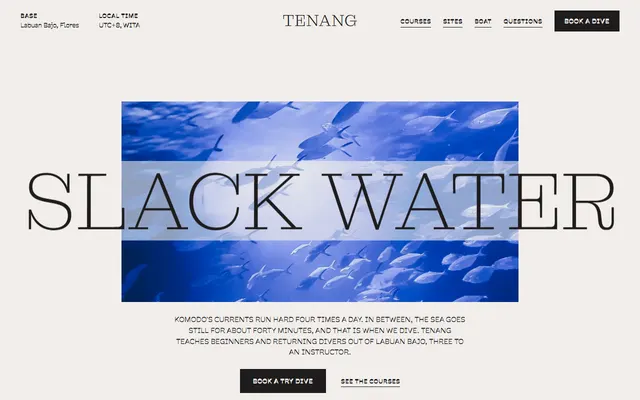
Scuba diving school: dive sites, courses with prices, the boat, instructors and a booking form.
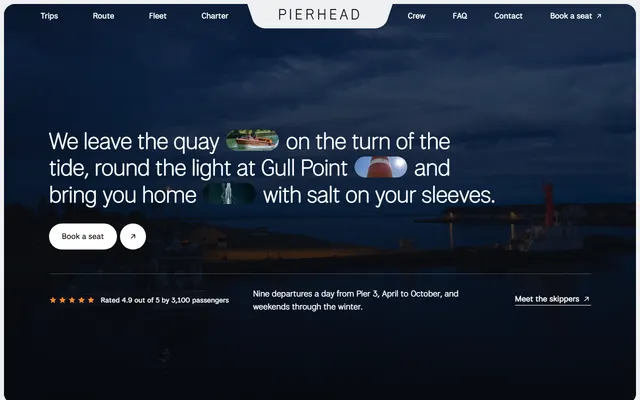
Family harbour boat firm: three trips with fares and times, skippers and a contact block.
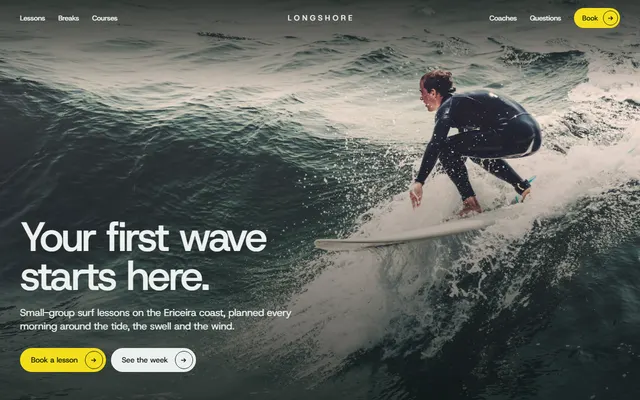
Surf school: skills by day, beaches with levels, the day by the tide, a week grid with prices and a booking form.