What comes with the aquarium website template
- index.html: the pure HTML and CSS version, one single HTML file, 135 KB.
- index.gsap.html: the same design built with GSAP, ScrollTrigger and Lenis, for scroll motion in every browser, Firefox included.
- AGENTS.md: what a coding agent must keep and what to replace, so Claude Code, Codex or Cursor edit it without breaking the scenes.
- DESIGN.md: every colour, font, spacing and motion rule of this aquarium website design.
- PROMPTS.md: the agent prompt and the design prompt below.
- CREDITS.md and LICENSE.md: the photos and fonts with their licenses, and the 8B license.
- Updates to this template, at no extra cost.
Yours to edit: one index.html with no build step, so you or a coding agent can change the words, prices and photos and upload it to any static host. Not a coder? Describe your business in one sentence to 8B's AI website builder and it designs a new site for you, with more pages when you need them. Designing is free; publishing with hosting is $9 a month, billed yearly. It also works inside Claude and ChatGPT.
Premium template · $39, one-time license · Made by 8B, an AI website builder · Updated November 2026 · Plain text: glasswater.md
About this aquarium website template
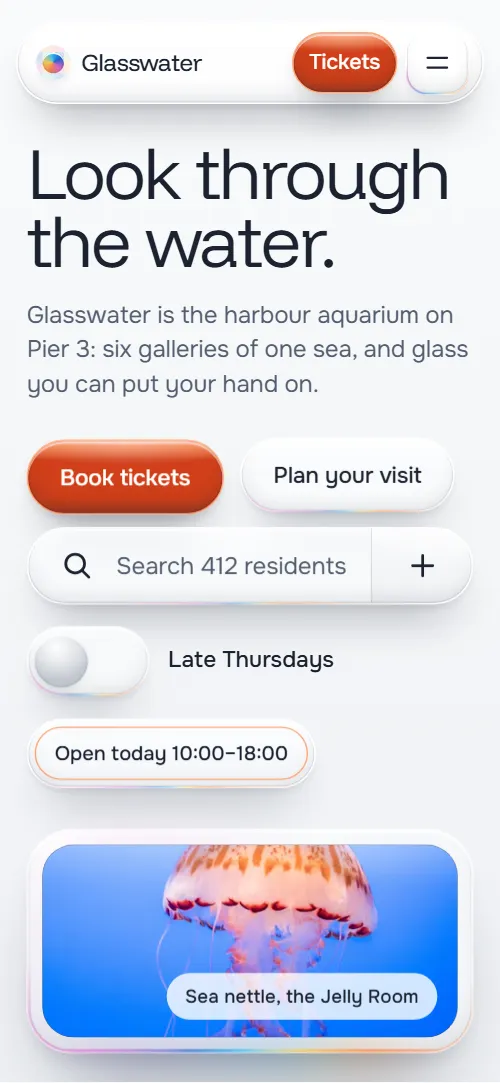
Aquarium website template for a harbour aquarium, sea life centre or wildlife attraction: one HTML file with six galleries walked past sideways, a board of residents, a day of timed talks and feeds, conservation work, school visits, a late opening, ticket prices and three membership plans. The first screen is a board of thick glass controls around a jellyfish photo, and rising water lifts them off the page. It is a single HTML file in pure HTML and CSS, and a GSAP version of the same page comes with it.
At a glance, November 2026. One 135 KB index.html: a single HTML file in pure HTML and CSS with a few lines of built-in JavaScript, 13 sections, 23 Unsplash photos, Funnel Display and Onest. A GSAP build of the same page, 132 KB, comes with it.
It suits a public aquarium, a sea life centre, a marine museum, a zoo or wildlife park with timed feeds, a science centre or a conservation charity that runs school visits and a membership. Aquarium websites mostly need the same things on one scroll: what there is to see, what happens today, how to get in and what it costs, and a reason to come back, and this page gives each its own section. An aquarium website built from it also gets what makes a visit feel worth planning: a temperature and a volume for every tank, a diver talk at midday and the work behind the glass.
The demo business is Glasswater, an invented harbour aquarium on Pier 3 in a town called Saltmouth, run by a charity. Every gallery, species, time, price, figure and address is demo copy to replace. The galleries, talks and ticket types are plain blocks of HTML, so an aquarium in another country fills in its own tanks, currency and opening hours, and the school and membership sections change to your own programmes.
If you would rather not edit HTML at all, 8B, the AI website builder designs a site from one sentence about your business, with more pages when you need them. This template is for people who want this exact design in their own hands: one index.html with its CSS and its motion inside, which you or a coding agent can edit and host anywhere, next to the ticket shop you already use.
Good for:
What an aquarium website needs
Aquarium and wildlife attraction websites that fill a day answer the same questions quickly. Here is how this template covers each of them.
- What there is to see. Six gallery windows, each with a photo, the water temperature, the volume and a sentence about the animals inside.
- Whether a particular animal lives there. A board of twelve resident pills with a name and gallery each, under a search field (it filters in the GSAP version; the pure HTML and CSS version shows the board as it is).
- What is on today. Seven talks and feeds with the time, the gallery and how many minutes each takes, in one column.
- Hours, prices and how to get in. Opening hours, last entry, the late Thursday evening, five ticket types with prices, and how to get there by train and bus with access notes.
- A reason to come back. Three membership plans with a yearly price and what each includes, and a late Thursday evening for adults.
- Trust in the cause. A seahorse nursery, a coral farm and a seal hospital, each with a photo and one real-looking figure.
- School and family answers. Three school tabs for primary, secondary and home education groups with three workshop or visit ideas each, and six common questions about pushchairs, food, quiet times and photos.
What it does not have is online ticket payment, a booking calendar, timed entry slots or a live animal database: it is built for an attraction that sells tickets in its own shop and wants the page to make people want to go. Connect the buttons to that shop and the page does the rest.
Aquarium website design and motion
Palette
#eceff3 the cool light grey page ground#1b2230 dark slate: text and the shadows under the glass#d13f19 orange: the liquid inside the main buttons#1c9c73 green: the liquid inside switches and checkboxes, and the night track#1b62d4 blue: the membership buttons and the keyboard focus ring#061a31 deep water: the ground of the submerged and night screensFonts
- Funnel Display: the large light headings and the figures on the glass
- Onest: body text, buttons, tabs, labels and form fields
A pale cool grey page with dark slate text, where every control and panel is a thick glass body with a bright top rim, a soft inner shadow and a faint rainbow fringe. Headings are large light display type placed above rows of glass pieces of different widths: pills, tabs, toasts and slabs. The first screen is a working board of controls with the jellyfish photo in a glass slab on the right; the galleries are a horizontal track of six photo windows; the residents are a board of pills; the day is a column of seven pills; the three conservation projects alternate their photo and text sides; the three membership plans are glass cards in a row. On phones the controls stack under the heading with the slab below them, the gallery windows are narrower than the screen and the plans become a column.
The idea behind the page is looking through water and glass. Colour exists only as liquid inside clear glass: orange in the main button, green in the switches and checks, blue in the plan buttons, pale water in open tabs. The page fills its glass as you scroll: water rises behind the first screen, the day's pills fill one after another, and the late Thursday switch floods the section with night. Hover echoes it, with the colour rising inside a button.
What is on the aquarium website page
- NavigationGlass header with the wordmark, five links and a Tickets button, and a menu of glass tabs with seven links and Book tickets
The header hides once you scroll down a little way and comes back when you scroll up.
- Look through the water.Two screens: a board of glass controls (Book tickets, Plan your visit, a directions icon, a resident search, a Late Thursdays switch with today's hours) beside a jellyfish photo in a glass slab, then a statement about the harbour water with three facts and a wide photo of visitors before the great tank
On load the heading rises, the slab scales up, the controls pop into place one after another, and the slab and the pieces float gently while the jellyfish photo drifts inside its frame. On scroll a layer of deep water rises behind the held board; as it reaches each glass piece, the piece rides up off the top with its own sideways drift and tilt, and the waterline cuts through the heading, whose submerged part shows as a pale copy shifted like a stick in water. The second screen's text and photo then settle up out of the depth.
- Six galleries, one walk through the sea.Six glass tank windows with photo, temperature and volume, name and a sentence, walked past sideways: Rock Pools, Kelp Hall, Reef Tunnel, Open Water, Jelly Room, Deep Window
The section holds still while the six windows slide sideways past you, and inside each window the photo moves the other way, so the tanks read as deep windows you walk past.
- Who lives behind the glass.A search field, a line that reads 12 residents shown, and a board of twelve glass pills of different widths, each with a name and its gallery
The heading arrives with orange and cyan ghost copies that converge into one clean line, and the pills rise from below with a small tilt that settles.
- Today, hour by hour.A diver photo and a column of seven timed talks and feeds, from 10:30 to 16:00, each with its gallery and length
Pale water fills the seven pills one after another from the bottom as the column passes, from the 10:30 talk to the 16:00 one.
- Behind the glass, the work goes on.Three conservation projects with a photo, a figure and a paragraph each: a seahorse nursery, a coral farm and a seal hospital
The three photos scroll under one glass lens that slides sideways to meet each of them; through it the photo has its full colour, and the project name sits on the lens, which is hidden when no photo is under it.
- A classroom with a shark in it.A heading, three glass tabs (Primary, Secondary, Home education) switching a panel of three points and a button, and a photo of a child at the glass
The heading arrives with its ghost copies and the three tabs rise into place; choosing a tab swaps the panel.
- Thursdays, the lights go down and the jellies come up.A giant Late Thursdays switch with three evening points, a Book a late button and a photo, between a day and a night version of the section
The section holds still while a giant switch's knob slides across its green track as you scroll, and night spreads from the knob as a widening circle over a light day version, turning the ground deep blue, the bright reef photo into visitors in silhouette and the text light.
- Plan your visit.Opening hours, getting here by train and bus, access notes, five ticket types with prices and tick boxes, a Selected total line and a Book tickets button
The heading arrives with its ghost copies, and the hours and ticket pills rise into place one after another.
- Come back as often as the tide.Three glass popover cards: Single at 48 pounds, Household at 120 and Patron at 300 a year, each with a button
The three plan cards start stacked like panes of glass with small offsets and tilts, and separate into their row as the section crosses.
- Before you come.Six glass tab pills that open to an answer: visit length, pushchairs, touching animals, food, quiet times and photos
The heading arrives with its ghost copies and the six question pills rise into place.
- Find us on Pier 3.Address, phone, email and a schools and groups email, a Book tickets button and the wordmark across the full width
A clear glass lens travels across the wordmark as the section passes, and the letters near it spread apart sideways, then settle once it has gone.
- VisitFooter with a short description of the aquarium, three link groups (Visit, Explore, Support), the trust's copyright line and the address
Before you publish the aquarium website site
- Replace social preview image, favicon, contact form (sends nothing yet), phone number and email address and the invented demo facts (names, prices, areas, quotes). AGENTS.md lists them.
- Tickets in the header, Book tickets in the menu, on the first screen and in the contact section, and Book a late in the late Thursday block lead to
#visit, the ticket section of the same pagenow; point them to your ticket shop or booking page. - Plan your visit and Walk the galleries on the first screen, and the directions icon lead to
#galleries for the two buttons and #contact for the iconnow; point them to keep them, or point them to your own pages. - Book tickets button under the ticket types lead to
submits the ticket form back to #visit and sends nothingnow; point them to your ticket shop, with the chosen types passed on if it takes them. - Book a class visit, Ask about a date and the three membership buttons lead to
#contact, where the address, phone and emails arenow; point them to your school booking form or your membership sign-up page. - Footer links lead to
#visit, #faq, #galleries, #residents, #today, #after-dark, #membership, #behind and #learningnow; point them to keep them while the site is one page. - Scroll-driven animation runs when the browser supports it (Chrome, Edge and Safari today; Firefox does not yet) and the visitor has not asked for reduced motion. Otherwise each section shows its finished layout, with the galleries as a wrapped grid; the GSAP build, index.gsap.html (GSAP 3.13 with ScrollTrigger and Lenis), also plays the scroll motion in Firefox.
- Nothing is sent or sold, and there is no contact form or booking. In the pure HTML and CSS version the resident search does not filter the pills and the ticket total is fixed text (Selected: £19.50) that does not change when boxes are ticked; the GSAP version has a small script that filters the residents as you type and adds up the ticked tickets. Connect Book tickets and the membership and class buttons to your ticket shop and sign-up pages.
- It is one page. Prices, hours, talk times, temperatures, volumes and species are demo copy in the HTML; the template does not read them from a calendar, a ticket system or an animal database.
- The scenes are built for six gallery windows, seven talks, three conservation projects, three membership plans and three school tabs. The resident board is plain HTML pills, so more or fewer residents work, but a different count of the others needs its scene adjusted. The glass look uses blur and masks and is heavy on a phone.
- The after-dark switch is a picture of a switch that moves with the scroll, not a control; the working switch is the Late Thursdays one on the first screen, which swaps today's hours for the Thursday hours. The day copy of that section and the submerged copy of the heading are made by the page's script at load, so edit the originals.
Questions about this aquarium website template
What do I get for $39?
The aquarium website template as a single HTML file, index.html, in pure HTML and CSS, a GSAP build of the same page as index.gsap.html, a DESIGN.md with every colour, font and motion rule, an AGENTS.md for coding agents, the agent prompt and the design prompt from this page, and CREDITS.md for the photos and fonts. Updates to this template are included.
Can I use this aquarium template for client sites?
Yes. One purchase lets you build as many sites as you like with it, for your own attraction or for clients, and change anything. What it does not allow is selling or giving away the template itself, as a template, theme or kit, or putting its source in a public repository.
Can visitors buy tickets on the page?
Not by itself. The visit section lists five ticket types with prices and tick boxes, but the Book tickets button sends nothing and takes no payment. In the pure HTML and CSS version the total line is fixed text and does not change as boxes are ticked; the GSAP version adds up the ticked tickets with a small script. Point the button at your ticket shop or booking system, and a coding agent can add the total or pass the chosen types on if your shop takes them in a link. Prices, opening hours, the late Thursday evening and the membership plans are plain text, so changing them is a copy edit.
How do I change the galleries, talks and residents?
Each gallery window, each timed talk and each resident pill is one short block of HTML, so you or an agent can rename them, change a temperature or a time, or add residents with one sentence such as add the penguin colony to the resident list. In the pure HTML and CSS version the search field is for looks and does not filter; the GSAP version filters the pills by name or gallery as you type, and an agent can add the same small script to the main file. There is no database, calendar or animal list behind it: if your talks change every week, edit the seven rows, and keep a fixed count of six galleries and seven talks unless the scenes are adjusted too.
Will it work with Claude Code, Codex or Cursor?
Yes. Put index.html and AGENTS.md in your project and give the agent the prompt that comes with the template. AGENTS.md says which attributes the scroll motion reads, what to keep and what to replace, so the agent swaps galleries, species, prices and photos without breaking the scenes.
What do visitors see in Firefox or with reduced motion?
Firefox does not support scroll-driven animations yet, so it shows every section in its finished layout, with the galleries as a wrapped grid, as does any browser when the visitor asks for reduced motion. If the scroll motion must also play in Firefox, use the GSAP build, index.gsap.html, which loads GSAP, ScrollTrigger and Lenis from a CDN.
More templates for museums, parks and days out
Other designs for places people visit.
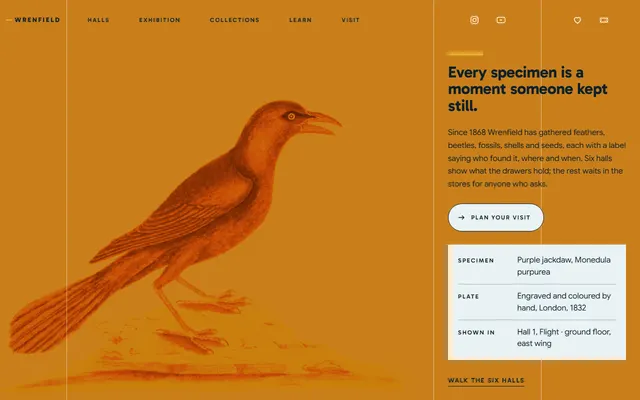
Natural history museum: six halls, a main exhibition, learning sessions, monthly late openings and membership.
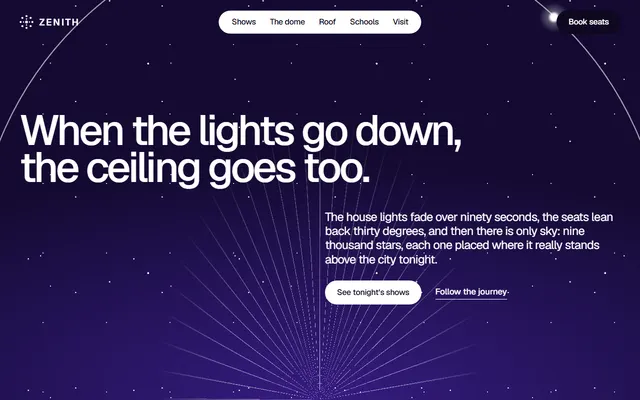
City planetarium: a programme of shows with times, school trips, late events and a box-office form.
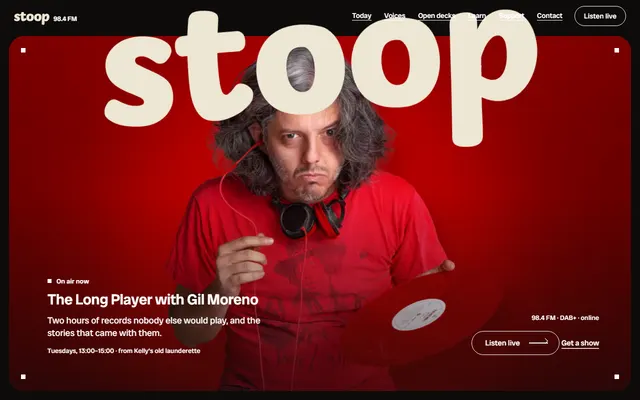
Community radio station: today's shows, hosts, open decks, dedications and memberships.
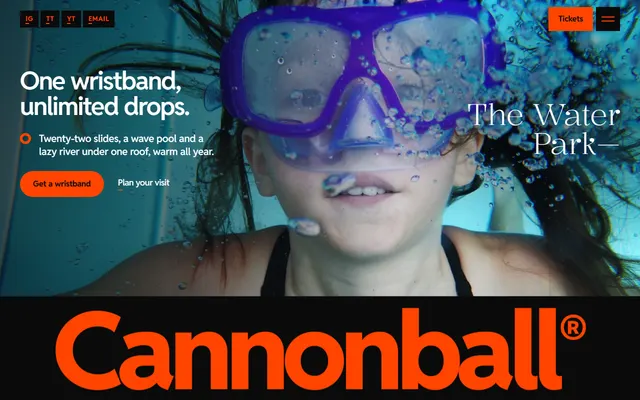
Water park: the big rides, three zones, day and season prices and a party booking form.
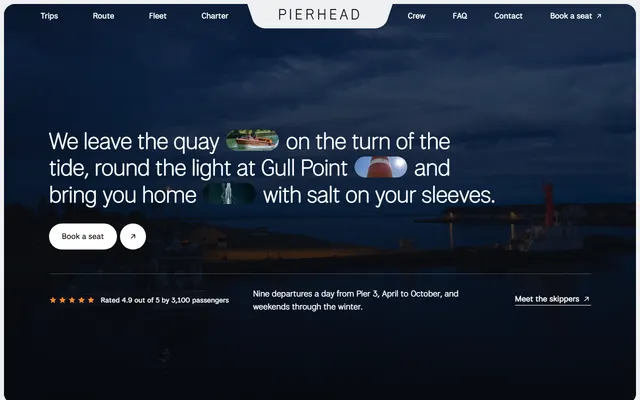
Harbour boat firm: three trips with fares and times, the route, the boats and the skippers.
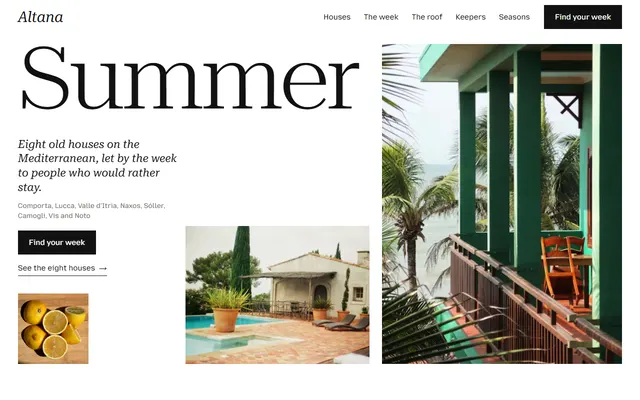
Holiday home rental: eight houses with weekly prices, a week timetable, seasons, keepers and an enquiry form.
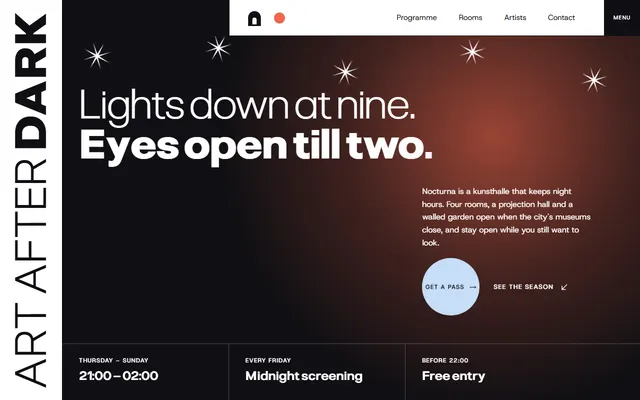
Art gallery for galleries and museums.
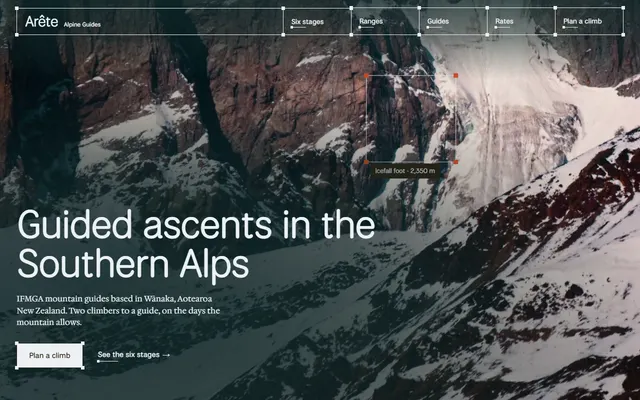
Mountain guiding company: six climb stages, three ranges, kit lists, guides and a rate table.