What comes with the developer tool landing page template
- index.html: the pure HTML and CSS version, one single HTML file, 110 KB.
- index.gsap.html: the same design built with GSAP, ScrollTrigger and Lenis, for scroll motion in every browser, Firefox included.
- AGENTS.md: what a coding agent must keep and what to replace, so Claude Code, Codex or Cursor edit it without breaking the scenes.
- DESIGN.md: every colour, font, spacing and motion rule of this developer tool landing page design.
- PROMPTS.md: the agent prompt and the design prompt below.
- CREDITS.md and LICENSE.md: the photos and fonts with their licenses, and the 8B license.
- Updates to this template, at no extra cost.
Yours to edit: one index.html with no build step, so you or a coding agent can change the words, prices and photos and upload it to any static host. Not a coder? Describe your business in one sentence to 8B's AI website builder and it designs a new site for you, with more pages when you need them. Designing is free; publishing with hosting is $9 a month, billed yearly. It also works inside Claude and ChatGPT.
Premium template · $39, one-time license · Made by 8B, an AI website builder · Updated November 2026 · Plain text: sikt.md
About this developer tool landing page template
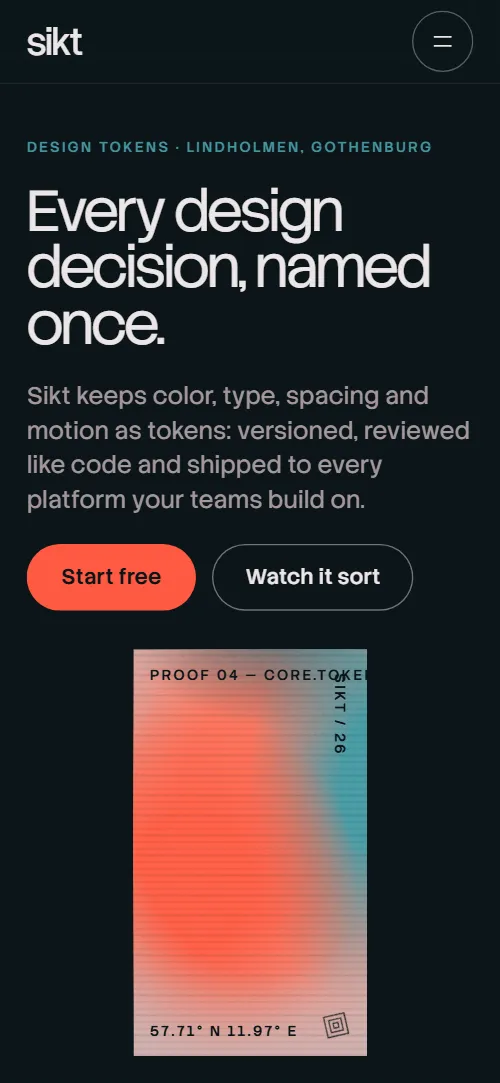
Developer tool landing page template for a SaaS or developer product sold to product teams: one HTML file with a product panel, seven spoken problem lines, a sorting scene, the outputs you ship to, a version history, a change review diff, customer quotes, a plan sheet, questions and a contact form. It opens on a tall grain poster plate that widens while a token panel tilts flat onto it, beside a dictionary entry for the word token. It is a single HTML file in pure HTML and CSS, and a GSAP version of the same page comes with it.
At a glance, November 2026. One 110 KB index.html: a single HTML file in pure HTML and CSS with a few lines of built-in JavaScript, 13 sections, 5 Unsplash photos, Stack Sans Headline and Stack Sans Text. A GSAP build of the same page, 97 KB, comes with it.
It suits a developer tool, an API or infrastructure product, a design system or tokens tool, or a SaaS for product and engineering teams that wants a calm, technical page instead of a gradient hero. Developer tool landing pages mostly need the same things on one scroll: what the product does in plain words, how it works, where its output goes, how a change is reviewed, what it costs per seat and a way to talk to the team. This page gives each its own section, and it shows the product as drawn HTML, a panel, a diff and a version list, so there are no screenshots to produce before launch.
The demo business is Sikt, an invented design token manager from a small studio in Gothenburg. Every product claim, token name, version, quote, price in euros and customer name is demo copy to replace. The panel, the diff rows and the versions are plain HTML lists, so a team in any field swaps in its own values: endpoints for an API, commands for a CLI, or releases for any tool with a history.
If you would rather not edit HTML at all, 8B, the AI website builder designs a site from one sentence about your product, with more pages when you need them. This template is for people who want this exact design in their own hands: one index.html with its CSS and its motion inside, which you or a coding agent can edit and host anywhere, next to the docs and the app you already run.
Good for:
What a developer tool website needs
Developer tool landing pages that convert answer the same questions quickly. Here is how this template covers each of them.
- What it does, in one sentence. The opening heading says every design decision is named once, and a dictionary entry right below defines the product's core word.
- The problem, in the buyer's words. Seven short spoken lines go from 412 shades of blue to every product following a change.
- How it works. A sorting scene shows forty-eight loose values becoming six labelled families, so the product's promise is something you watch.
- Where the output goes. Four plates name the web, iOS, Android and Figma outputs, each with a line on what it contains.
- Trust in how changes are made. A version history of one token and a change request with a visual diff and an approval line show that every change is reviewed.
- Proof and a clear price. Five customer quotes, and one plan sheet with three columns and six shared rows, with the unit of billing stated in the heading.
- A way to talk to a person. The contact section has a walkthrough request form with a team size field, the address, email, phone and hours; connect the form before you go live.
What it does not have is docs, a sign-up or login flow, a live demo or a changelog feed: the panel, the diff and the versions are drawn in HTML, and the buttons lead to your own sign-up, docs and app, which stay on their own addresses.
Developer tool landing page design and motion
Palette
#0c1519 deep petrol ink: the page ground, the header and the footer#ece6e7 mist white: headings and body text, and the lit spoken line#ff5a43 coral: the poster blob, buttons, the top edge of the plan underlay, the strike lines and the colour storm behind the contact eclipse#45959f sea teal: the token chips, the version plate and the output plates#17323b dark petrol: the ground of the grain plates, the Fjord family on the sorting board and the hover fill of outline buttons#e6b8b0 dusty pink: the quote plates, the FAQ plate, the contact card and the edge tags on photo plates#a3979b muted mauve: unlit lines, small labels and old valuesFonts
- Stack Sans Headline: the light display headings, the spoken lines, plan names, version numbers, the old and new review values, the quotes and the footer wordmark
- Stack Sans Text: body text, microtype labels, navigation, buttons, token names in the panel, plan prices and rows, and form fields
A deep petrol ink page where grain plates carry the images, each labelled along its edges in small uppercase microtype like a print proof. The opening is two screens, a heading on the left with a tall poster plate on the right, then a dictionary entry on the left with the token panel. The problem is a column of seven spoken lines, the sorting scene is a sticky stage with a board of six rows and eight steps, the outputs are four offset plates, the versions sit beside a sticky plate, the review is four full-width rows, and the plans are one sheet with three columns and six shared rows. On phones the plate becomes a band in the lower half of the opening, the outputs sit in two columns, the token panel shows four of its six rows and the plan sheet keeps its three columns.
The idea behind the page is one grain: every design decision is named once and laid on the same material. Plates tilt in, widen and sort like proofs on a table, the spoken lines carry a small chip that turns from edge-on to face-on as each line is read, and loose values snap into labelled families, which is what the product does.
What is on the developer tool landing page page
- NavigationHeader with the wordmark and city, five links, Start free, and a full-screen menu on phones
- Every design decision, named once.Two screens: a poster plate with the heading Every design decision, named once, then a dictionary entry for token and a token panel that tilts flat onto the widened plate
On load the plate stretches open from a shorter height and the heading block rises; the poster blob drifts and breathes in a loop, and a small diamond mark in the plate corner turns. On scroll the plate widens from portrait to landscape, its blob swells and sinks, its edge labels and mark slide out, and the token panel rises from a steep tilt until it lies flat and complete on the plate.
- Why product teams need one source for design decisionsSeven spoken lines from 412 shades of blue to every product following a change, each with a small turning chip
Each of the seven lines lights from mauve to mist as it reaches the middle of the screen, sliding in slightly from the right, while its chip turns from edge-on to face-on and its fill slides across.
- Loose values in. Six families out.A sorting scene: forty-eight loose value tiles fly into six colour families on an eight-step scale
Forty-eight loose value tiles lie scattered and turned across a sticky stage; as you scroll they fly into their family column, one family after another, and settle into the eight-step scale, and the family labels draw in at the end.
- One source. Four ways out.Four offset poster plates for the outputs: CSS custom properties, Swift, Compose and Figma variables
The heading and the intro rise in one after the other, and each plate opens from its lower edge while its photo settles from slightly larger.
- One token, four versions. Nobody had to ask.One token through four versions, v1.0 to v4.2, beside a sticky plate that changes colour with each
As each of the four versions reaches the middle it lights up while the others dim, the sticky plate beside the list changes its colour to that release's colour, and a soft band sweeps down through the plate.
- Review a token change the way you review code.A change request with four tokens, each row striking the old value and wiping in the new one, then the approval line
Each row in turn strikes through its old value, wipes in the new value and covers the old swatch with the new one; the approval line closes the scene.
- Teams who stopped asking which blue.A continuously moving row of five customer quote plates
The label and the heading rise in one after the other, and the five quote plates move in a continuous row that pauses on hover and focus.
- Made in an old shipyard office across from the Eriksberg crane.A wide photo plate of the Eriksberg crane that opens out above a heading, a note from the studio, the founders and three facts
The photo plate widens from a small proof to a wide plate while the photo counter-scales and develops from grey to colour, and the note's paragraphs, the founders line and the facts slide in from the left as they brighten.
- Pay per editor. Everyone who reads is free.One plan sheet with Solo, Team and Studio in three columns and six shared rows, with a sliding coral-edged underlay and a Most teams label on Team
A coral grain underlay slides from the Solo column to the Team column as the sheet crosses the screen, and the Most teams label above Team draws in from the left.
- Questions teams ask before they switch.Six questions in native accordions beside a small plate with an email line
The heading rises into place and the small plate beside the questions opens from its lower edge.
- Bring us your 412 blues.An eclipse plate with address, email, phone and hours beside a walkthrough request form
A black disc crosses the plate from beyond its left edge to its resting place, growing as it comes, while the colour storm behind it slides.
- ProductFooter with a tagline, product, company and legal links, a huge wordmark and the company line
The tagline rises into place and the rule under the wordmark draws in from its left end.
Before you publish the developer tool landing page site
- Replace social preview image, favicon, email address, phone number and contact form (sends nothing yet) and the invented demo facts (names, prices, areas, quotes). AGENTS.md lists them.
- Start free in the header, the menu, the opening and the Solo plan, Try Team and Talk to us in the plan sheet lead to
#contactnow; point them to your sign-up, checkout or sales page. - Watch it sort in the opening, the wordmark, the header and menu links, the footer product and company links lead to
#sift, #opening, #review, #pricing, #studio, #contact, #outputs, #voices and #faq on the pagenow; point them to keep them, or point to your docs and company pages. - Privacy, Terms and Security in the footer lead to
/privacy, /terms and /security, pages the template does not containnow; point them to your legal and security pages. - Email in the FAQ plate, email and phone in the contact card lead to
mailto: and tel: links with demo contactsnow; point them to your own contacts. - Scroll-driven animation runs when the browser supports it (Chrome, Edge and Safari today; Firefox does not yet) and the visitor has not asked for reduced motion. Otherwise each section shows its finished layout; the GSAP build, index.gsap.html (GSAP 3.13.0), also plays the scroll motion in Firefox.
- The contact form sends nothing: connect it to a form service or your CRM. The pure HTML and CSS version shows no thank-you line after sending (only the GSAP build writes one under the button), and its version plate caption shows only the token name, where the GSAP build also writes the active release. The plan buttons and Start free point to #contact until you link them to your sign-up or checkout.
- It is one page: the footer legal links point to /privacy, /terms and /security, pages the template does not contain, and there is no docs, sign-up or login page. The token panel, the diff and the version list are drawn in HTML, not a live product.
- The spoken lines are built for seven lines, the sorting scene for forty-eight tiles in six families of eight, the versions for four releases, the review for four rows, the outputs for four plates and the quote row for five quotes: a different count needs its layout and scene adjusted.
Questions about this developer tool landing page template
What do I get for $39?
The developer tool landing page template as a single HTML file, index.html, in pure HTML and CSS, a GSAP build of the same page as index.gsap.html, a DESIGN.md with every colour, font and motion rule, an AGENTS.md for coding agents, the agent prompt and the design prompt from this page, and CREDITS.md for the photos and fonts. Updates to this template are included.
Can I use this developer tool template for client sites?
Yes. One purchase lets you build as many sites as you like with it, for your own product or for clients, and change anything. What it does not allow is selling or giving away the template itself, as a template, theme or kit, or putting its source in a public repository.
Can I show my own product instead of the token panel?
Yes. The panel, the diff, the version list and the sorting board are plain HTML, not images, so you change the words and values in place or ask a coding agent to rewrite them for your product, such as endpoints, commands or releases. If you have real screenshots, put them on the plates of the outputs section or beside the panel. The sorting scene is built for forty-eight tiles in six families, so a different count means adjusting that scene.
How do I change the plans, prices and sign-up links?
The three plans are one HTML table with six shared rows, so you edit the names, prices and rows in place; the demo prices are in euros per editor a month and you write your own currency and unit. The plan buttons and every Start free button point to the contact section until you set them to your sign-up or checkout address. The contact form sends nothing until you connect a form service such as Formspree or Netlify Forms, or your CRM, and the pure HTML and CSS version shows no thank-you line after sending (the GSAP build writes one under the button), so point it at a thank-you page or add one.
Will it work with Claude Code, Codex or Cursor?
Yes. Put index.html and AGENTS.md in your project and give the agent the prompt that comes with the template. AGENTS.md says which attributes the scroll motion reads, what to keep and what to replace, so the agent swaps the product claims, values, plans and photos without breaking the scenes.
What do visitors see in Firefox or with reduced motion?
Firefox does not support scroll-driven animations yet, so it shows every section in its finished layout, as does any browser when the visitor asks for reduced motion. If the scroll motion must also play in Firefox, use the GSAP build, index.gsap.html, which loads GSAP, ScrollTrigger and Lenis from a CDN.
More templates for products and apps
Other designs for software and app pages.
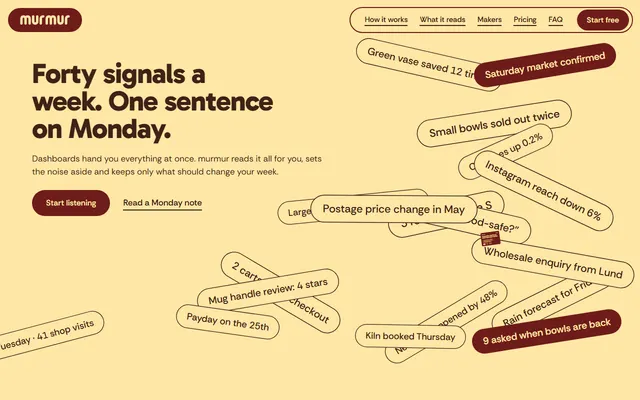
A one-page site for a weekly-advice app: signal chips, source columns and a phone showing the weekly note.
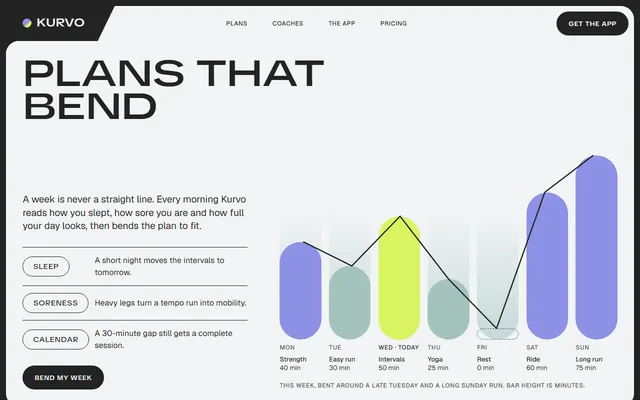
A one-page site for a training app: an adaptive weekly plan, coaches, disciplines and member stories.
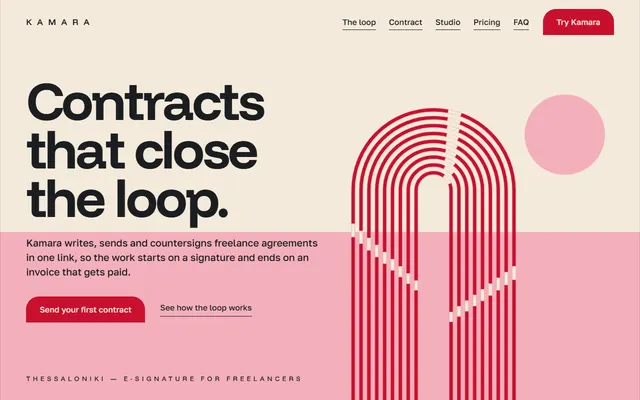
E-signature or SaaS app: product loop, feature sheet, three plans, quotes, FAQ and a contact form.

A one-page site for a coding school for career changers: a five-module course, a timetable and fee plans.
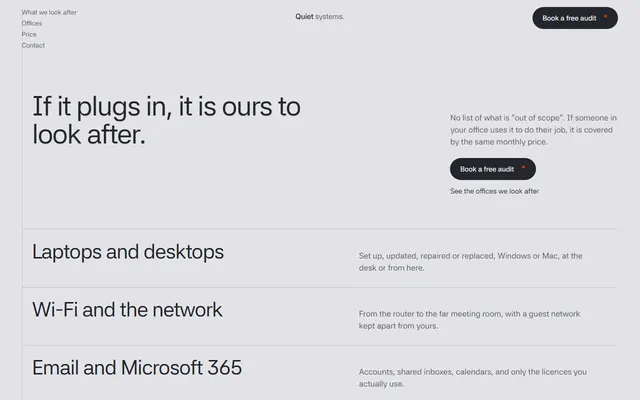
A one-page site for an IT support firm: a price calculator by headcount, security layers and an audit form.
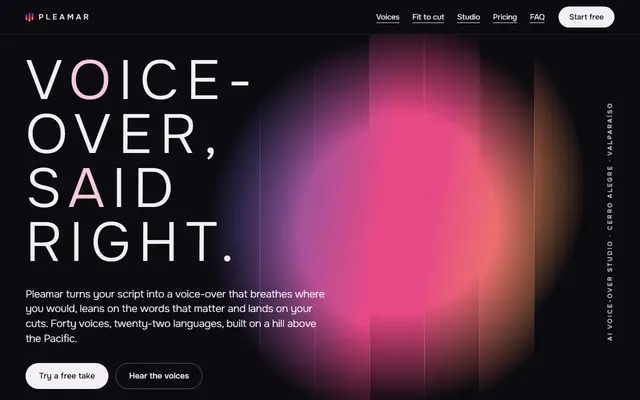
Voice-over or audio app: studio window, voice list, cut fitting, plans and a contact form.
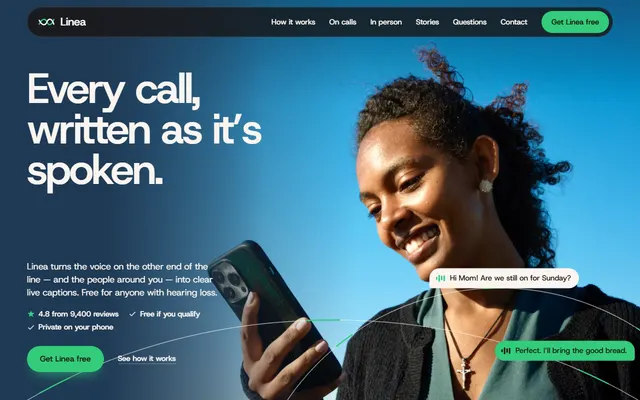
App for a mobile app or SaaS: a phone fills with a call as you scroll, under half the code.
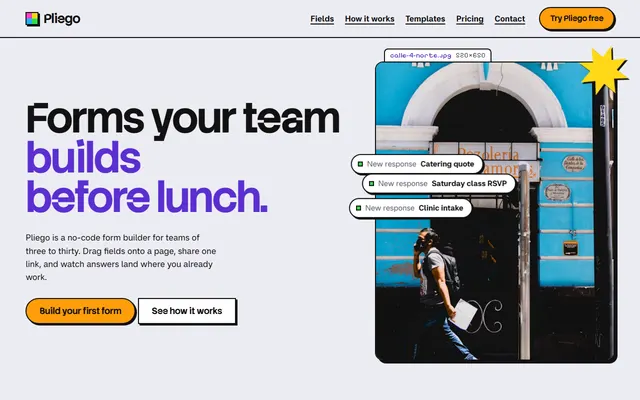
Form builder or no-code tool: field kit, build and share steps, form templates, three plans, contact form.