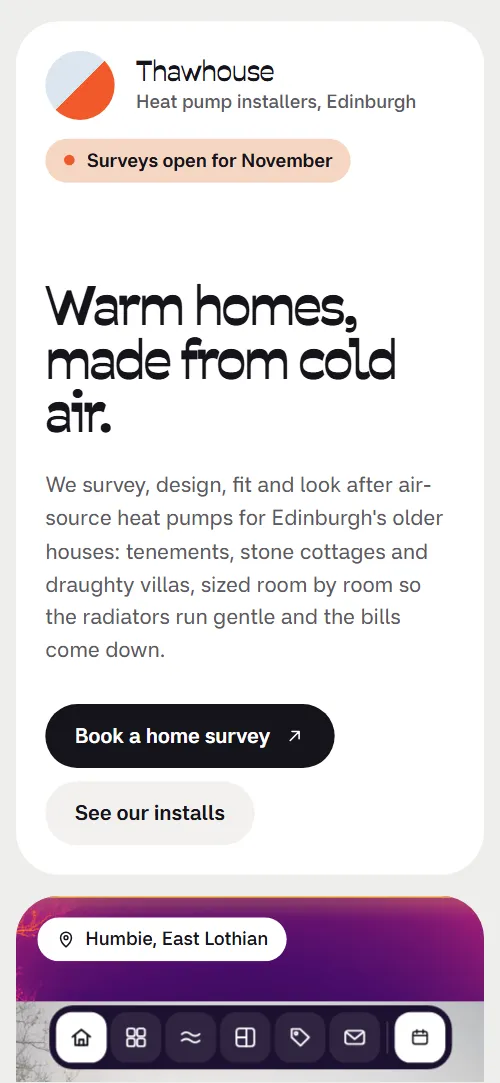
What comes with the heat pump installer website template
- index.html: the pure HTML and CSS version, one single HTML file, 132 KB.
- index.gsap.html: the same design built with GSAP, ScrollTrigger and Lenis, for scroll motion in every browser, Firefox included.
- AGENTS.md: what a coding agent must keep and what to replace, so Claude Code, Codex or Cursor edit it without breaking the scenes.
- DESIGN.md: every colour, font, spacing and motion rule of this heat pump installer website design.
- PROMPTS.md: the agent prompt and the design prompt below.
- CREDITS.md and LICENSE.md: the photos and fonts with their licenses, and the 8B license.
- Updates to this template, at no extra cost.
Yours to edit: one index.html with no build step, so you or a coding agent can change the words, prices and photos and upload it to any static host. Not a coder? Describe your business in one sentence to 8B's AI website builder and it designs a new site for you, with more pages when you need them. Designing is free; publishing with hosting is $9 a month, billed yearly. It also works inside Claude and ChatGPT.
Premium template · $39, one-time license · Made by 8B, an AI website builder · Updated November 2026 · Plain text: thawhouse.md
About this heat pump installer website template
Heat pump installer website template for a firm that surveys, designs, fits and services heat pumps in older houses: one HTML file with four installs, a plain explanation of how cold air heats a house, a whole-house heat loss split into room cards, a survey-to-first-winter table, three prices, a yearly visit checklist, reviews, a FAQ and a survey request form. It opens on a snowy stone house that a thermal scan turns into a heat picture while four survey cards settle in beside it. It is a single HTML file in pure HTML and CSS, and a GSAP version of the same page comes with it.
At a glance, November 2026. One 132 KB index.html: a single HTML file in pure HTML and CSS with a few lines of built-in JavaScript, 13 sections, 11 Unsplash photos, Miranda Sans and Savate. A GSAP build of the same page, 110 KB, comes with it.
It suits a heat pump installer, a heating engineer moving from gas boilers, a retrofit company for older homes or a home energy surveyor who also fits. Heat pump installer websites mostly need the same few answers on one scroll: what a survey involves, how the pump is sized, what it costs after any grant, who comes to the house and what happens when it stops in winter. This page gives each of them its own card and section, in a calm bento of rounded cards with a thermal look that suits a firm that starts every job with a camera.
The demo business is Thawhouse, an invented firm in Leith that works in Edinburgh and the Lothians. Every street, price, grant figure, bill, kilowatt and quote is demo copy to replace. The installs show size, flow and room temperatures and the bill before and now, so an installer in any region fills in its own jobs; the 7,500 pound grant and the Scottish housing types (tenement, factor, conservation area) are examples to swap for your own scheme, climate and buildings.
If you would rather not edit HTML at all, 8B, the AI website builder designs a site from one sentence about your business, with more pages when you need them. This template is for people who want this exact design in their own hands: one index.html with its CSS and its motion inside, which you or a coding agent can edit and host anywhere, next to the booking or quoting tool you already use.
Good for:
What a heat pump installer website needs
A homeowner deciding on a heat pump has a handful of worries: will it work in my house, what does it cost, who will fit it and who will answer in winter. Here is how this template covers each of them.
- Proof it works in an older house. Four installs, from a tenement flat to a listed townhouse, each with the pump size, flow and room temperatures, and the yearly bill before and now.
- A plain explanation of how it works. Four numbered sentences on how cold air heats a house, and a card that shows one unit of electricity in and about three of heat out.
- Sizing that is not a guess. A whole-house figure split into seven room cards, each with its kilowatts, most with a note on the radiator.
- What happens and when. A table of five steps from the home survey to the first January tune-up, with the time each takes, plus a list of what you give them and what they leave on paper.
- Clear prices and grants. Three cards for the survey, the full install after the grant and a monthly care plan, with a row of what is always included.
- A firm that stays after the install. A yearly visit checklist of five checks, a same-day callout promise for the cold months and three reviews from houses already fitted.
- An easy way to ask. A survey form with the postcode and the type of house, a phone number and email, and a card that invites a photo of the house and last year's bills.
What it does not have is a heat-loss calculator, a grant checker, a booking calendar or separate pages for each install: the figures are typed in by hand, and requests arrive through the form you connect, so the page works as the front door of a firm that quotes after a survey.
Heat pump installer website design and motion
Palette
#eeeeeb the light grey page ground#ffffff the cards#15131a near-black ink for text and the primary buttons#1c1030 deep violet: the dock, the van card, the whole-house card, the install price card, the FAQ side card and the contact card#f0592a thermal orange: dots, the heat bar, quote marks, the survey table marker and button hover bands#ffd15c thermal yellow: the scan line and highlights on the dark cardsFonts
- Savate: headings, figures and the brand name
- Miranda Sans: body text, labels, the table, buttons and form fields
A light grey ground with white rounded cards, one deep violet card in most groups. The first screen is a bento: an intro card with a status pill and two buttons beside a tall photo card, with a board of four survey cards below the intro. Installs are four wide cards in a pile, the heat section is one large stage card, the room plan is a floor plan of cards around a dark whole-house card, the survey steps are a table card with two list cards under it, and the prices are three cards, the install card dark. Navigation is a floating dark dock at the bottom of the screen. On phones the cards stack in one column and the dock shrinks to icons, the Book a survey button included.
The idea behind the page is the thermal camera: a heat pump firm that sees the house the way a survey does. A bright scan band travels over the first photo, the photo turns into a heat picture as you scroll, the dark cards take the deep violet of a thermal scale, and the accents are its orange and yellow. The heat section carries the same idea in colour, with its ground walking from ice blue to warm apricot as the four sentences take the focus, and the contact card ends on a warm glow behind the form.
What is on the heat pump installer website page
- NavigationFloating dock with six icon links, a white tile that follows the section on screen and a Book a survey button
The dock rises into place on load, and a white tile slides to the dock link of the section on screen. Dock icons fill from the bottom on hover.
- Warm homes, made from cold air.Intro card with the status pill and two buttons, a tall snowy stone house photo with a thermal scan, and four survey cards: a statement, an outdoor temperature curve, a van card and a one-in-three-out bar card
On load the intro card's contents rise, the photo settles from slightly larger and a thermal scan band travels up and down over it. On scroll a second band rises until the whole photo is a heat picture, the four survey cards grow into place one after another (on phones they slide out from under the photo), the temperature curve draws with its dot running to the dawn reading, and the heat-out bar stretches to three times the electricity bar.
- Houses we've warmedFour installs piled as cards, each with a photo, flow and room temperatures, tags and gas or oil bills before and now
The four install cards pile on top of each other: as the next card slides over it, each one scales down slightly and sinks back, and the last stays whole.
- How cold air heats a houseA stage card with four numbered sentences on how cold air heats a house, on a ground that warms from ice blue to apricot
The stage card stays on screen while each of the four sentences takes the focus in turn at display size and the others shrink into a list, and the ground of the card changes from ice blue through lilac and rose to warm apricot, and the number of the sentence in focus fills dark.
- Sized room by roomA dark whole-house card with 7.4 kW and seven room cards with their kilowatts, laid out as a floor plan
The seven room cards start gathered under the whole-house card and split out to their places in the floor plan, with the whole-house card settling as they go.
- Who comes to your houseA story card with a facts row, a photo of an installer and three principle cards
The story card and the three principle cards rise into place, and the installer's photo is crossed once by a bright thermal scan line as it arrives.
- From survey to first warm eveningA table of five steps from the home survey to the first January tune-up, and two list cards
A marker dot walks down the left rail of the table as the rail fills from cold blue to orange, and each row is shaded warm while the marker is on it, then hands the warmth to the next; the last row stays warm. The two list cards rise.
- What it costsThree price cards for the survey, the full install and a care plan, and an always included chip row
The three price cards and the always included row rise into place.
- We stay for the wintersAn outdoor unit photo beside a yearly visit checklist of five checks and two promise tiles
The outdoor unit photo starts large across the section and shrinks into its column, uncovering the yearly visit card, whose five checks slide into line one after another.
- Kind words from warm housesThree review cards with a quote, a portrait, a name and the house type
The three review cards drift in from opposite sides, the outer two rising from below and the middle one coming down from above (on phones they slide in from the sides), and settle level as the section reaches the middle of the screen; the quote marks turn upright.
- Questions from the doorstepSix questions in one card beside a dark card that invites a photo of the house and last year's bills
The dark card and the question list rise into place.
- Cold house? Let's take a look.A dark violet card with a thermal glow, phone, email and address, and a survey form
A warm thermal glow grows from the corner of the card as it crosses the screen and ends as a soft warm corner behind the form. The form itself never moves.
- FooterOne-line footer with the company line, address and three links
Before you publish the heat pump installer website site
- Replace social preview image, favicon, phone number, email address and contact form (sends nothing yet) and the invented demo facts (names, prices, areas, quotes). AGENTS.md lists them.
- Dock links Home, Installs, How it works, Room by room, Prices and Contact lead to
#home, #installs, #heat, #rooms, #prices and #contact on the pagenow; point them to keep them; add a link when you add a section. - Book a survey in the dock, Book a home survey, Book a survey on the install price card, Ask for a sample survey, Ask us first lead to
#contactnow; point them to keep them once the survey form is connected. - See our installs in the first screen lead to
#installsnow; point them to keep it. - Phone and email in the contact card lead to
a tel: and a mailto: link with demo numbersnow; point them to your own phone and email. - Footer links Installs, Prices and Contact lead to
#installs, #prices and #contactnow; point them to keep them, or add your legal pages. - Scroll-driven animation runs when the browser supports it (Chrome, Edge and Safari today; Firefox does not yet) and the visitor has not asked for reduced motion. Otherwise each section shows its finished layout; the GSAP build, index.gsap.html, also plays the scroll motion in Firefox.
- The survey form sends nothing. In the pure HTML and CSS version it shows no thank-you line either; the GSAP version checks the name and contact fields and shows a thank-you line on the page, but still sends nothing. Connect it to a form service or your CRM and point it at a thank-you page.
- It is one page with in-page links only: there are no installation or case-study pages, no heat-loss calculator, no grant checker and no booking calendar. The room cards and the figures on them are typed in by hand.
- The installs pile is built for four installs, the heat stage for four sentences, the room plan for seven room cards and the survey table for five steps: a different count needs its layout and scene adjusted.
- The thermal colours on the photos come from an SVG colour filter at the top of the page, not from the CSS colour variables, so recolouring the page does not recolour the thermal look.
Questions about this heat pump installer website template
What do I get for $39?
The heat pump installer website template as a single HTML file, index.html, in pure HTML and CSS, a GSAP build of the same page as index.gsap.html, a DESIGN.md with every colour, font and motion rule, an AGENTS.md for coding agents, the agent prompt and the design prompt from this page, and CREDITS.md for the photos and fonts. Updates to this template are included.
Can I use this heat pump installer template for client sites?
Yes. One purchase lets you build as many sites as you like with it, for your own firm or for clients, and change anything. What it does not allow is selling or giving away the template itself, as a template, theme or kit, or putting its source in a public repository.
How do I change the installs, room cards and prices?
Each install is one card with a photo, a size, two temperatures, tags and two bills, each room is one small card with a name and a kilowatt figure, and each price is one card with a list. With Claude Code, Codex or Cursor you say it in a sentence, such as change the Leith install to a 6 kW unit and the bills to 1,900 and 1,100 pounds, and the agent edits the card; by hand you change the words in the block. The pile is built for four installs and the room plan for seven rooms, so a different count needs its scene adjusted too. Grants and loans differ by country, so write the figures and the scheme name of your own market.
Does the survey form send requests?
Not yet. The form asks for a name, a postcode, a phone number or email, the type of house and a message, but it sends nothing until you connect a form service such as Formspree or Netlify Forms, or your CRM. The pure HTML and CSS version shows no thank-you line; the GSAP version checks the name and contact fields and shows a thank-you line on the page, though it still sends nothing. Point the form at a thank-you page or keep the line once it is connected. The phone and email links in the contact card work as soon as you put in your own numbers.
Will it work with Claude Code, Codex or Cursor?
Yes. Put index.html and AGENTS.md in your project and give the agent the prompt that comes with the template. AGENTS.md says which attributes the scroll motion reads, what to keep and what to replace, so the agent swaps installs, prices, rooms and photos without breaking the scenes.
What do visitors see in Firefox or with reduced motion?
Firefox does not support scroll-driven animations yet, so it shows every section in its finished layout, as does any browser when the visitor asks for reduced motion. If the scroll motion must also play in Firefox, use the GSAP build, index.gsap.html, which loads GSAP, ScrollTrigger and Lenis from a CDN.
More templates for installers and the home trades
Other designs for businesses that work in people's homes.
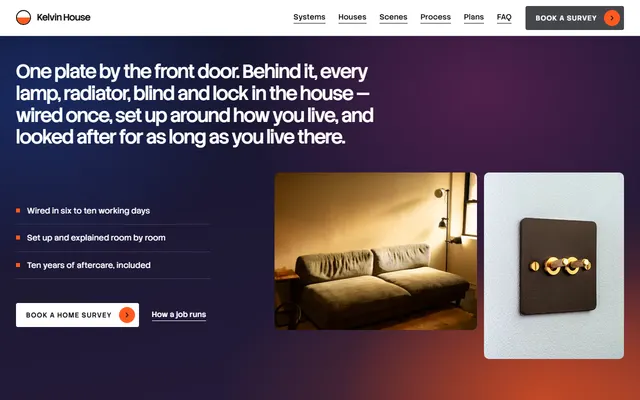
Smart-home installer: five systems, recent houses, a process, an aftercare log, priced plans and a survey form.
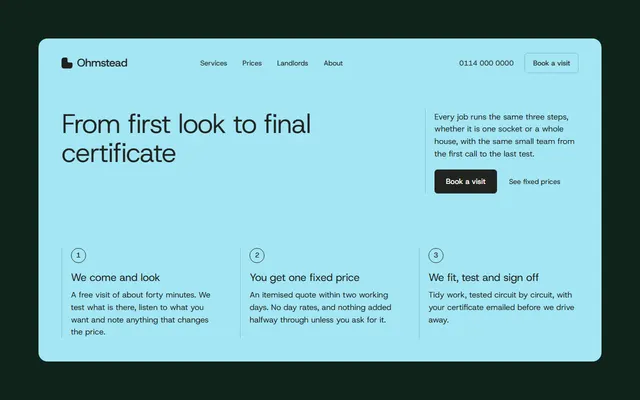
Home electrician: a three-step process, jobs room by room, a fixed price list and certificates.

Kitchen company: five kinds of job, in-house trades, a five-step fit, recent fits and a survey form.
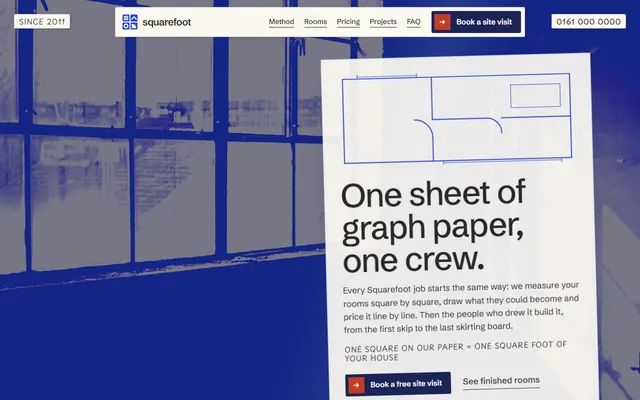
Home renovation: a four-stage method, services as the rooms of a plan and prices per square foot.
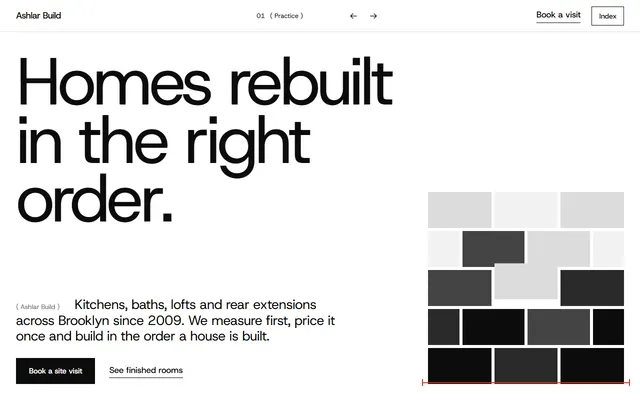
Construction company: services with prices, finished work, crew and a site-visit form.
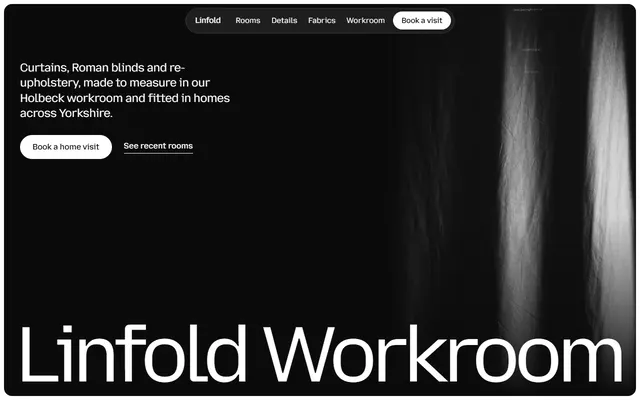
Curtain and upholstery workroom: recent rooms, fabrics, how a job runs, linings and a home visit form.
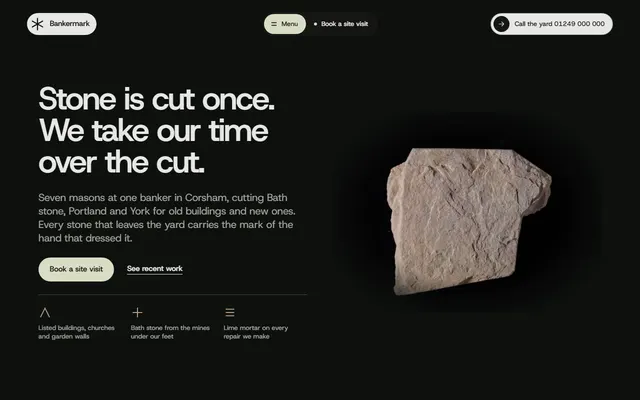
Stonemason for stone yards and masons, lettering prices.
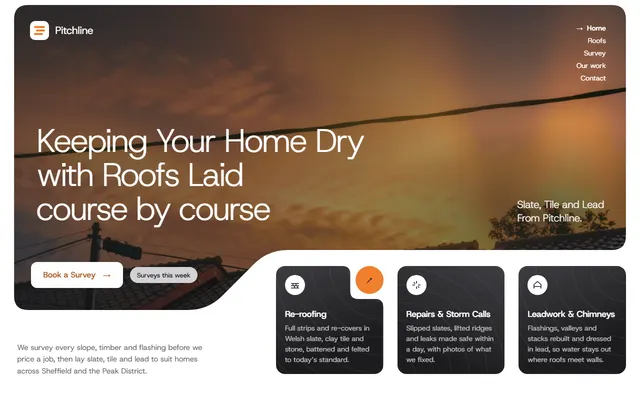
Roofing company: the roofs you lay, a four-step survey, finished jobs, in-roof solar and a survey form.