What comes with the excavation contractor website template
- index.html: the pure HTML and CSS version, one single HTML file, 106 KB.
- index.gsap.html: the same design built with GSAP, ScrollTrigger and Lenis, for scroll motion in every browser, Firefox included.
- AGENTS.md: what a coding agent must keep and what to replace, so Claude Code, Codex or Cursor edit it without breaking the scenes.
- DESIGN.md: every colour, font, spacing and motion rule of this excavation contractor website design.
- PROMPTS.md: the agent prompt and the design prompt below.
- CREDITS.md and LICENSE.md: the photos and fonts with their licenses, and the 8B license.
- Updates to this template, at no extra cost.
Yours to edit: one index.html with no build step, so you or a coding agent can change the words, prices and photos and upload it to any static host. Not a coder? Describe your business in one sentence to 8B's AI website builder and it designs a new site for you, with more pages when you need them. Designing is free; publishing with hosting is $9 a month, billed yearly. It also works inside Claude and ChatGPT.
Premium template · $39, one-time license · Made by 8B, an AI website builder · Updated November 2026 · Plain text: stratum-earthworks.md
About this excavation contractor website template
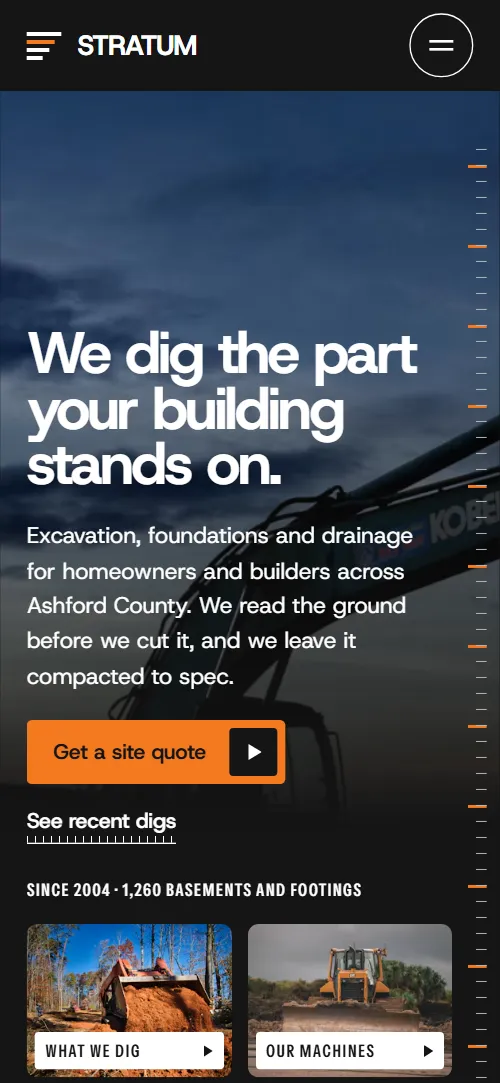
Excavation contractor website template for a local company that digs basements, footings and drainage: one HTML file with a cross-section of the lot, six services on a gauge, a four-visit method on a 14-day ruler, recent digs drawn to their real depth, a safety rule, a fleet, a service area with drive times, builders, quotes, questions and a site-visit form. It opens on a dark twilight photo of an excavator with a depth tape running up the edge, and the second screen digs down through five soil layers. It is a single HTML file in pure HTML and CSS, and a GSAP version of the same page comes with it.
At a glance, November 2026. One 106 KB index.html: a single HTML file in pure HTML and CSS with a few lines of built-in JavaScript, 13 sections, 23 Unsplash photos, Host Grotesk and Instrument Sans. A GSAP build of the same page, 95 KB, comes with it.
It suits an excavation or site work contractor, a foundation and basement company, a drainage or septic installer, a grading and clearing crew or a demolition firm that works for homeowners and builders in one county. Excavation contractor websites mostly need to answer four questions on one scroll: what you dig, how a job runs and how long it takes, whether you have done jobs like theirs, and whether you come to their address. This page gives each its own section, and puts the safety rule and the machines you own next to them, which is what separates a careful crew from a cheap one.
The demo business is Stratum Earthworks, an invented family firm in Ashford County. Every town, street, builder, quote, depth, number of days, machine width and licence number is demo copy to replace. Depths and days sit in short tags, so a contractor in another market or in feet changes the words, the units and the scale of the project chart, and the service area is a list of towns on rings, so it adapts to any region by renaming the towns and the kilometres.
If you would rather not edit HTML at all, 8B, the AI website builder designs a site from one sentence about your business, with more pages when you need them. This template is for people who want this exact design in their own hands: one index.html with its CSS and its motion inside, which you or a coding agent can edit and host anywhere, next to the estimating or scheduling tools you already use.
Good for:
What an excavation contractor website needs
Homeowners and builders who look for an excavator want to know the same few things before they call. Here is how this template covers each of them.
- What you dig, stated plainly. Six services, each with a short description and tags for how deep it goes and how many days it takes.
- A reason to trust the price. A probe test comes before the quote, and the soil layers of the opening show what clay, water and rock mean for a job.
- How a job runs and how long it takes. Four visits on a 14-day ruler, from reading the ground to backfill and hand over, each placed at its real days.
- Proof of jobs like theirs. Five recent digs drawn to their depth with the street, the job type and the days, plus three client quotes from homeowners and a builder.
- A safety record. The shoring rule, a five-point check before every cut and a line about the years without a lost-time injury.
- Whether you come to their address. Three distance rings around the yard with six towns and their drive times, and a plain sentence about lots that are further out.
- A fast way to ask. A site-visit form with the job type and the address of the lot, the office phone and email, the yard and the hours. Connect the form before you go live.
What it does not have is a quote calculator, photo upload, a map or online scheduling. It is built for a contractor who quotes after a site visit; the form collects the job and the address, and you can link the buttons to your own estimating or booking page if you have one.
Excavation contractor website design and motion
Palette
#151515 near-black: the first screen, the dark grounds, the bedrock band and text on light grounds#ffffff white: light grounds and text on dark grounds#ebf0ed pale grey-green: the quiet ground and the topsoil band#f47920 safety orange: the main button fill, the clay band, the markers on dark grounds and the contact section ground#b55109 burnt orange: the gravel band, the depth and day tags, focus outlines and button hovers#26323a slate: the groundwater band, photo backdrops and rules on dark groundsFonts
- Host Grotesk: headings, statements and body copy, in heavy display weights and a plain text weight
- Instrument Sans: captions, specs, tags and labels in condensed capitals
Alternating grounds of near-black, white and a pale grey-green, with safety orange used for the main button, the clay band, the markers on dark grounds and the whole contact section. Headings are heavy and tight, with a narrow sans in capitals for captions and specs. The opening is two screens: the dark photo with the heading at the bottom left, a tape at the right edge and two small photo cards, then five soil bands with their depths beside a tall trench photo and a depth ruler. The services sit around a round gauge of ticks with a photo in it, the method hangs four bars on a 14-day ruler, and the projects are photo columns of different lengths on a metre grid. Distance rings carry six towns, and thirteen names stand in a list that reads like a drum. On phones the service names are hidden and the gauge stays at the top while the descriptions scroll, the method ruler labels every other day, the project columns become horizontal bars and the fleet track keeps its large tiles.
The idea behind the page is measuring the ground: tick rulers, a depth tape, a gauge, a metre grid and a day ruler are its drawing language, and every number on it is a depth, a width, a distance or a number of days. The dark first screen is the surface and the second screen is what lies under it, so a visitor reads what each layer means for their job as it is uncovered. Orange is the only hot colour, as on a hard hat or a machine.
What is on the excavation contractor website page
- NavigationHeader with the STRATUM mark, five links and Site quote, and a menu with seven links and Get a site quote
The fixed header slides away once you scroll down a little and comes back as soon as you scroll up; on narrower screens the menu button opens a full-screen overlay.
- We dig the part your building stands on.Two screens: a dark twilight excavator photo with the heading, a depth tape and two photo cards, then the lot in cross-section as five soil layers beside a trench photo and a depth ruler
On load the three heading lines rise, the two photo cards slide up and the depth tape draws down, then runs upward continuously while the photo pans slowly inside its frame. On scroll the first screen darkens and drifts away, and the five soil bands unfold one after another downwards while their text rises in, the trench photo opens down with them and an orange marker slides down the ruler.
- Six kinds of hole, each one dug to a drawing.Six services: a round gauge with the six names and a photo that opens inside it, beside six descriptions with depth and duration tags
While the descriptions scroll past, the ticks of the gauge fill clockwise and an orange needle travels round it. The service being read turns solid in the list and its photo opens inside the gauge over the one before.
- Four visits, one bill.Four visits hung on a 14-day ruler at their real day positions, with a statement above
The statement fills in word by word from faint to solid as it rises, and the ruler extends from its zero end once as it comes into view.
- Recent digs, drawn to their real depth.Five recent digs as photo columns hanging from a ground line, as long as each hole was deep, against a metre grid
Each photo column is cut down from the ground line to its depth in turn, its caption carried down with it while the photo rises inside; on phones the columns become bars drawn to the right.
- Every trench deeper than one and a half metres gets shored or benched. Even after the inspector has gone home.The shoring rule as a large statement, a site worker photo and a five-point check before every cut
The rule fills in word by word, the photo is uncovered upward from a cut line while it settles, and the ruler over the five checks extends from zero.
- 38 machines38 machines in large type over a track of six machines, each with its width
The stage holds while the line of six machines drives left across it under the count 38 machines, the small ones first, each with its width.
- Within an hour of the Quarry Road yard.Three distance rings around the yard with six towns and their drive times
The statement beside the rings fills in word by word as it rises.
- Builders who call us first.A drum of thirteen builder and client names with a statement about forty-one builders
The names roll like a drum: each stays in its place in the list but tips back and fades as it moves away from the middle of the screen, so one name stands upright at a time. The statement above fills in word by word.
- What clients sayOne large quote and two smaller quotes from a homeowner, a builder and a Vale Street client
The lines of the main quote start sheared sideways in alternate directions and slide into level as it rises to the middle of the screen, while an orange bar beside it grows down; the two smaller quotes fill in word by word.
- Questions we get at the kerb.Six questions in disclosure rows with a statement above
The statement fills in word by word and the ruler beside the questions extends from zero once.
- Let's break ground.The heading Let's break ground split by a strip of soil, a site-visit form and the office phone, email, yard and hours
The two lines of the heading start pressed together on a closed crack, then part as it opens into a strip of layered soil that settles into its frame.
- FooterFooter with the brand line, explore, contact and company links, the company line and a licence number
The ruler along the top of the footer extends from zero once as it comes into view.
Before you publish the excavation contractor website site
- Replace social preview image, favicon, contact form (sends nothing yet), phone number and email address and the invented demo facts (names, prices, areas, quotes). AGENTS.md lists them.
- Site quote in the header, Get a site quote on the first screen and in the menu lead to
#contactnow; point them to keep it once the form is connected, or your online quote page. - See recent digs on the first screen, the two photo cards, the header, menu and footer links to sections lead to
#opening (the logo), #projects, #services, #fleet, #safety, #method, #area, #faqnow; point them to keep as they are. - Check your address with us in the service area section, Book a site visit and Careers on site in the footer lead to
#contactnow; point them to your own page for each, or point Careers on site to a jobs page or remove it. - Phone and email links in the contact section and the footer lead to
tel:+15550000000 and dig@stratum.examplenow; point them to your office number and email, in the link and in the visible text. - Scroll-driven animation runs when the browser supports it (Chrome, Edge and Safari today; Firefox does not yet) and the visitor has not asked for reduced motion. Otherwise each section shows its finished layout; the GSAP build, index.gsap.html, also plays the scroll motion in Firefox.
- The site-visit form sends nothing: connect it to a form service, your CRM or your email. Without a page script there is no thank-you line after sending.
- It is one page with no quote calculator, no photo upload and no map: the service area is drawn as rings and towns, and the form is a plain request for a site visit.
- Several scenes are built for fixed counts: five soil layers, six services on the gauge, four steps on the day ruler and five project columns. A different count needs its layout and scene adjusted; machines can be added to the fleet track, and each town carries its own place on the rings.
Questions about this excavation contractor website template
What do I get for $39?
The excavation contractor website template as a single HTML file, index.html, in pure HTML and CSS, a GSAP build of the same page as index.gsap.html, a DESIGN.md with every colour, font and motion rule, an AGENTS.md for coding agents, the agent prompt and the design prompt from this page, and CREDITS.md for the photos and fonts. Updates to this template are included.
Can I use this excavation template for client sites?
Yes. One purchase lets you build as many sites as you like with it, for your own company or for clients, and change anything. What it does not allow is selling or giving away the template itself, as a template, theme or kit, or putting its source in a public repository.
How do I change the services, projects and prices?
Each service is one block with a title, a description and two tags for depth and duration, and each project is one column with a photo, a street or site name, a job type and its depth and days. With Claude Code, Codex or Cursor you say it in a sentence, such as change the basement depth to 8 to 10 feet and swap the Mill Lane footings for a pool dig, and the agent edits the blocks; by hand you change the words. The projects are drawn to their depth through a number on each column, so a new depth redraws its column. The page shows no price list, so a contractor who quotes by the job keeps the quote after the soil test, as the demo does, and one who publishes rates adds them to the tags.
Does the site-visit form send requests?
Not yet. The form asks for name, phone, email, what you are digging from a list of seven choices, the address of the lot and anything else to know, but it sends nothing until you connect a form service such as Formspree or Netlify Forms, or your CRM. The pure HTML and CSS version shows no thank-you line after sending, so point the form at a thank-you page or add one. Phone and email links sit beside the form and in the footer, so a visitor who prefers to call can do it from any screen.
Will it work with Claude Code, Codex or Cursor?
Yes. Put index.html and AGENTS.md in your project and give the agent the prompt that comes with the template. AGENTS.md says which attributes the scroll motion reads, what to keep and what to replace, so the agent swaps services, depths, machines, towns and photos without breaking the scenes.
What do visitors see in Firefox or with reduced motion?
Firefox does not support scroll-driven animations yet, so it shows every section in its finished layout, as does any browser when the visitor asks for reduced motion. If the scroll motion must also play in Firefox, use the GSAP build, index.gsap.html, which loads GSAP, ScrollTrigger and Lenis from a CDN.
More templates for building and home trades
Other designs for companies that build, repair and fit out homes.
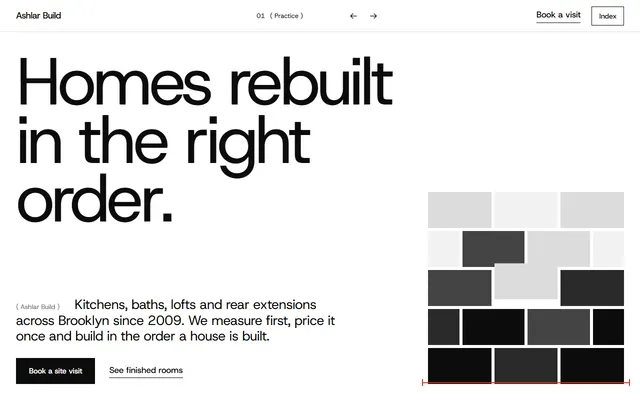
Construction company: services with prices, finished work, crew and a site-visit form.
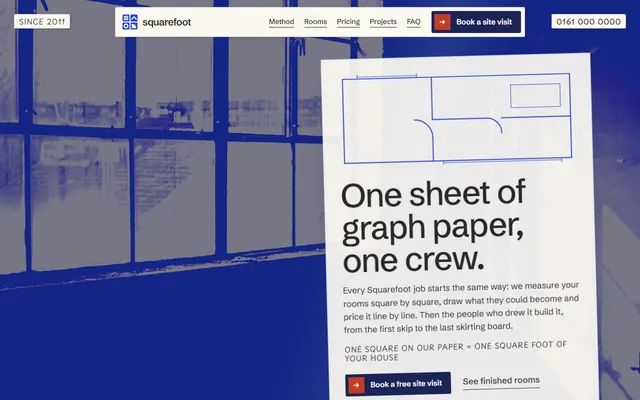
Home renovation: a four-stage method, services as rooms of a plan and prices per square foot.

Kitchen company: five kinds of job, in-house trades, a five-step fit, recent fits and a survey form.

Plumbing and heating firm: services with prices, a fixed price board and how a visit goes.
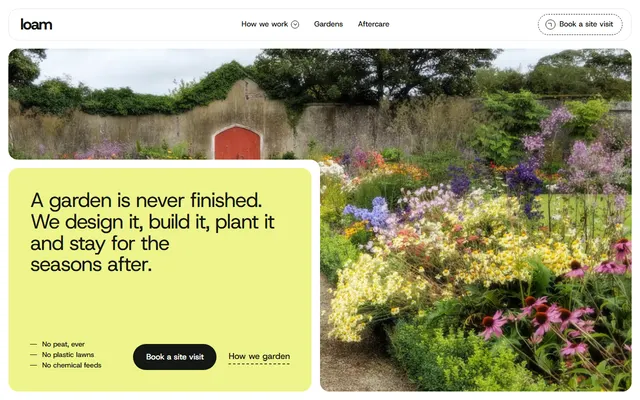
Landscape gardening firm: finished gardens, four principles and a four-stage process.

Curtain and upholstery workroom: recent rooms, fabrics, how a job runs, linings and a home visit form.
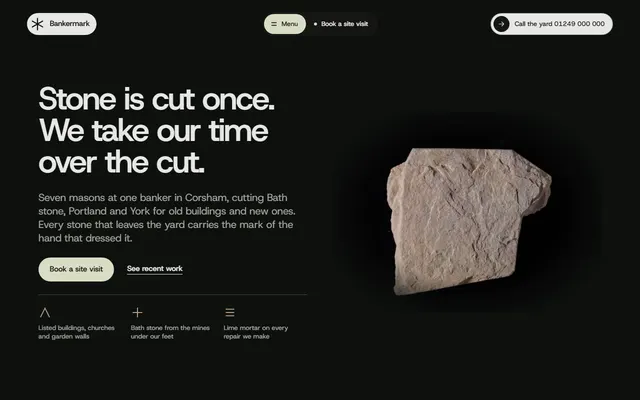
Stonemason for stone yards and masons, lettering prices.
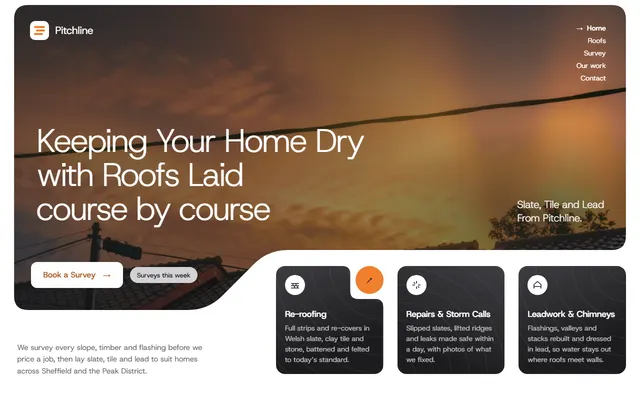
Roofing company: the roofs you lay, a four-step survey, finished jobs, in-roof solar and a survey form.