What comes with the climbing gym website template
- index.html: the pure HTML and CSS version, one single HTML file, 112 KB.
- index.gsap.html: the same design built with GSAP, ScrollTrigger and Lenis, for scroll motion in every browser, Firefox included.
- AGENTS.md: what a coding agent must keep and what to replace, so Claude Code, Codex or Cursor edit it without breaking the scenes.
- DESIGN.md: every colour, font, spacing and motion rule of this climbing gym website design.
- PROMPTS.md: the agent prompt and the design prompt below.
- CREDITS.md and LICENSE.md: the photos and fonts with their licenses, and the 8B license.
- Updates to this template, at no extra cost.
Yours to edit: one index.html with no build step, so you or a coding agent can change the words, prices and photos and upload it to any static host. Not a coder? Describe your business in one sentence to 8B's AI website builder and it designs a new site for you, with more pages when you need them. Designing is free; publishing with hosting is $9 a month, billed yearly. It also works inside Claude and ChatGPT.
Premium template · $39, one-time license · Made by 8B, an AI website builder · Updated November 2026 · Plain text: holdfast.md
About this climbing gym website template
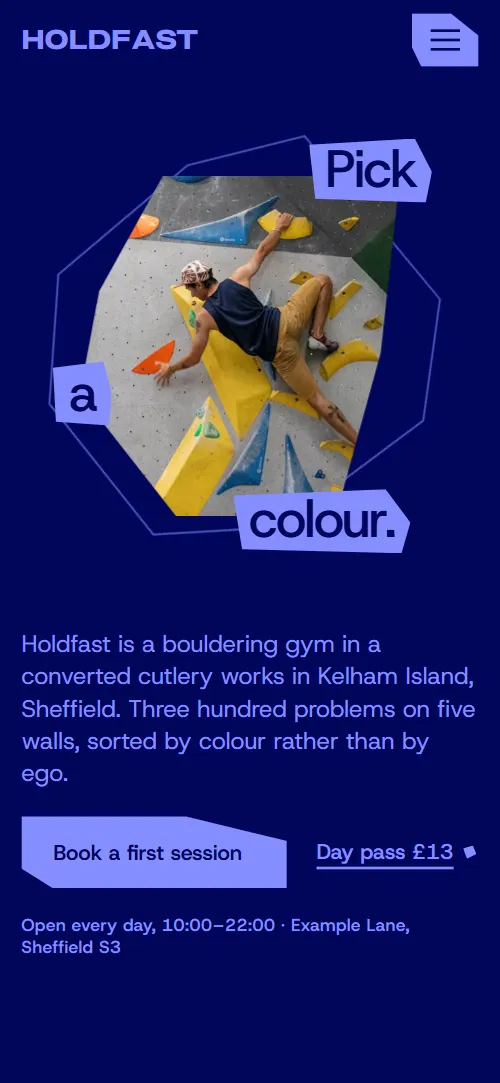
Climbing gym website template for a bouldering gym or climbing centre: one HTML file with four colour circuits, five walls on a sideways track, a weekly reset, ways to start, nights and a yearly comp, a trip outside, a price board, clubs, questions and a visit panel with a short form. It opens on a photo in a faceted window with three words pinned to its corners, and as you scroll the opening steps through the four circuit colours. It is a single HTML file in pure HTML and CSS, and a GSAP version of the same page comes with it.
At a glance, November 2026. One 112 KB index.html: a single HTML file in pure HTML and CSS with a few lines of built-in JavaScript, 13 sections, 23 Unsplash photos, Host Grotesk and Pliant. A GSAP build of the same page, 103 KB, comes with it.
It suits a bouldering gym, an indoor climbing centre, a climbing wall in a leisure centre or a converted building, or a club hall that runs sessions and weekly resets. Climbing gym websites mostly need the same things: what the walls are like, how problems are graded, how to start, what it costs and when it is open. This page gives each its own section, and a climbing gym website built from it also gets what makes a gym feel like a place: the building's story, the weekly reset, the evenings and the clubs that train there.
The demo business is Holdfast, an invented bouldering gym in a converted cutlery works in Sheffield. Every wall, grade band, price, hour, club and event is demo copy to replace. Walls carry an angle and a problem count, circuits are colours with a grade band, and prices are in pounds, so a gym in another country changes the currency, the grading scale and the wording of its sessions and trips to match its own market.
If you would rather not edit HTML at all, 8B, the AI website builder designs a site from one sentence about your gym, with more pages when you need them. This template is for people who want this exact design in their own hands: one index.html with its CSS and its motion inside, which you or a coding agent can edit and host anywhere, next to the booking system you already use.
Good for:
What a climbing gym website needs
A climber deciding where to go wants the same answers fast. Here is how this template covers each of them.
- What the walls are like. Five walls, each with an angle, a problem count and a line on how it climbs, on a sideways track of photos.
- How problems are graded. Four colour circuits with a grade band and a line each, so a beginner knows where to start and a regular knows where to go next.
- How to start. Four ways to start in their own rows: a first session, a technique club, a kids' squad and a strength room, each with its length, day, price or who it is for.
- What it costs. A price board of five rows from a day pass to a monthly pass, with the no-joining-fee and under-eights lines beside it and shoe hire underneath.
- Why people come back. A weekly reset that says which wall closes next, four regular nights, a yearly comp and a monthly trip outside, so the gym looks alive.
- Who climbs here. Six club names in a moving row under a photo of the mats, so a newcomer sees there are people to climb with.
- Hours, location and a way to ask. The visit panel has the address, hours, phone, email, a maps link and a short form with a topic list; the questions section covers booking, kit, children and how to get there.
What it does not have is online booking, live availability or membership sign-up: the Book buttons lead to the visit form, or to the booking page of the system you already use, and the page works as the gym's front door.
Climbing gym website design and motion
Palette
#01065b deep navy: the ground of most dark sections and the label colour on every bright fill#868eff periwinkle: the ink of the first circuit and the ground of the sessions section#92ff73 neon green: the ink of the second circuit, the ground of the prices section and the visit plate#ff6f61 coral: the ink of the third circuit and the weekly reset section#ff58ac pink: the ink of the fourth circuit, the story and clubs sections, and the ground of the questions section#560900 oxblood: the dark ground of the third circuit and the weekly reset#1a3526 forest: the dark ground of the second circuit and the events section#2b0a3d plum: the dark ground of the fourth circuit, the story and clubs sectionsFonts
- Pliant: the wide, heavy face for the wordmark, the tiled texture, step numbers and prices
- Host Grotesk: headings, body text, captions, labels, navigation, buttons and form fields
Deep navy fields with one bright ink per section: periwinkle, neon green, coral and pink, each with its own dark ground of oxblood, forest or plum. Section headings are plates, a straight-edged polygon with three words at its corners, and buttons are slant-cut with no rounded corners anywhere. Photos sit in polygon windows. The opening holds a window on the right with a lead and two actions on the left, then a list of four circuits. The walls are cards on one sideways track (a grid of three when motion is off),the weekly reset is four step plates over a tiled wordmark, the events are three staggered columns, the prices are one board with the figures in the wide display face, and the footer sets the wordmark across the full width. On phones the window sits above the lead, each walls card fills most of the screen width, and the event columns become one.
The idea behind the page is that grades are colours, not numbers. Each circuit is a band of difficulty with its own pair of ground and ink, so the opening steps through all four as you scroll and each later section takes one pair. The same faceted shape runs through the plates, the photo windows and the buttons, and the gym's name is tiled behind the weekly reset, where its rows slide sideways, and behind the visit panel, where they spread apart as you arrive.
What is on the climbing gym website page
- NavigationHeader with the wordmark, six links and a Book a session button, and a menu overlay below 1024 px
The header hides when you scroll down and comes back when you scroll up.
- Pick a colour.Two screens: a polygon photo window with Pick a colour and a lead with two actions, then the four circuits with their grade bands
On load the photo window grows from a smaller size with a slight turn, the three corner words slide in from their corners and the lead and buttons rise; a faceted outline behind the window turns slowly and the photo drifts inside it. On scroll the whole section steps through the four circuit colours: the window changes its facets, a new photo wipes in, the corner words move to the new corners and the current circuit's row is marked and nudged to the right.
- Steel, then chalk.The building's story as one large paragraph lit word by word, a faceted photo of the old grinding hall and a note on what the gym has
The plate unfolds from a flat strip, the words of the story light up from dim to full colour as the paragraph crosses the screen, and the photo window turns its facets.
- Five walls, one roofFive walls with angle and problem count on a pinned sideways track of faceted photo windows
The plate unfolds, then the section holds while the five wall cards travel past on a sideways track; each photo window changes its facets as its card enters, rests while it crosses the middle and facets the other way as it leaves.
- Reset every TuesdayThe Tuesday reset: a tiled wordmark texture, a photo, four step plates dealt out from a pile and a line on which wall is next
The plate unfolds and the rows of the tiled wordmark slide sideways, odd and even rows in opposite directions; the four step plates start piled and turned at the centre and are dealt one by one to their places while the block is held.
- Ways to startFour ways to start in alternating rows with faceted photos: first session, technique club, kids' squad and strength room
The plate unfolds and each photo window opens from a thin sliver of its shape to the full facet as its row scrolls in.
- Nights on the wallFive nights and events pinned up in three staggered columns, each with a photo, a day or date, a name and a line
The plate unfolds and the three columns of event cards move at different speeds as you scroll, so the board re-forms as it passes; on phones each photo drifts inside its window instead.
- Twenty minutes to grit.A pinned screen where a small facet opens to full bleed, with the grit trip details, price and a booking button
The screen is held while a small facet in the middle opens to fill it, the three corner words travel out to the corners and the trip details and button appear.
- Pay as you climbA price board of five rows from day pass to monthly with the figures in the wide display face, shoe hire and a membership button
The plate unfolds from a flat strip as the heading arrives.
- Climb with peopleSix club names in a moving row under a dim crowd photo crossed by a full-colour window
The plate unfolds, a full-colour window travels across a dim crowd photo, and the club names run in a continuous row that stops on hover.
- Before your first visitFive questions for a first visit in native expanding rows
The plate unfolds as the heading arrives; each question opens and closes in place.
- See you on the matsVisit panel on a wordmark texture: address, hours, phone, email, a maps link, a café photo and a short form with a topic list
The rows of the tiled wordmark start packed and spread apart as the section arrives, the plate turns and grows into place, and the café photo opens from a sliver to its full facet.
- FooterFooter with the wordmark across the full width, company address, social links, privacy links and copyright
Before you publish the climbing gym website site
- Replace social preview image, favicon, phone number, email address, map, contact form (sends nothing yet) and social media links and the invented demo facts (names, prices, areas, quotes). AGENTS.md lists them.
- Book a session in the header, Book a first session, Book a seat, Join the next club, Ask about a place, Start a membership and the other booking links lead to
#visit, the visit form at the bottom of the pagenow; point them to your booking page or booking system, or keep them on the form once it is connected. - The wordmark, Circuits, Walls, Sessions, Nights, Prices and Visit in the header and the menu, Day pass, See memberships, What to bring lead to
#opening, #circuits, #walls, #sessions, #comps, #prices, #visit and #faq on the same pagenow; point them to keep them. - Open in maps in the visit panel lead to
the Google Maps home pagenow; point them to a Google Maps link to your own address. - Instagram and YouTube links in the footer lead to
the networks' home pagesnow; point them to your own profiles, or remove them. - Privacy and Accessibility links in the footer lead to
/privacy and /accessibility, pages the template does not containnow; point them to your own pages, or remove the links. - Scroll-driven animation runs when the browser supports it (Chrome, Edge and Safari today; Firefox does not yet) and the visitor has not asked for reduced motion. Otherwise each section shows its finished layout; the GSAP build, index.gsap.html, also plays the scroll motion in Firefox.
- The visit form sends nothing: connect it to a form service, your email or your booking system. Without a page script there is no thank-you line after sending, and there is no online booking or live availability in the page.
- It is one page: the Privacy and Accessibility links point to pages the template does not contain, and every Book button goes to the visit form until you point it at your booking page.
- The circuits list (with its four photos and four colour steps in the opening) and the reset deal are built for four items each. The walls track, the event board, the price board and the club row take any count: each event card carries the scroll speed of its column, so a new card copies the one above it in the same column.
Questions about this climbing gym website template
What do I get for $39?
The climbing gym website template as a single HTML file, index.html, in pure HTML and CSS, a GSAP build of the same page as index.gsap.html, a DESIGN.md with every colour, font and motion rule, an AGENTS.md for coding agents, the agent prompt and the design prompt from this page, and CREDITS.md for the photos and fonts. Updates to this template are included.
Can I use this climbing gym template for client sites?
Yes. One purchase lets you build as many sites as you like with it, for your own gym or for clients, and change anything. What it does not allow is selling or giving away the template itself, as a template, theme or kit, or putting its source in a public repository.
How do I change the walls, circuits and prices?
Each wall is one card with an angle, a problem count, a name and a line; each price is one row with a name, a note and a figure; each circuit is a colour with a grade band. With Claude Code, Codex or Cursor you say it in a sentence, such as rename the Cave to the Roof and make the monthly pass 48, and the agent edits the blocks; by hand you copy a block and change the words. The circuits list and the weekly reset are built for four items. If your gym grades with numbers or has a different number of colours, keep four bands and relabel them, or ask the agent to adjust the opening scene to match.
Does the visit form take bookings?
It collects a name, an email, a topic from a list (a first session, the technique club, the Saturday kids' squad, a grit trip seat, a membership or something else) and a message, but it sends nothing until you connect a form service such as Formspree or Netlify Forms, or your own mail. The pure HTML and CSS version shows no thank-you line after sending, so point the form at a thank-you page or add one. The Book buttons go to this form, or to your booking page if you put its link in them, which is how a gym with online booking keeps using it.
Will it work with Claude Code, Codex or Cursor?
Yes. Put index.html and AGENTS.md in your project and give the agent the prompt that comes with the template. AGENTS.md says which attributes the scroll motion reads, what to keep and what to replace, so the agent swaps walls, prices, events and photos without breaking the scenes.
What do visitors see in Firefox or with reduced motion?
Firefox does not support scroll-driven animations yet, so it shows every section in its finished layout, as does any browser when the visitor asks for reduced motion. If the scroll motion must also play in Firefox, use the GSAP build, index.gsap.html, which loads GSAP, ScrollTrigger and Lenis from a CDN.
More templates for sport, play and active venues
Other designs for places where people come to move.

Indoor trampoline park with zones, sessions, birthday parties, a café and a league table.
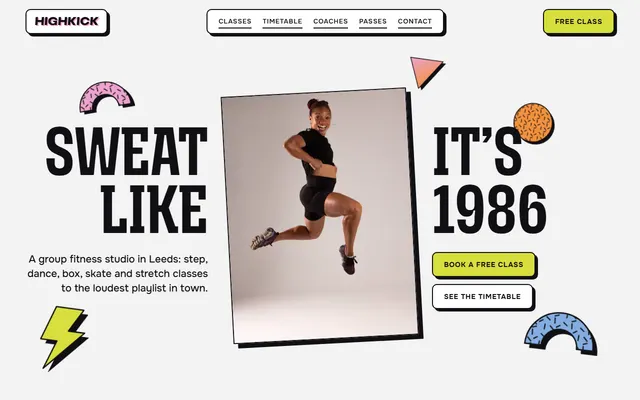
Group fitness studio with classes, a timetable, coaches, passes and member quotes.
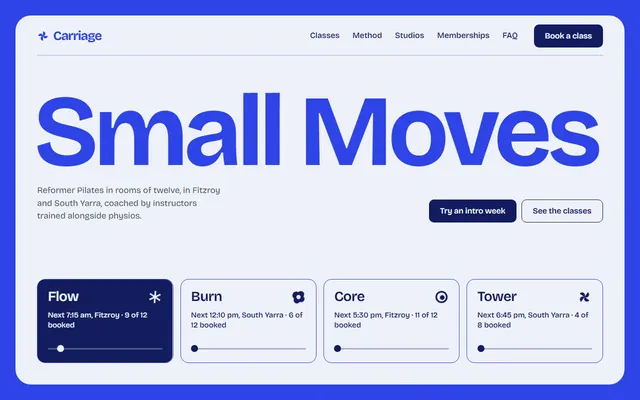
Reformer Pilates studio: spring method, classes, instructors, two studios, memberships and a booking form.
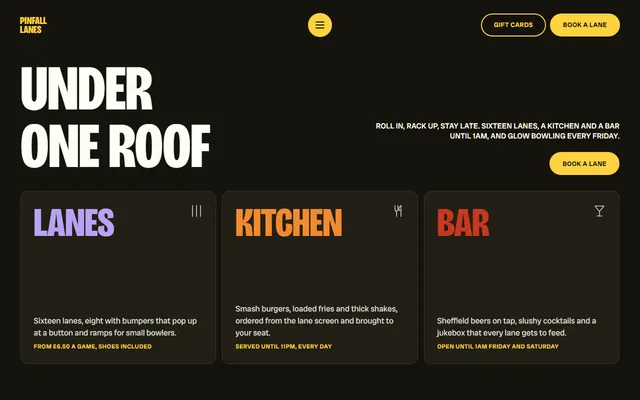
Bowling alley with lanes, leagues, a menu, glow bowling, party packages and an enquiry form.
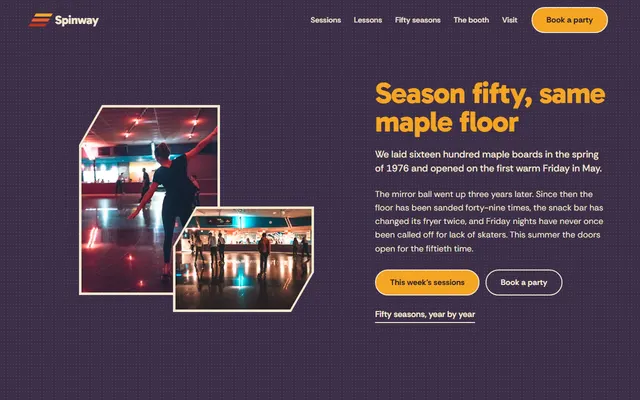
Family roller rink with a weekly session list, lessons, rental sizes and party packages.
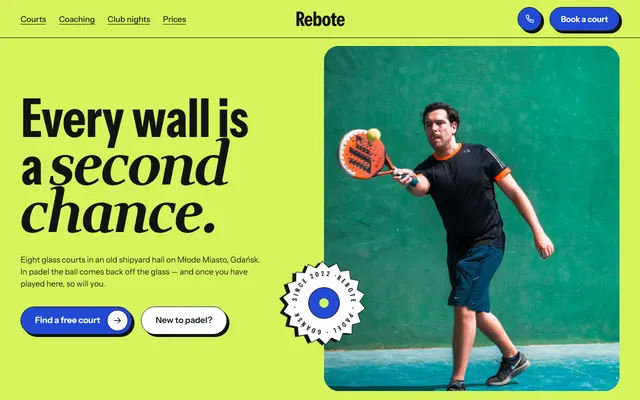
Padel club: courts, a free first hour, coaches, club nights, levels, prices and a court request form.

Water park with rides, zones, a season wristband, swim school lanes and a party booking form.

Boxing gym: free first session, coaches, timetable, prices and a booking form.